Class bookingBooked and paid online, for gyms, studios and clubs
Customers pick a class, see the spaces left and pay by card, with no account to make. Your staff see the week, the money and anything that needs them, on one screen. And it comes with a complete website for your business, free.
Talk to us about your classes See it live at explosiveboxing.com (opens in a new tab)
For your customers
What your customers see, screen by screen, on the phone most of them book from. Tap or click any screen for a closer look.
-
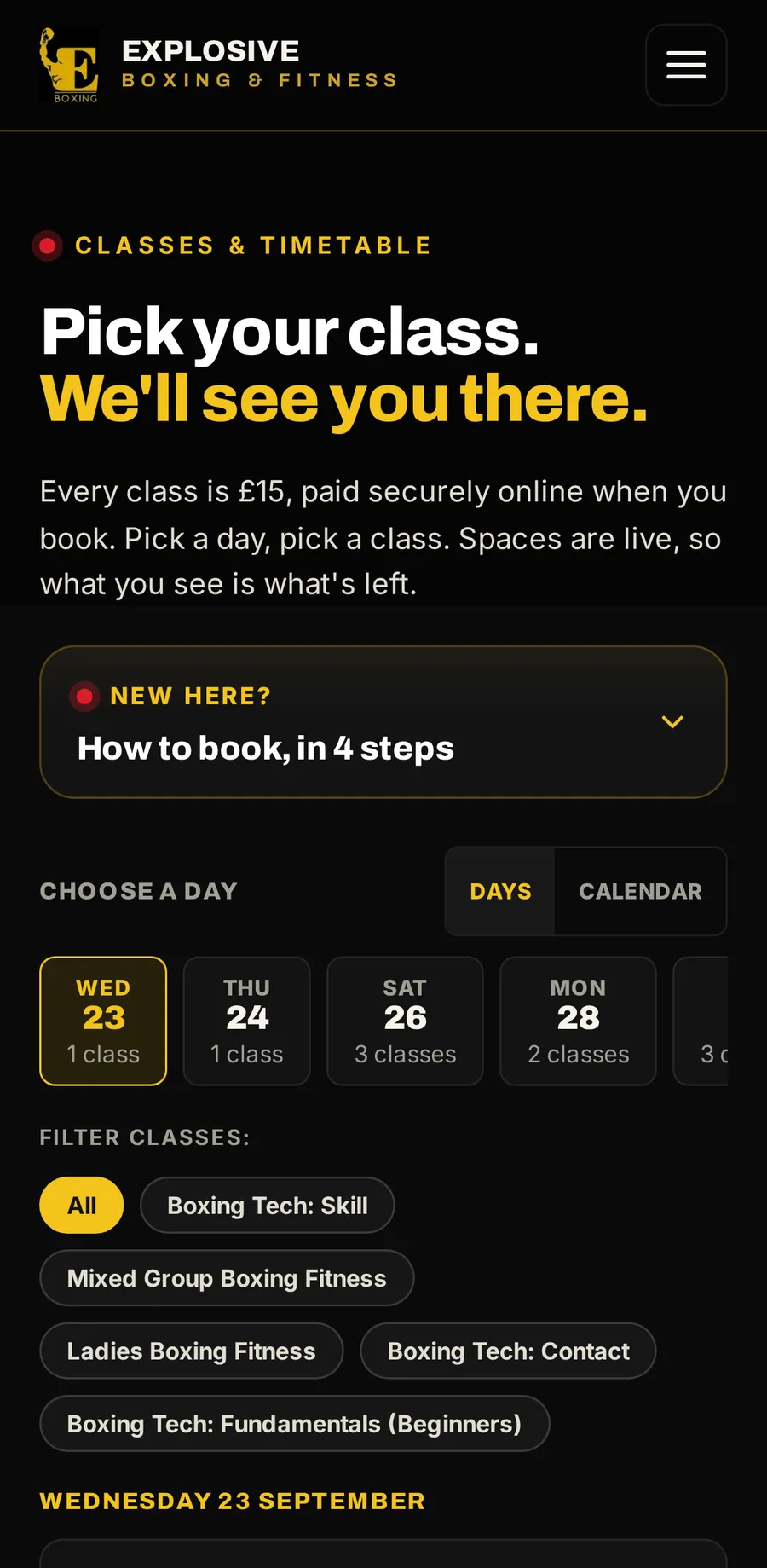
Pick a class
A live timetable by day or by month, with the spaces left on every class.
-
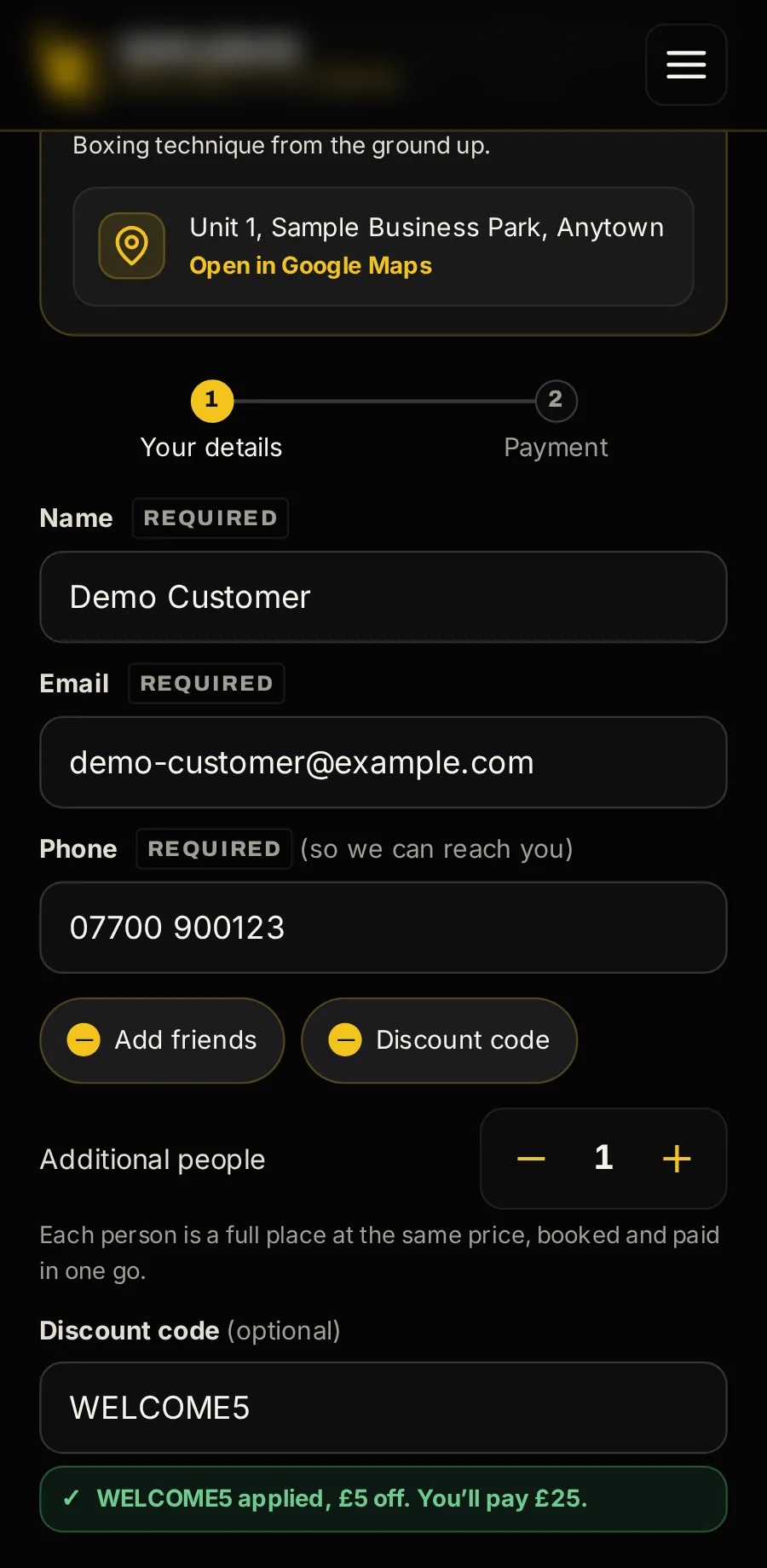
Their details, and nothing else
Name, email and phone: no account, no password. Up to nine friends on one booking, and a discount code checked as they type.
-
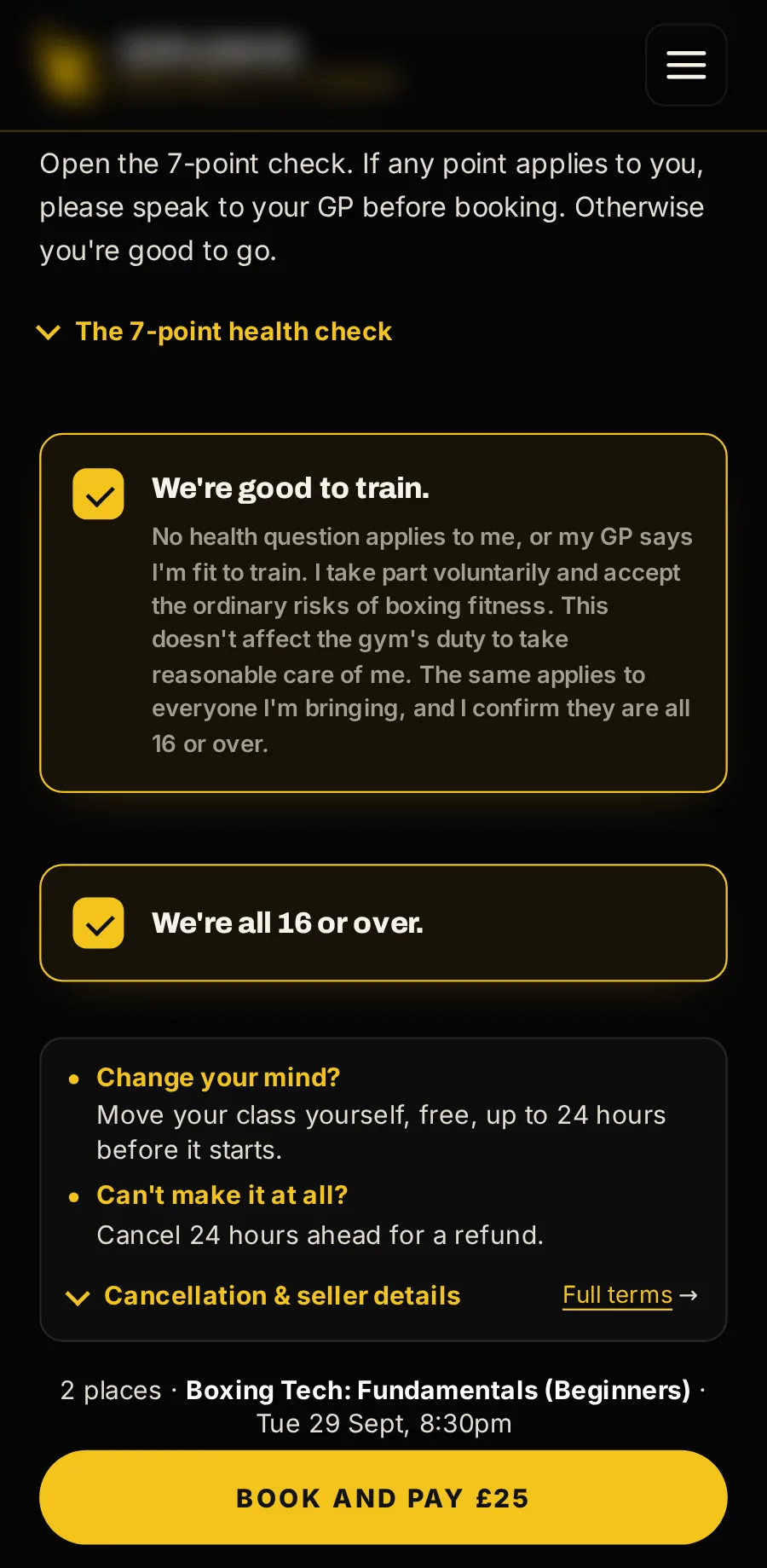
A health check, then pay
They confirm the health declaration (only the tick and the time are kept), then pay by card on your own page, through Stripe.
-
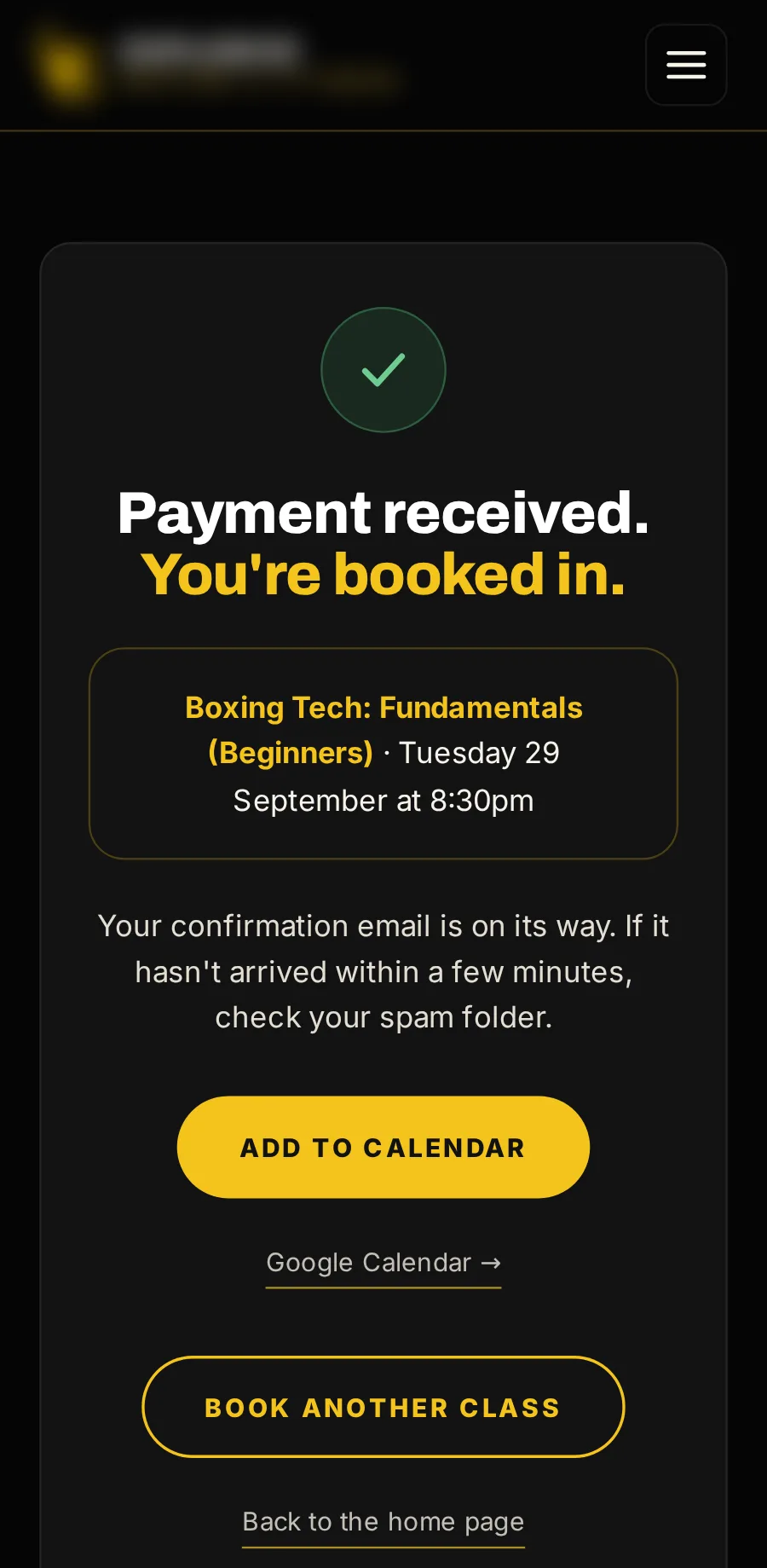
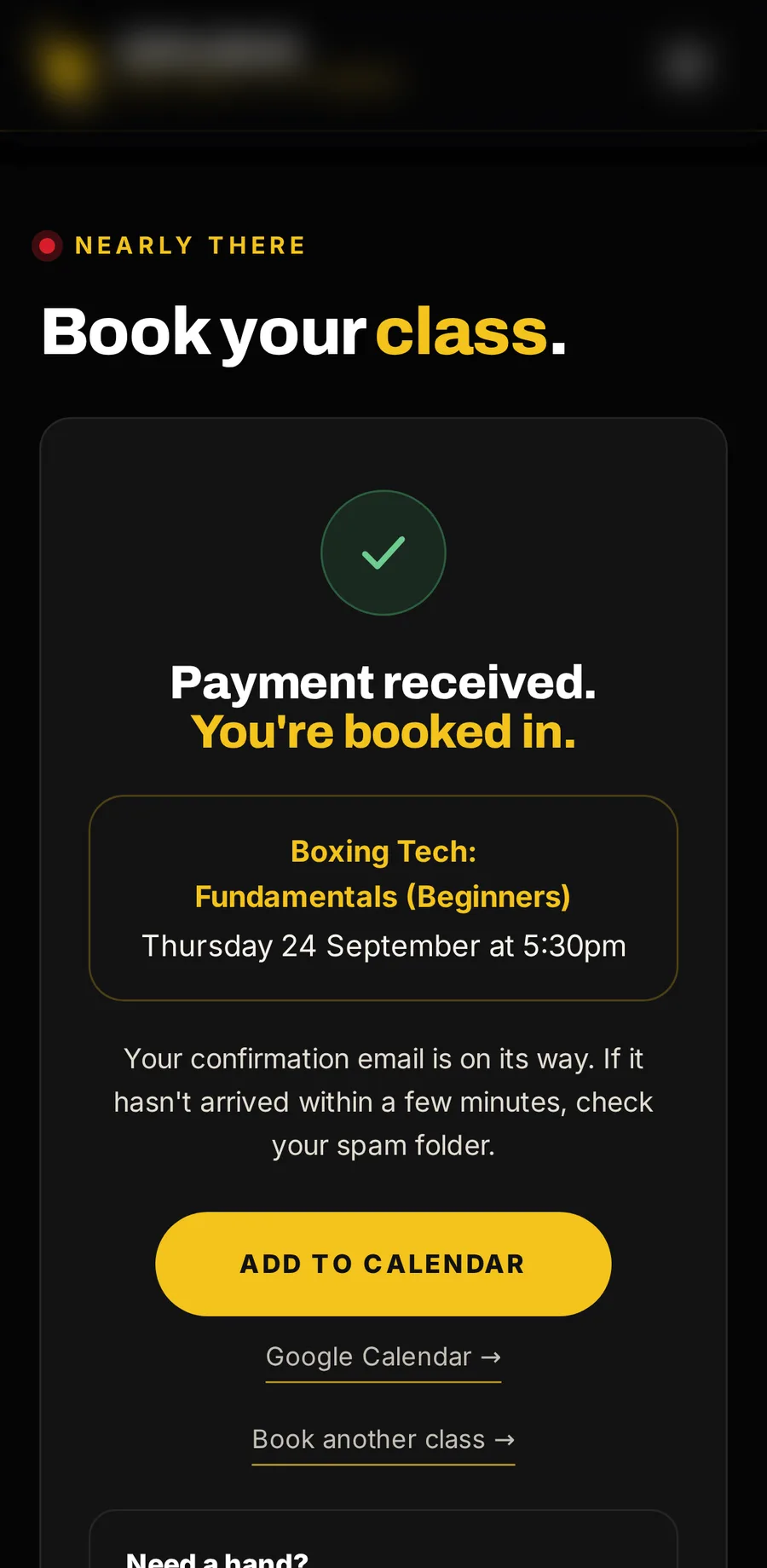
Booked
Confirmed on screen with Add to calendar, and by email straight away.
-
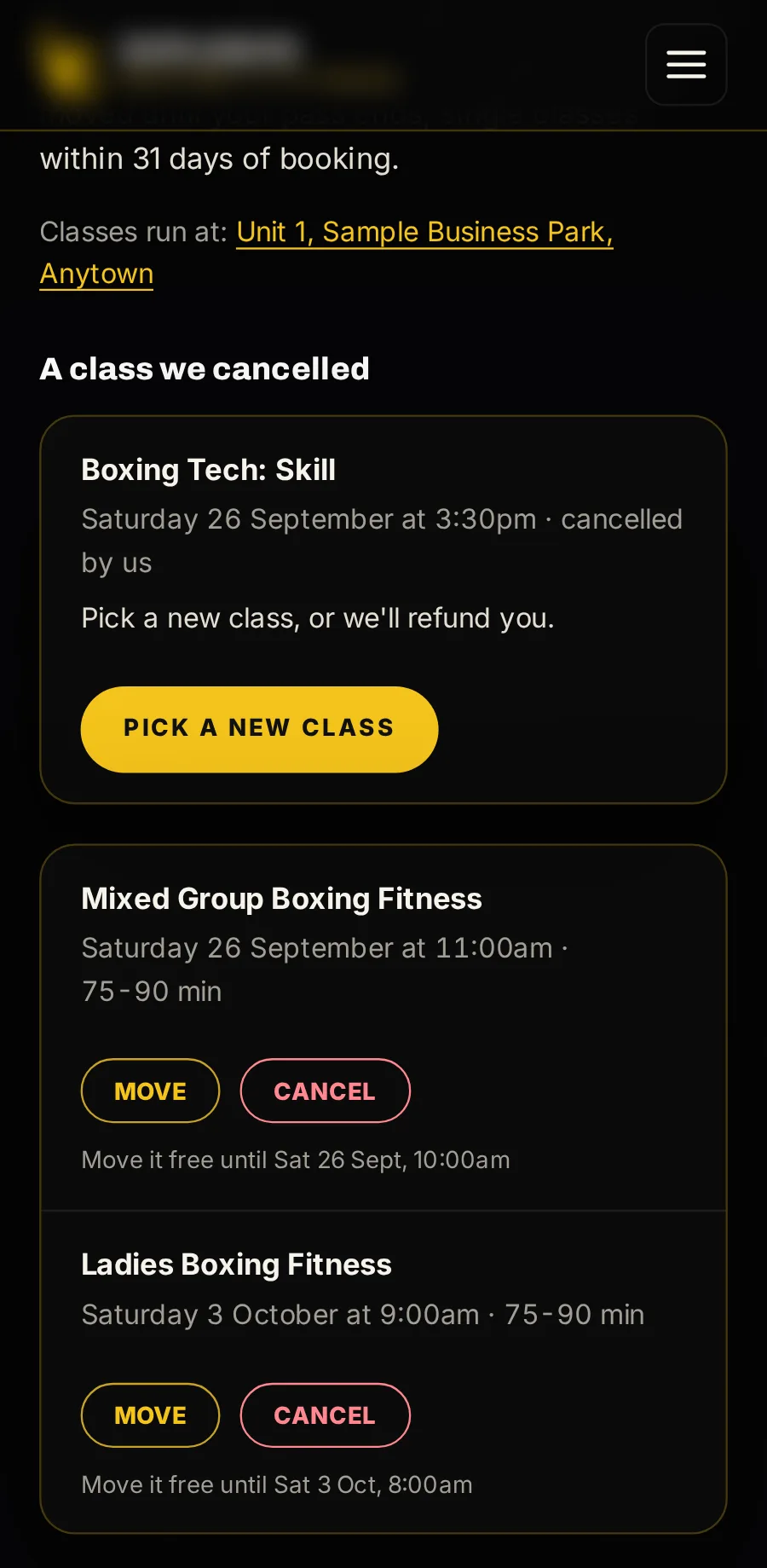
My classes
A private link by email shows everything they have booked. They move or cancel each class themselves, inside the windows you set.
-
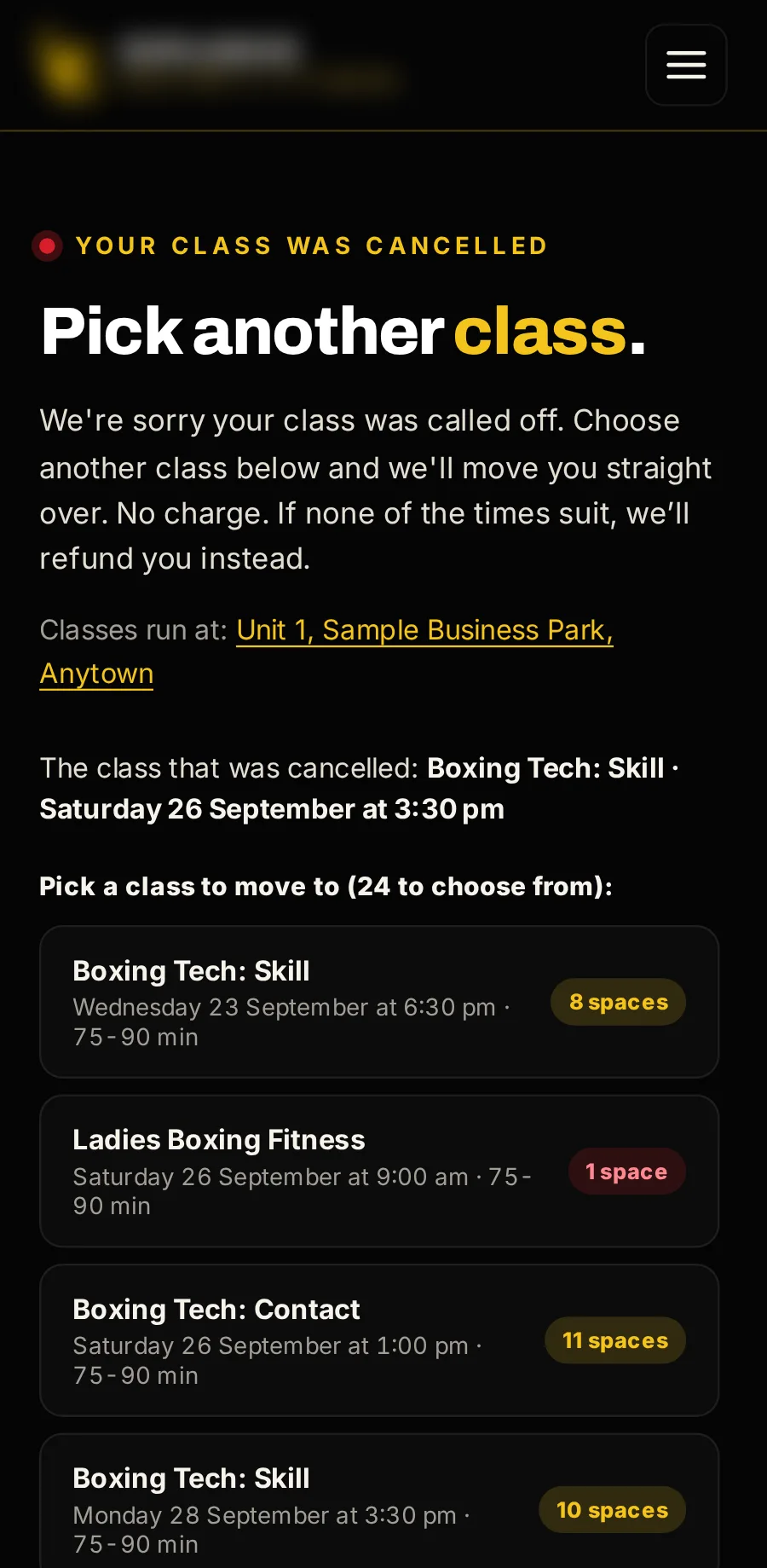
When you cancel a class
Everyone booked gets a link to pick another class, with the spaces left in each. If none suits, they are refunded, or the class stays on their pass.
-
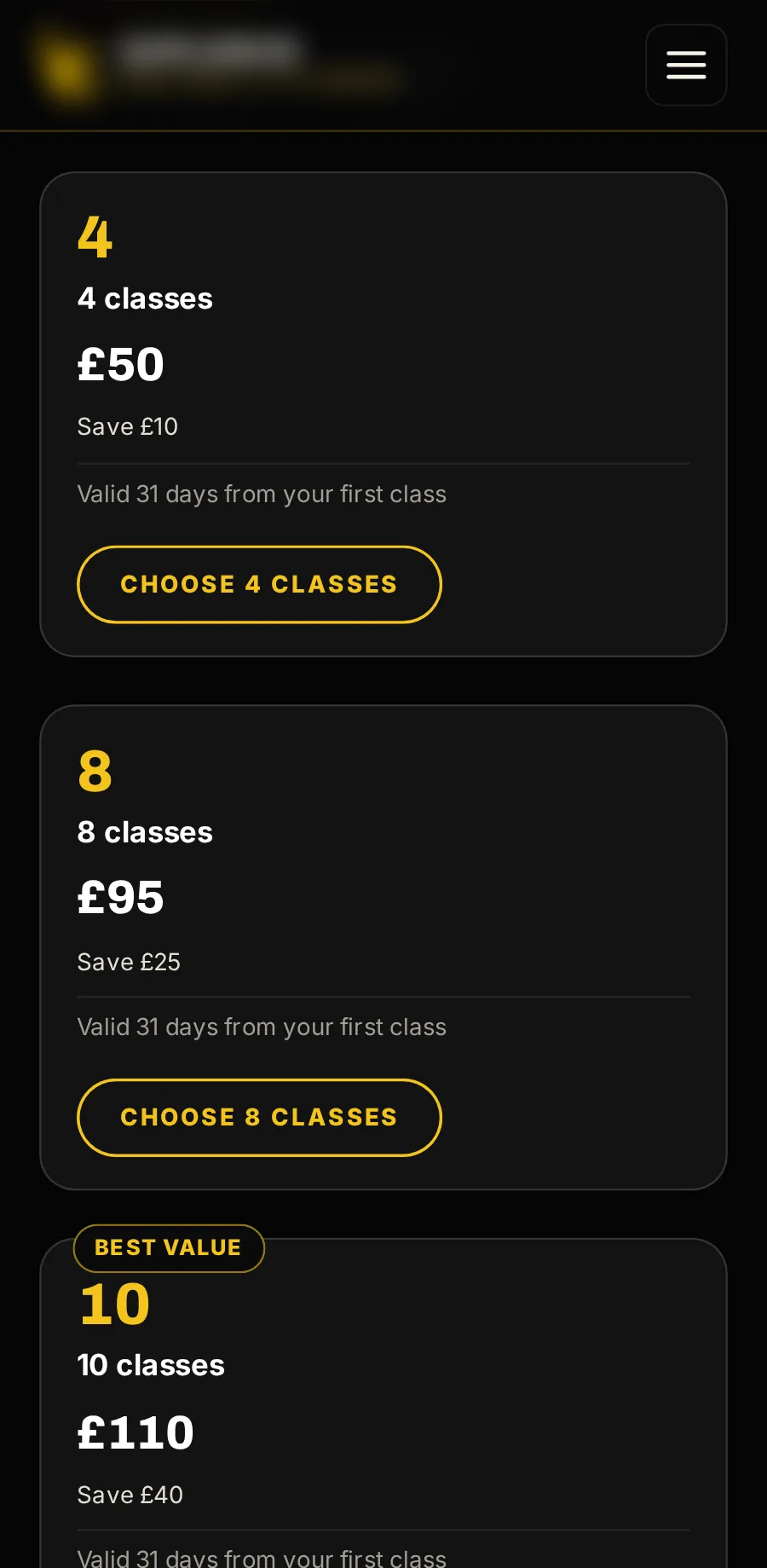
Passes
Packs of classes at a lower price each, bought on your own page.
-
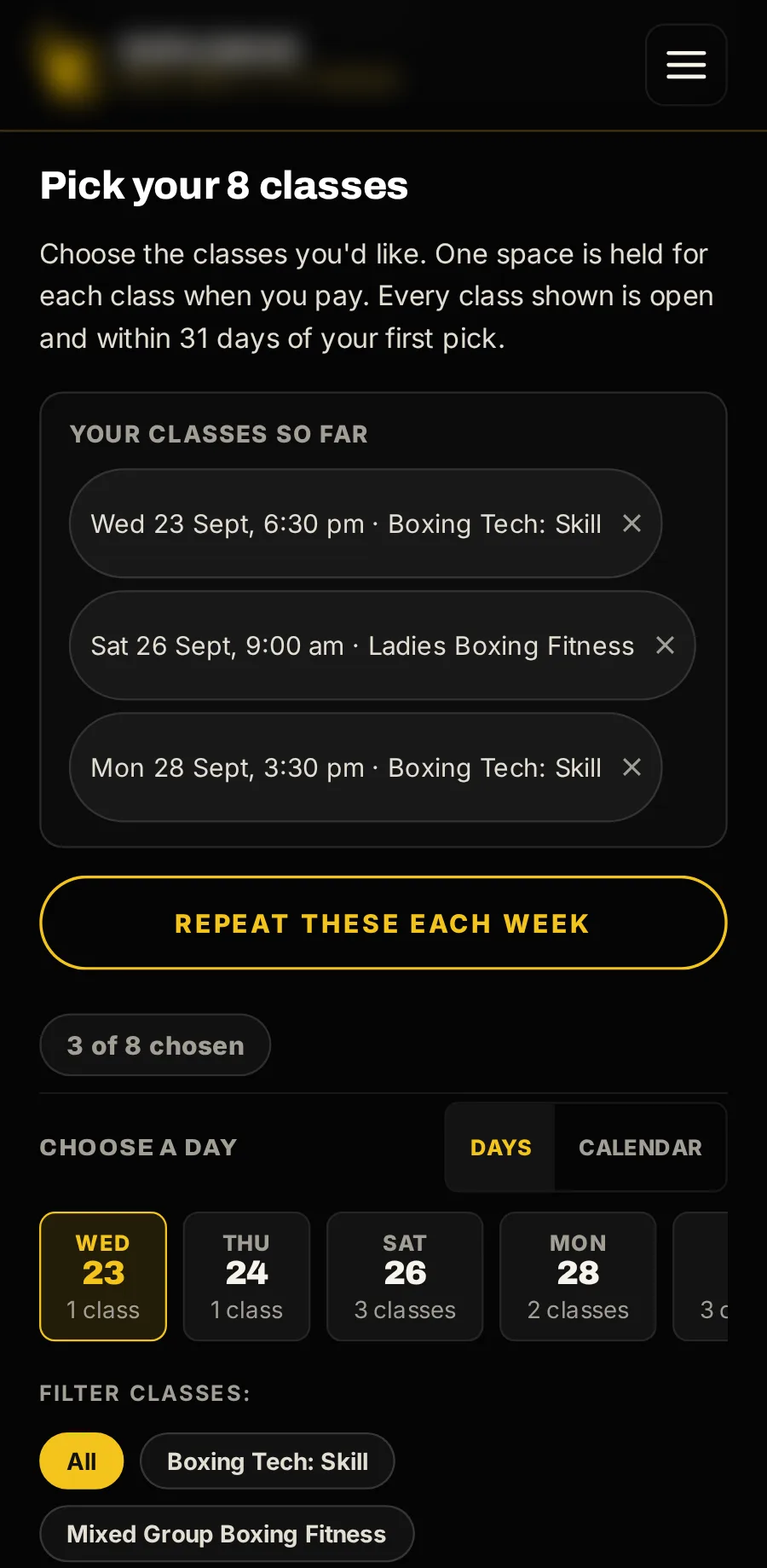
Every class picked as they buy
The customer picks a pass’s classes when they buy it, so every seat is theirs straight away. All or nothing.
-
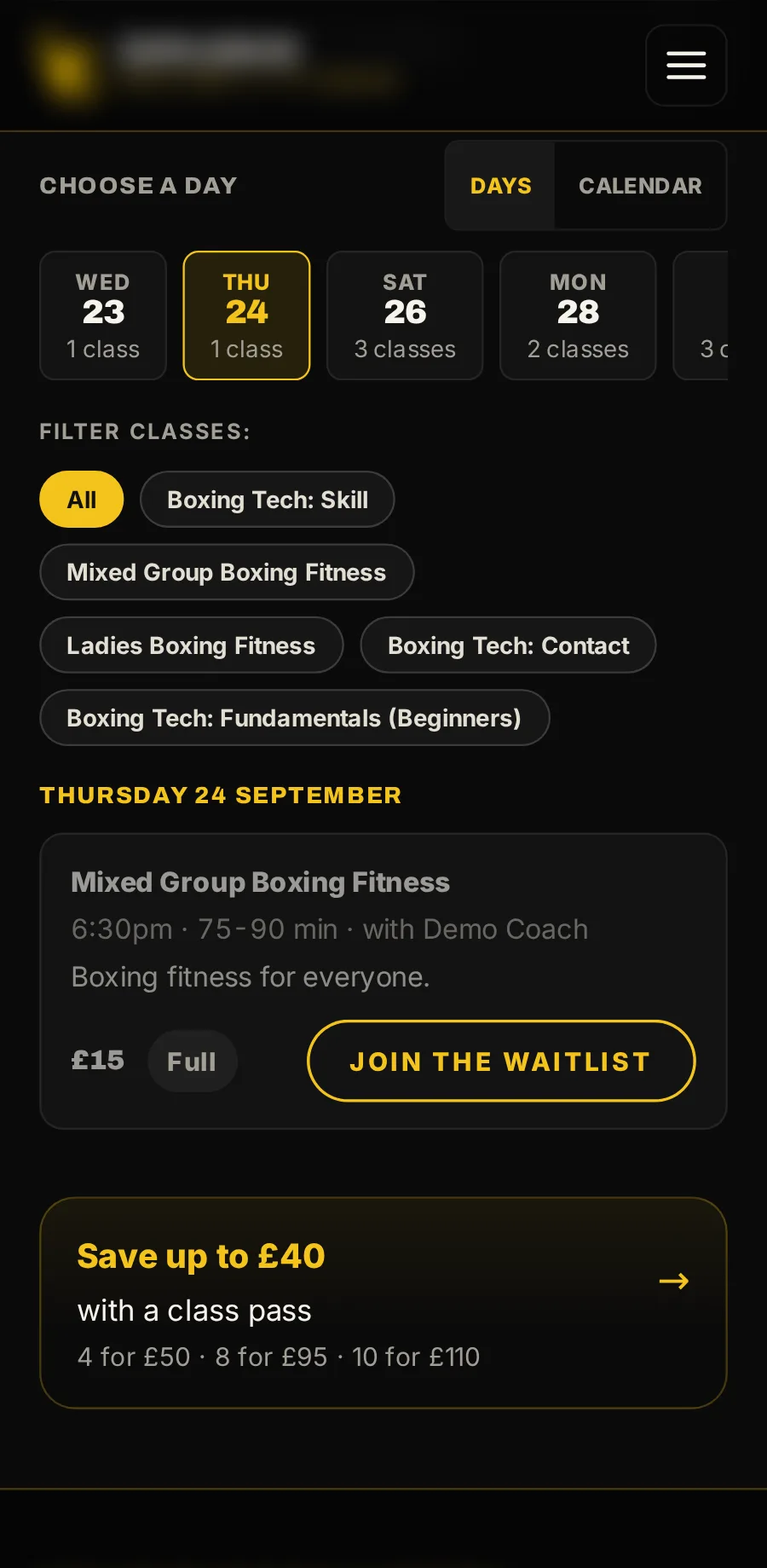
Full? Join the waitlist
When a space opens, everyone waiting is emailed, and the first to book it gets it.
For your staff
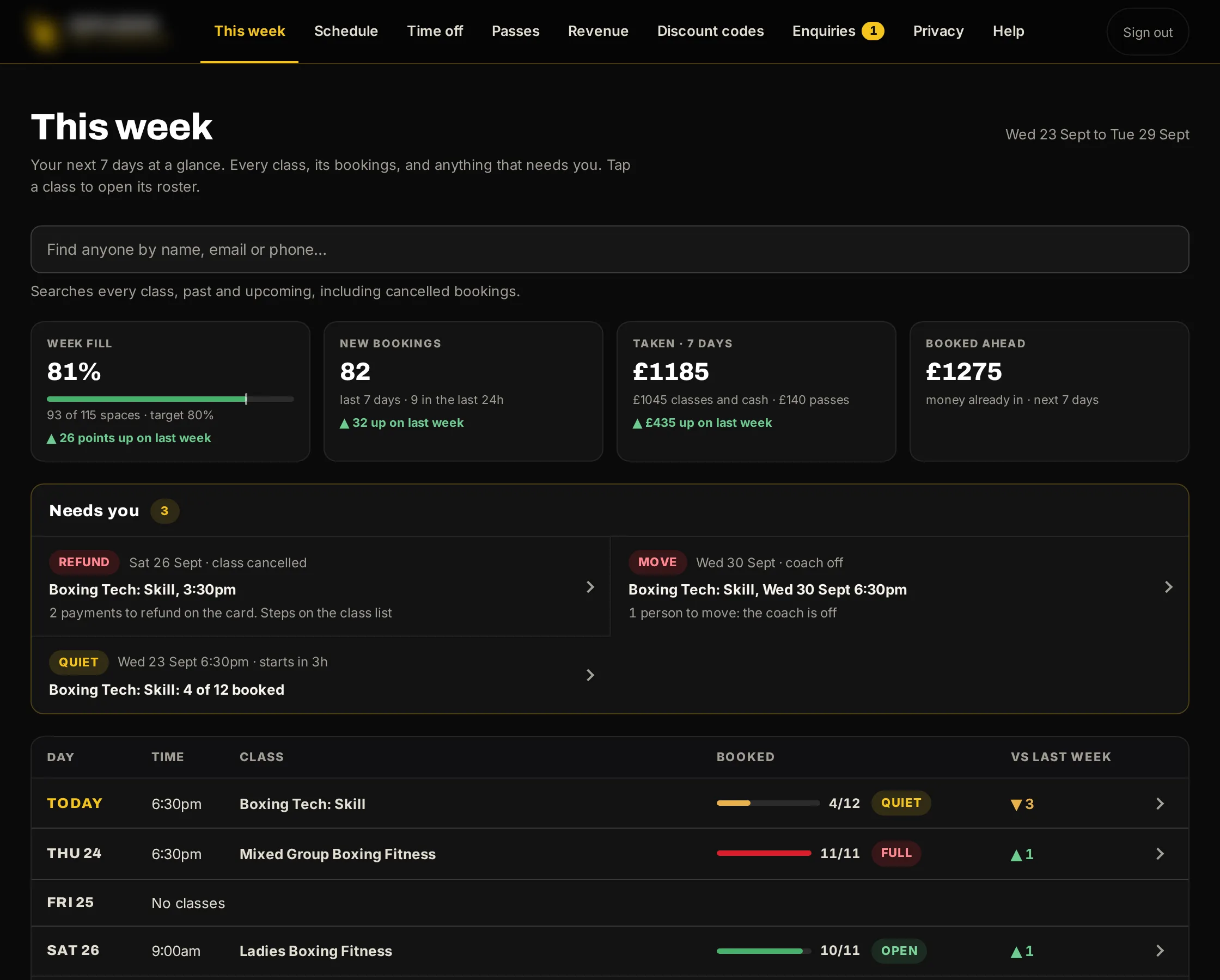
The console your staff run the day from, on a computer or a phone. One tab for each job.
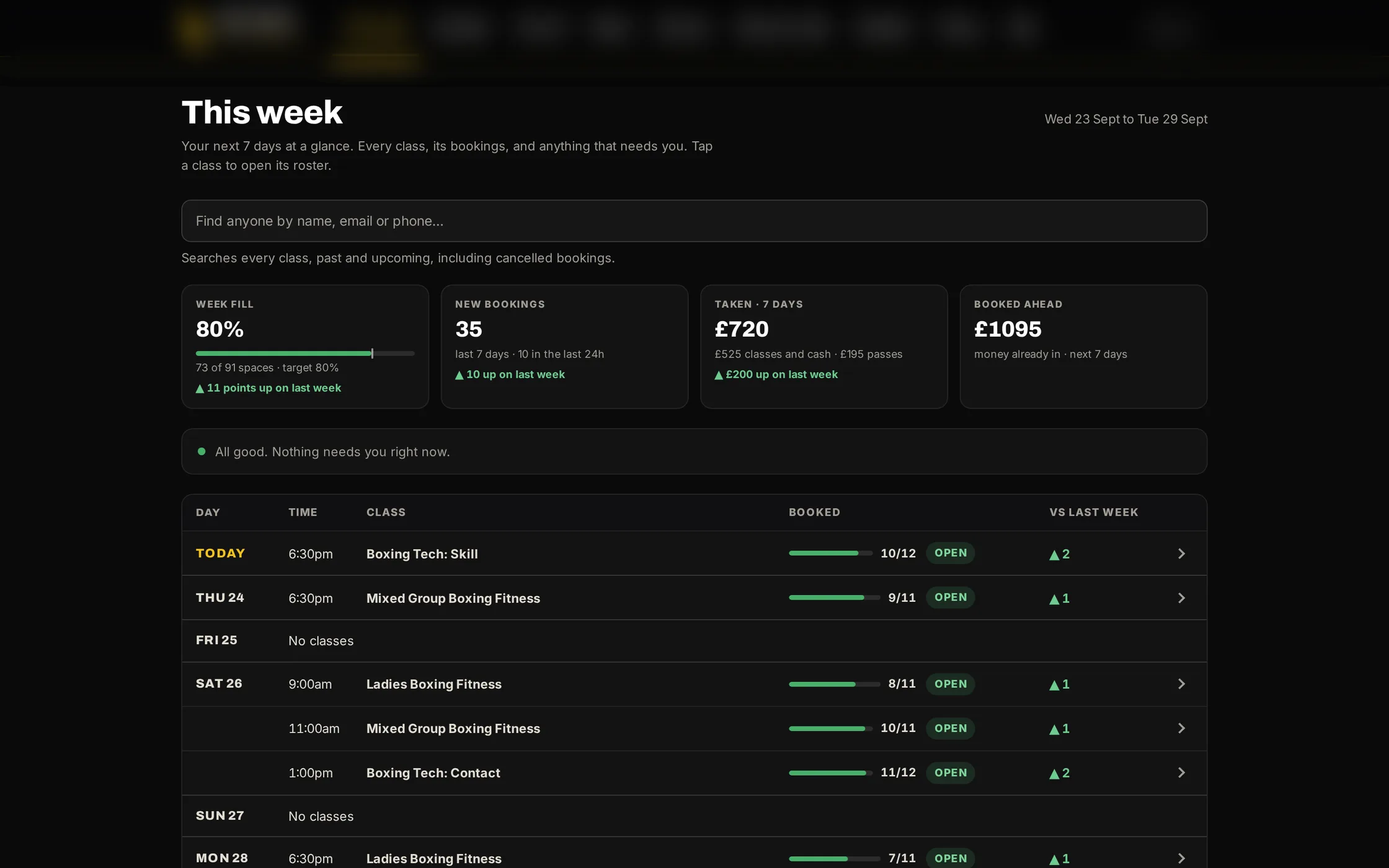
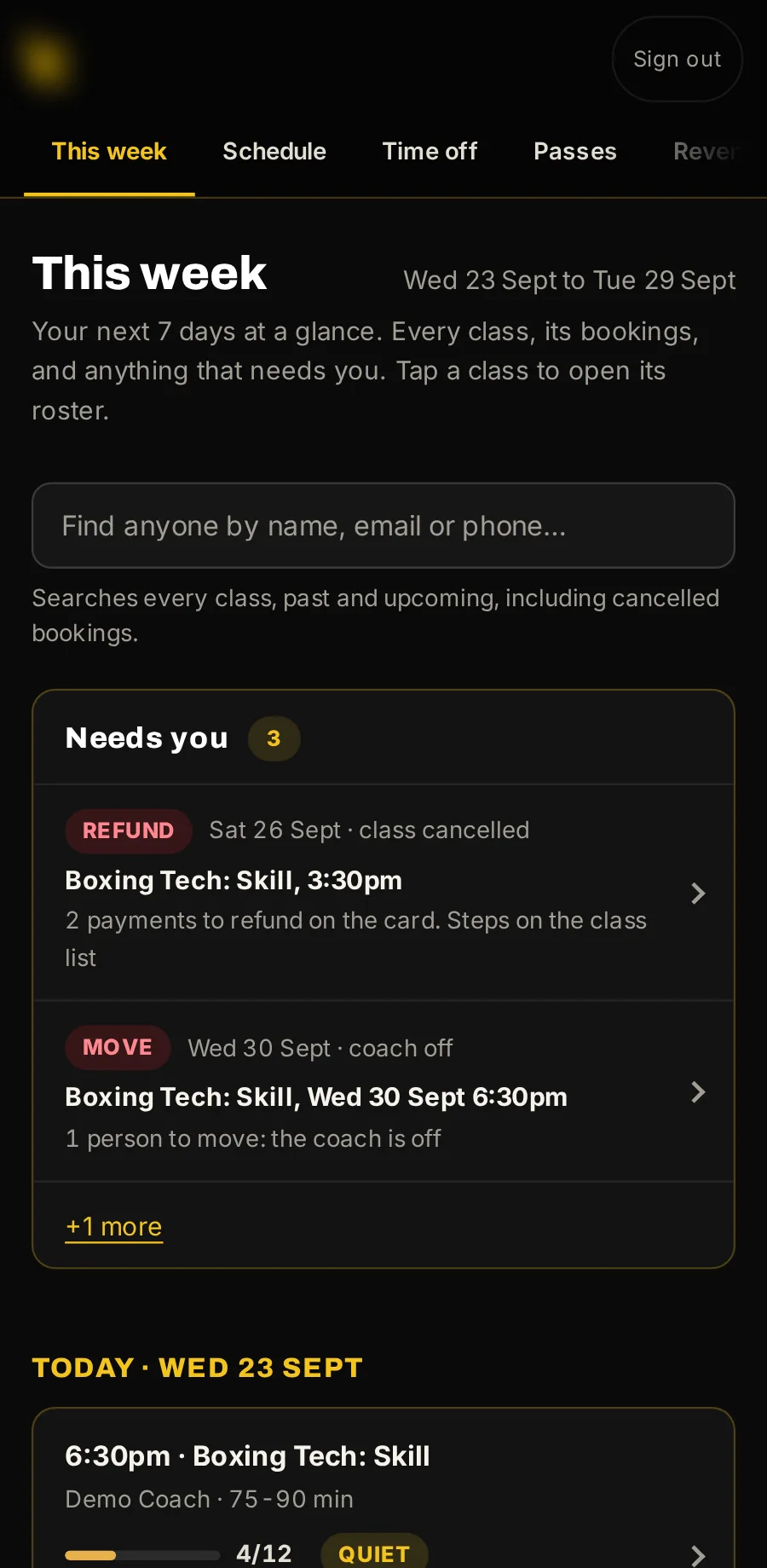
This week, at a glance
How full the week is, new bookings and money taken, each against last week. Anything that needs you, such as a refund still to send, stays here until it is marked done.
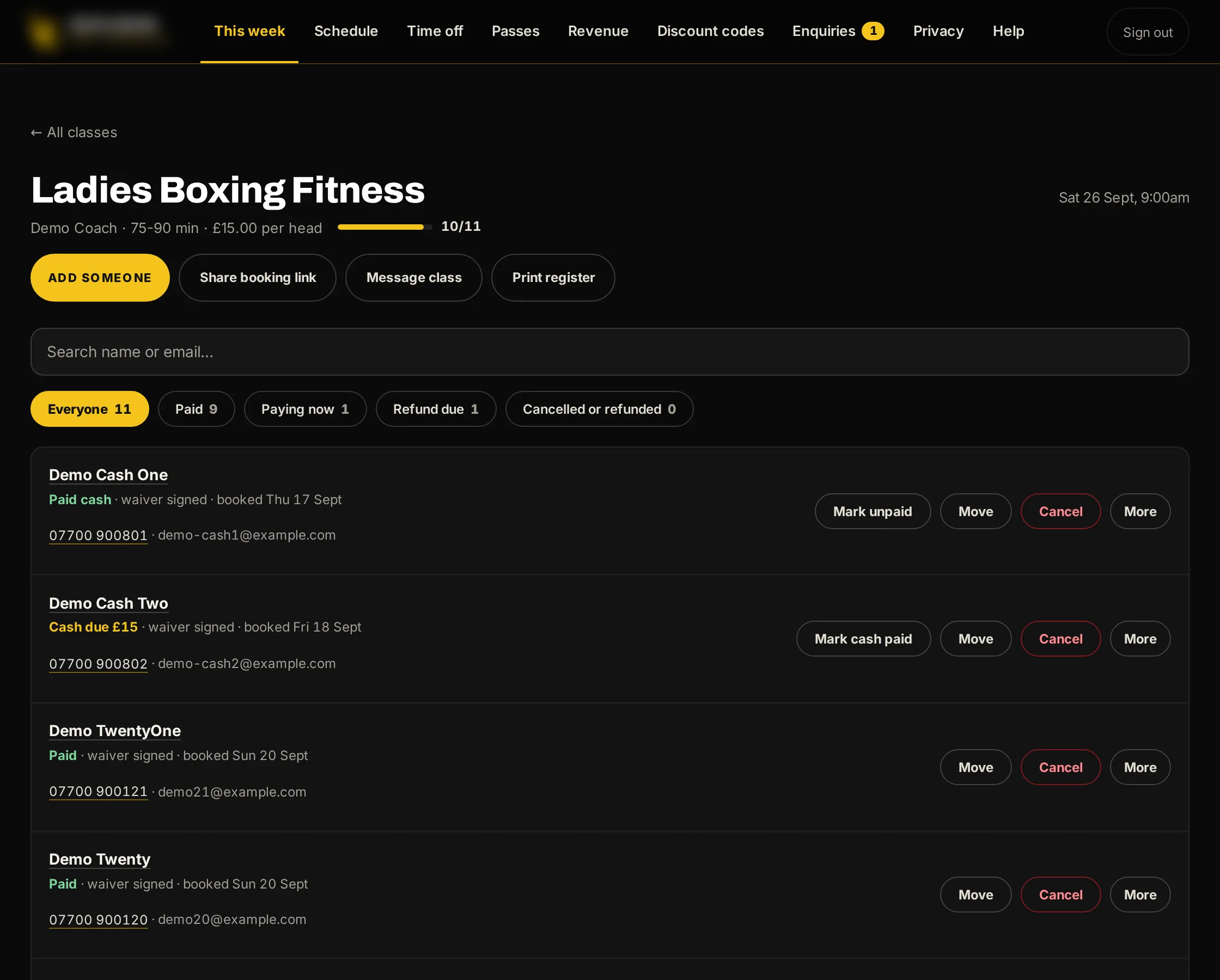
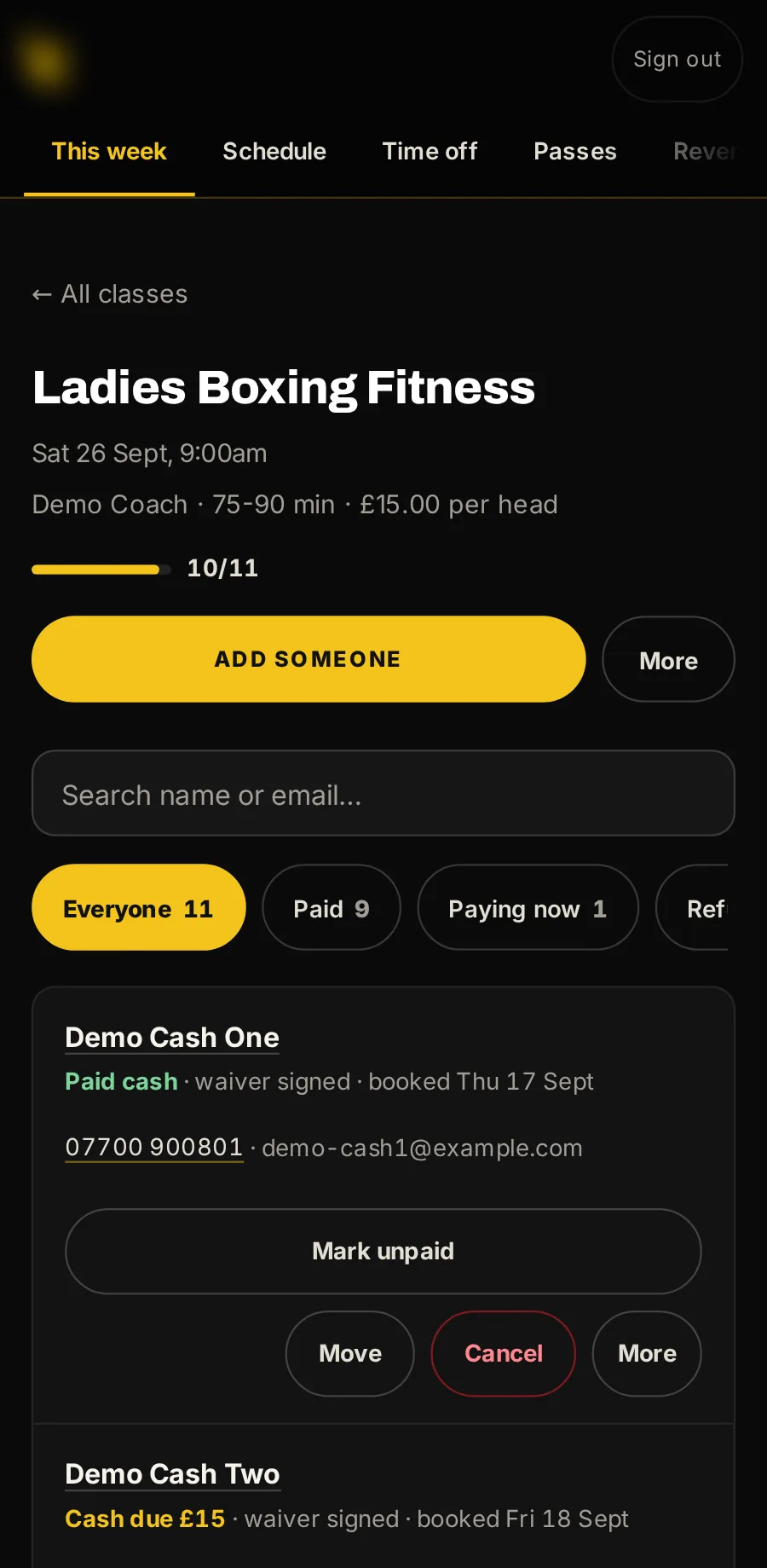
Each class’s list, at the desk or the door
Who is coming, who has paid and who owes cash. Add someone who walks in, move them, cancel or refund, message the class and print the register.
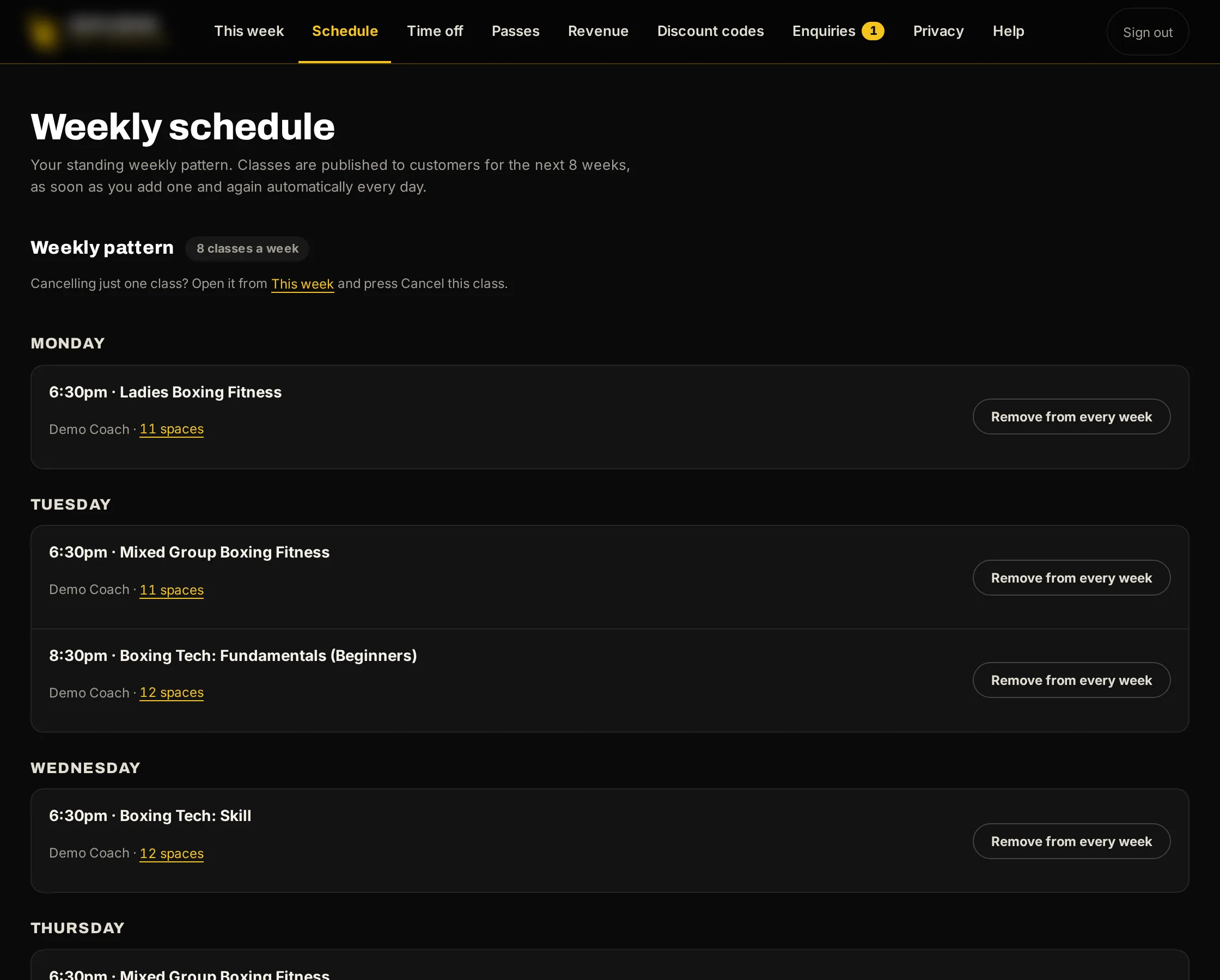
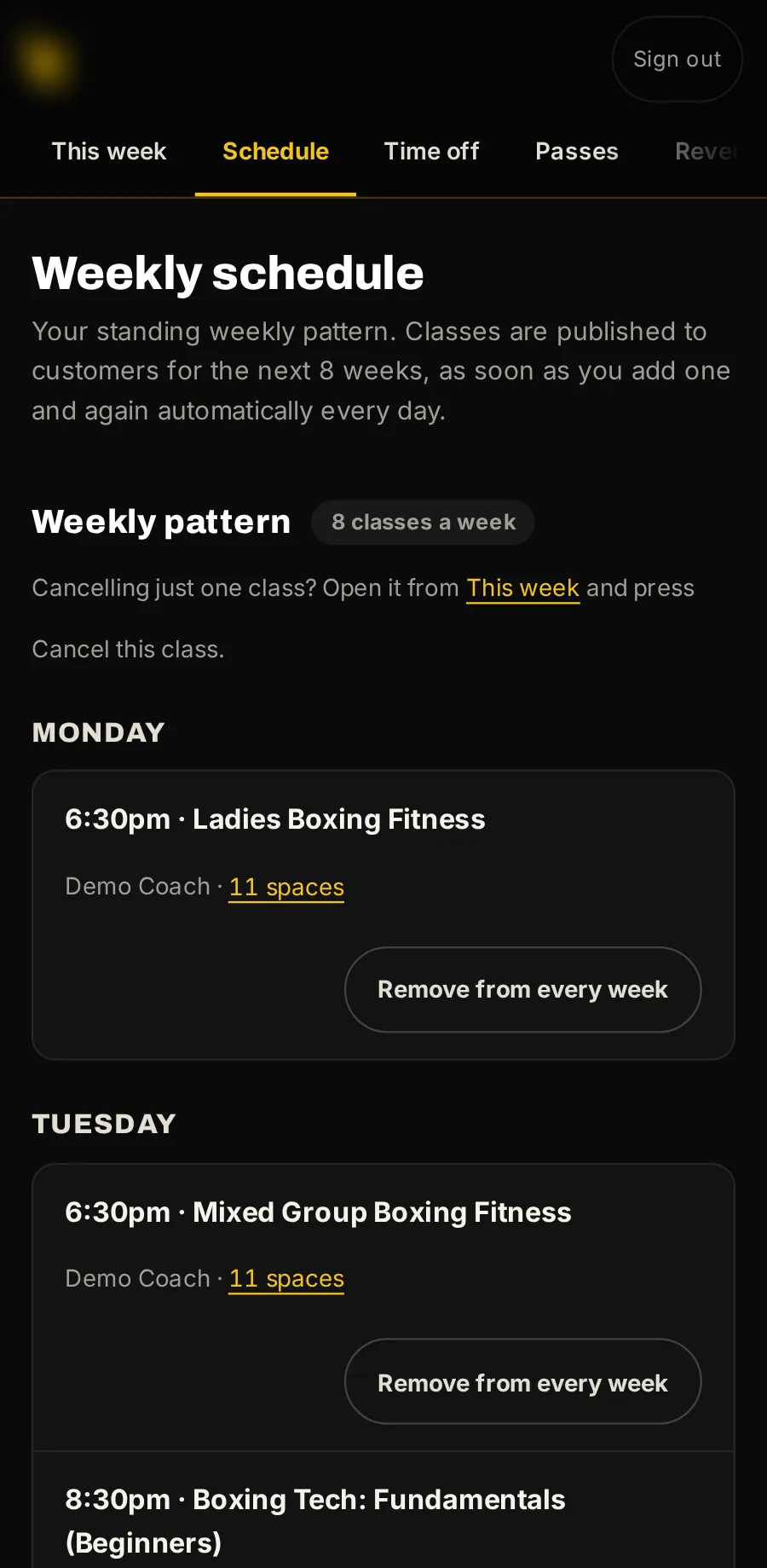
Your timetable and prices
Add or remove weekly classes and set their sizes and prices. Classes go on sale for the weeks ahead by themselves.
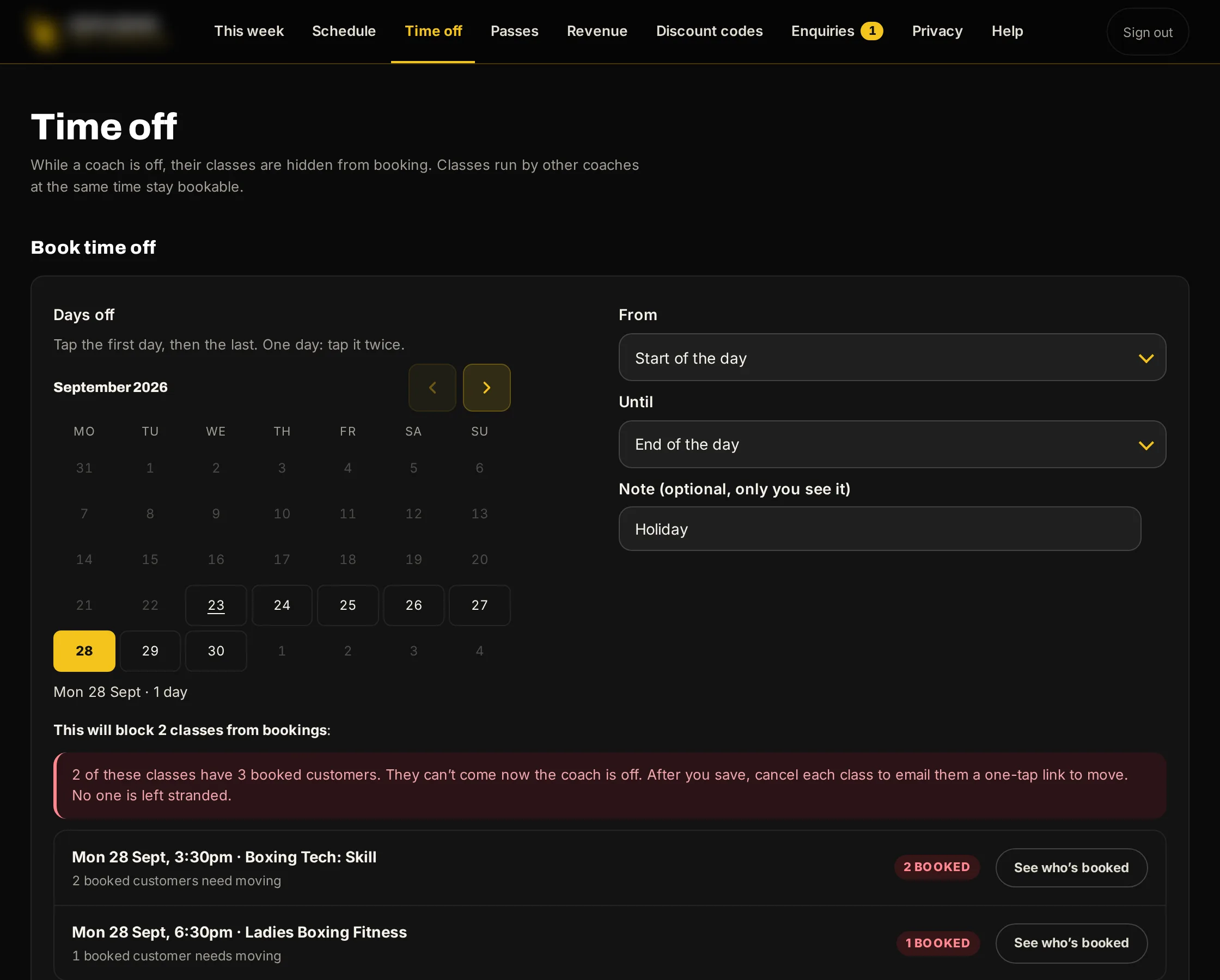
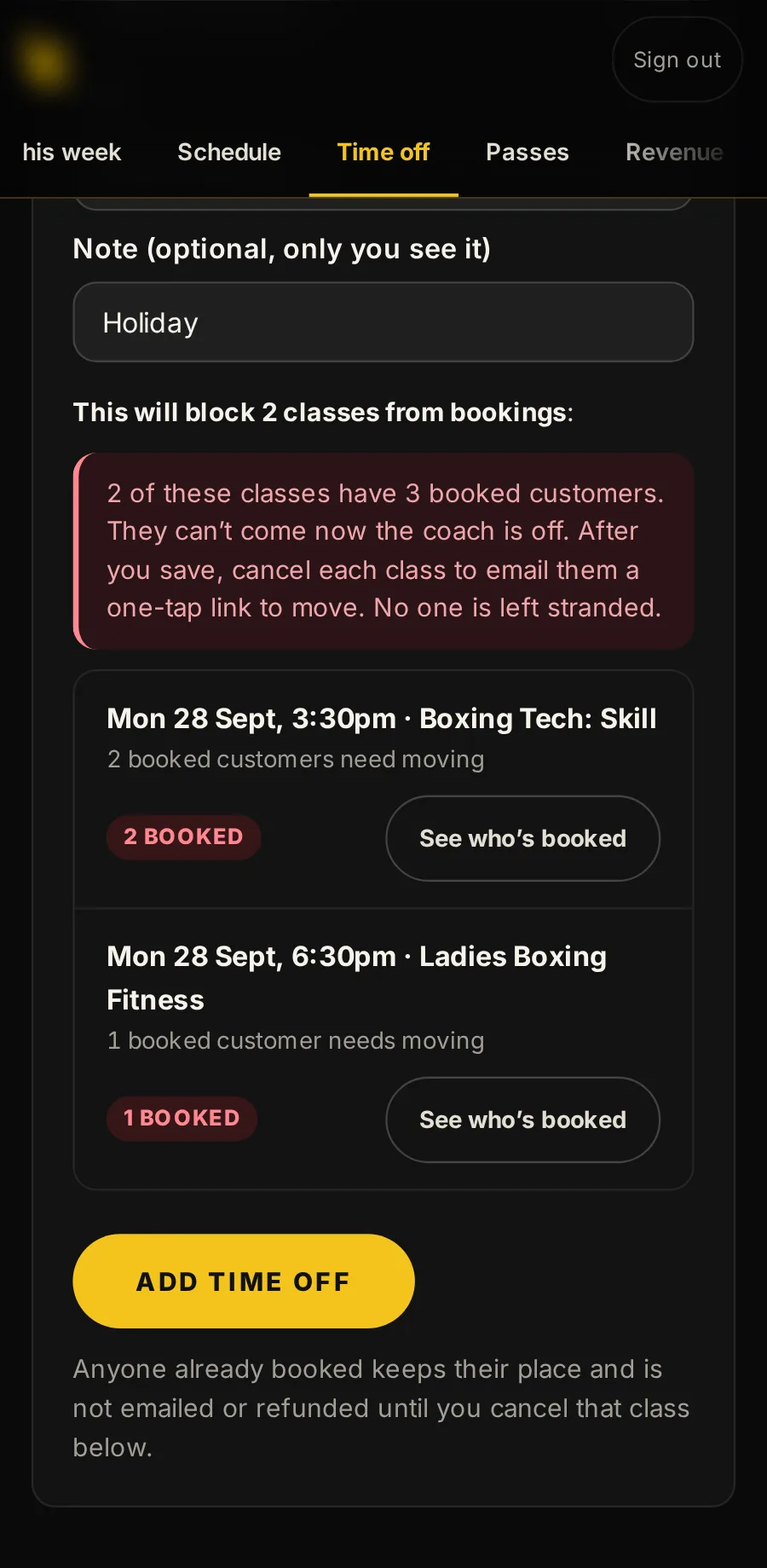
A coach’s time off
Before you save it, you see which classes it affects and who is booked. Then those classes come off sale, and anyone booked is flagged to move.
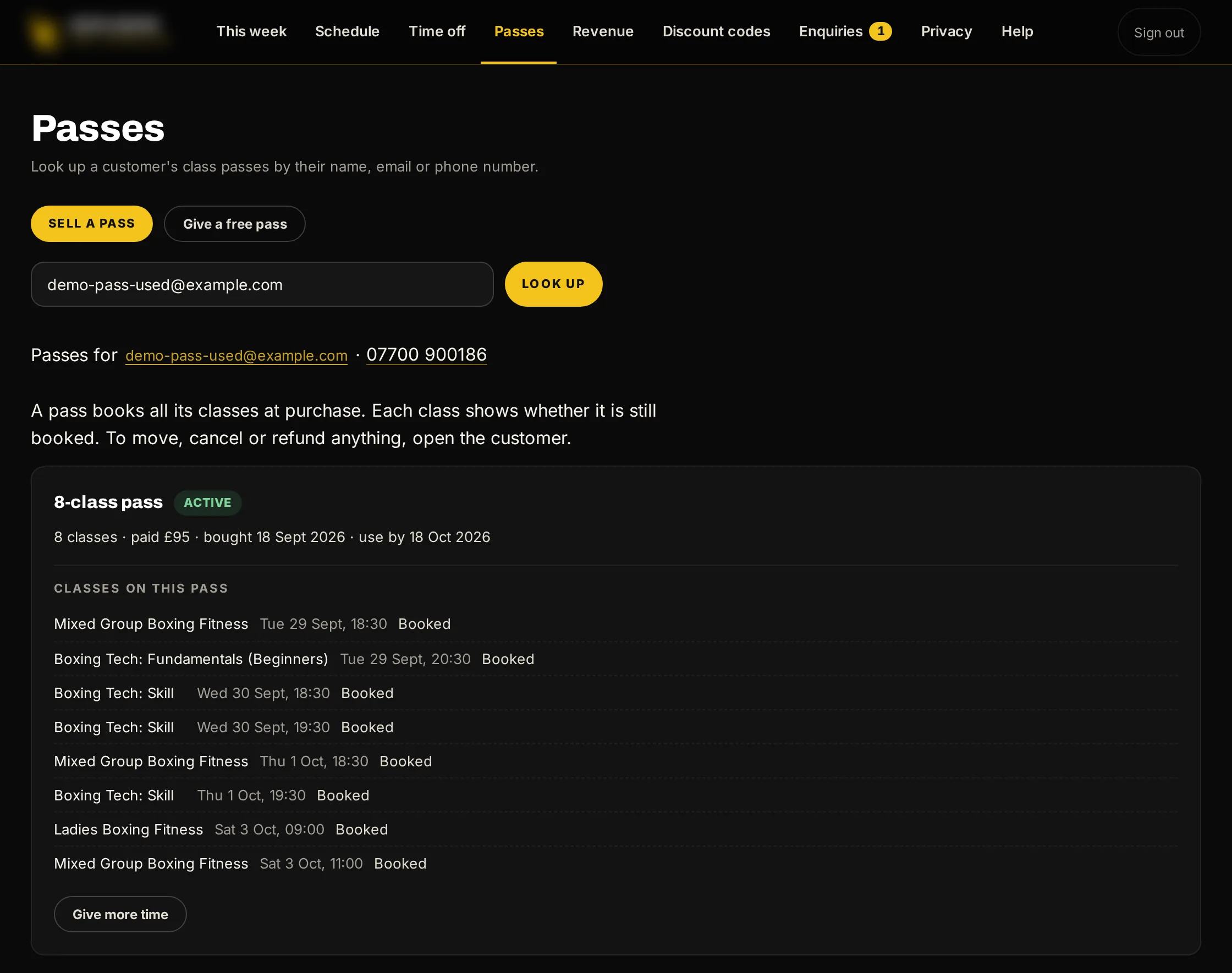
Passes at the desk
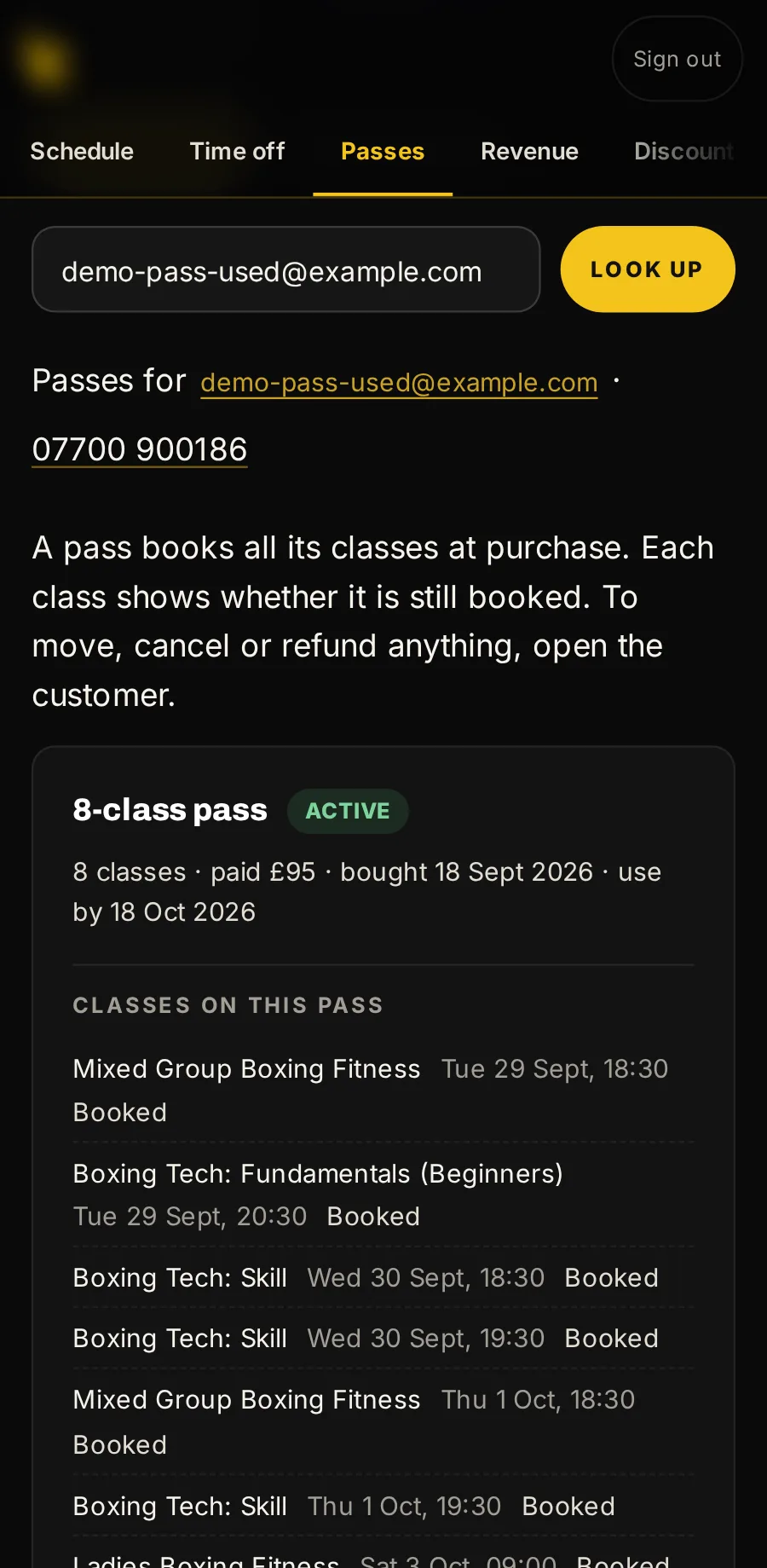
Sell a pass for cash, give one free, give more time, or book someone onto their pass.
Discount codes
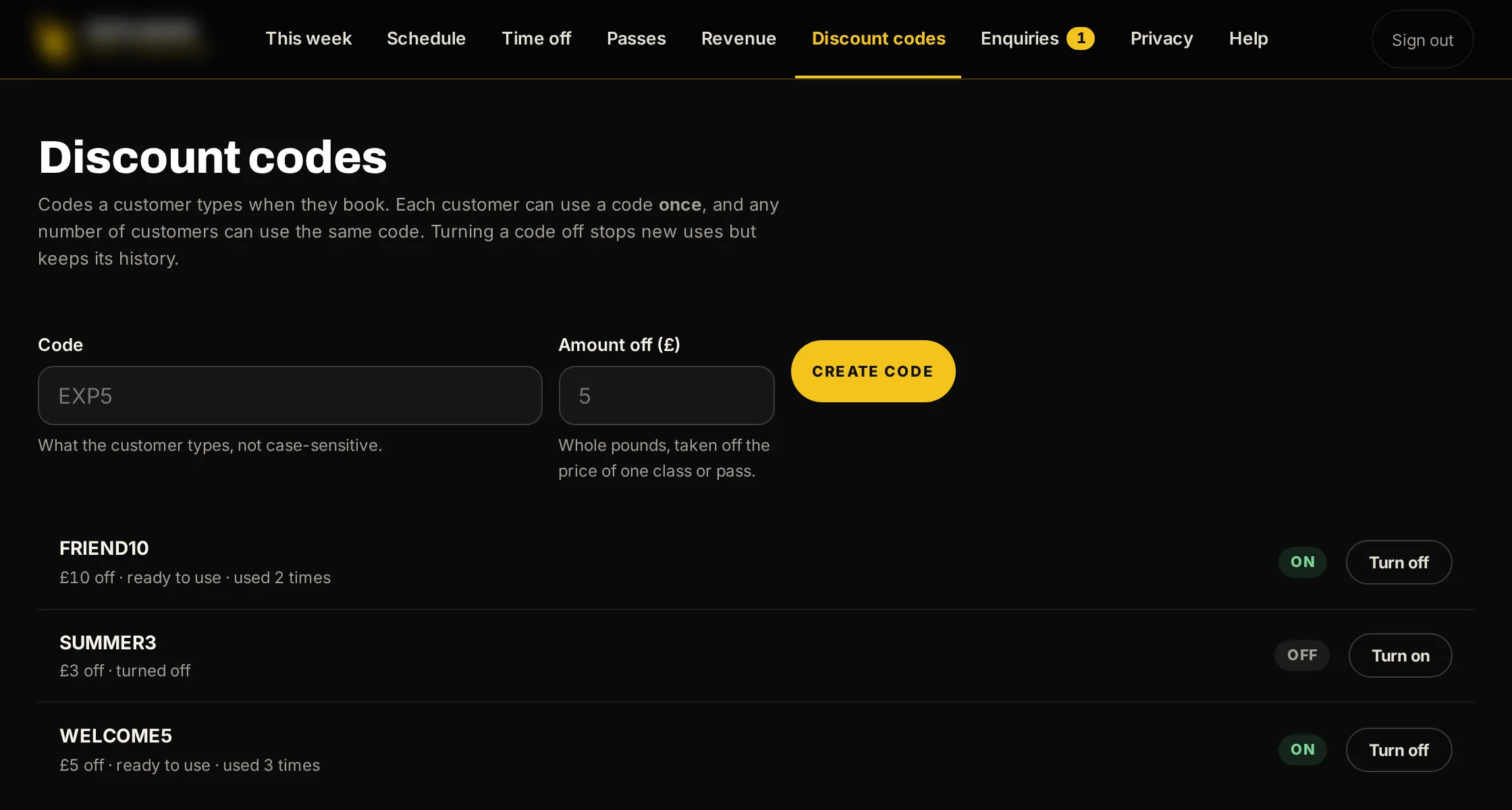
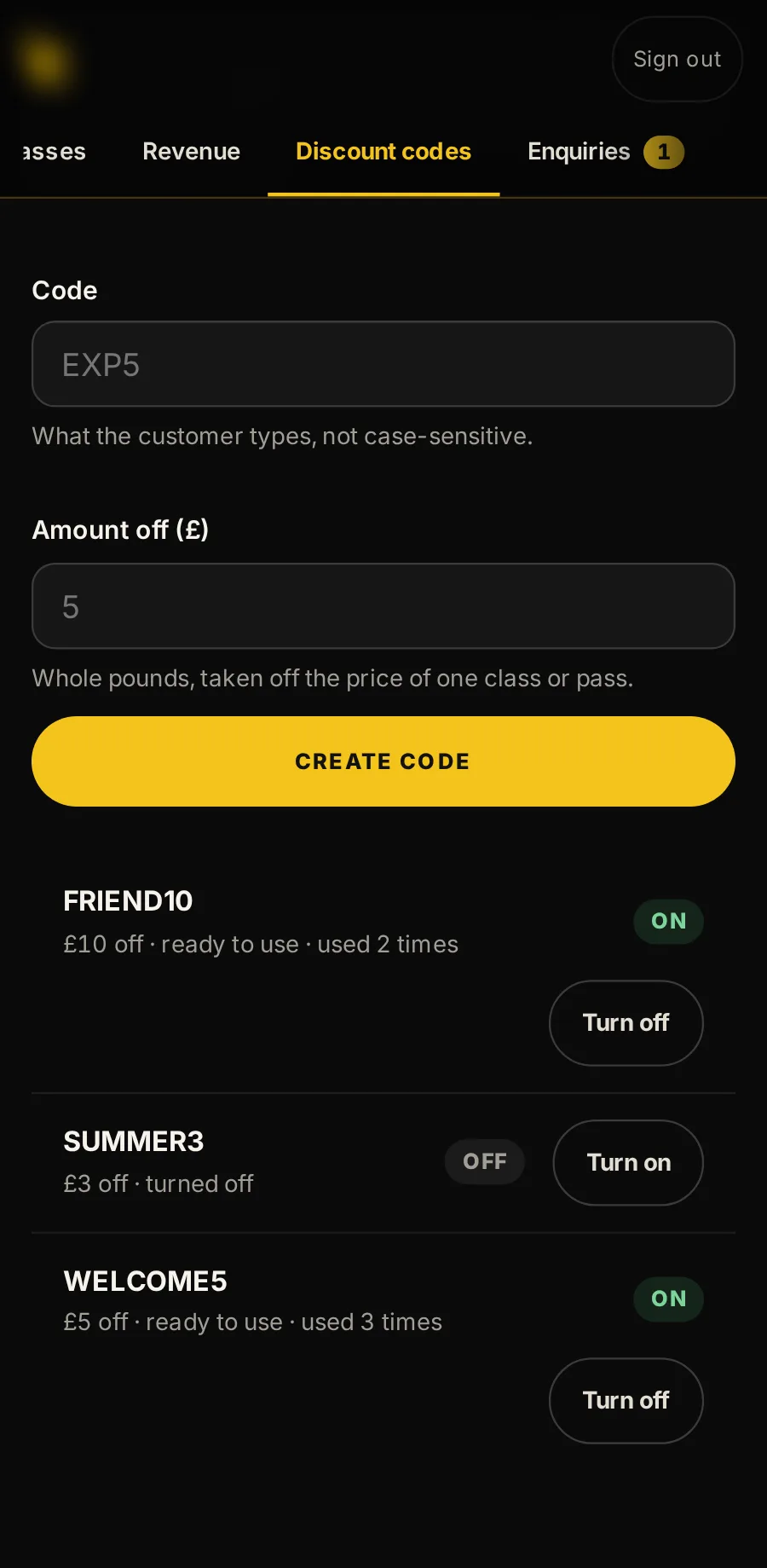
Make a code, see how often it has been used, and turn it off. Each customer can use a code once.
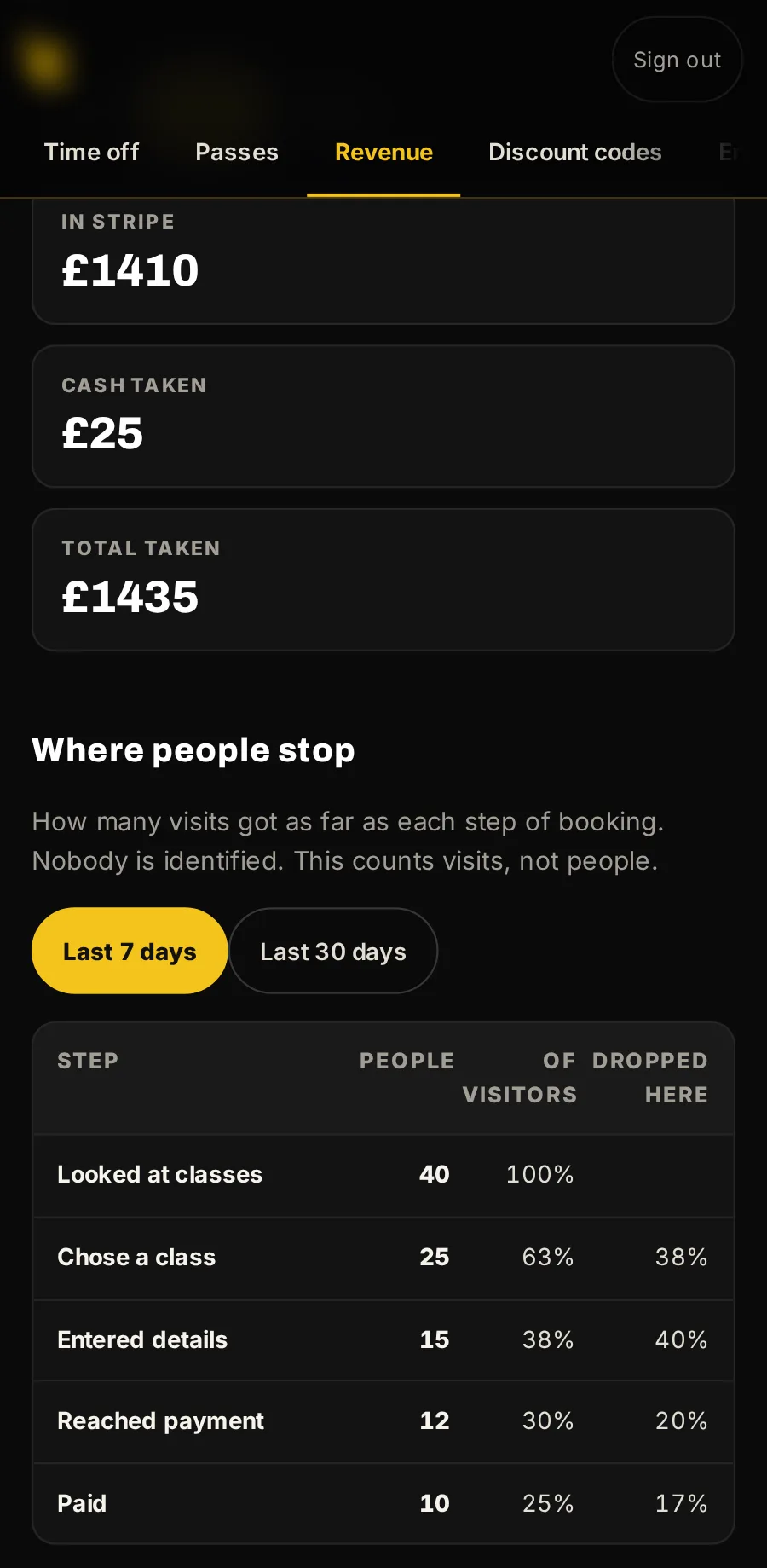
Revenue
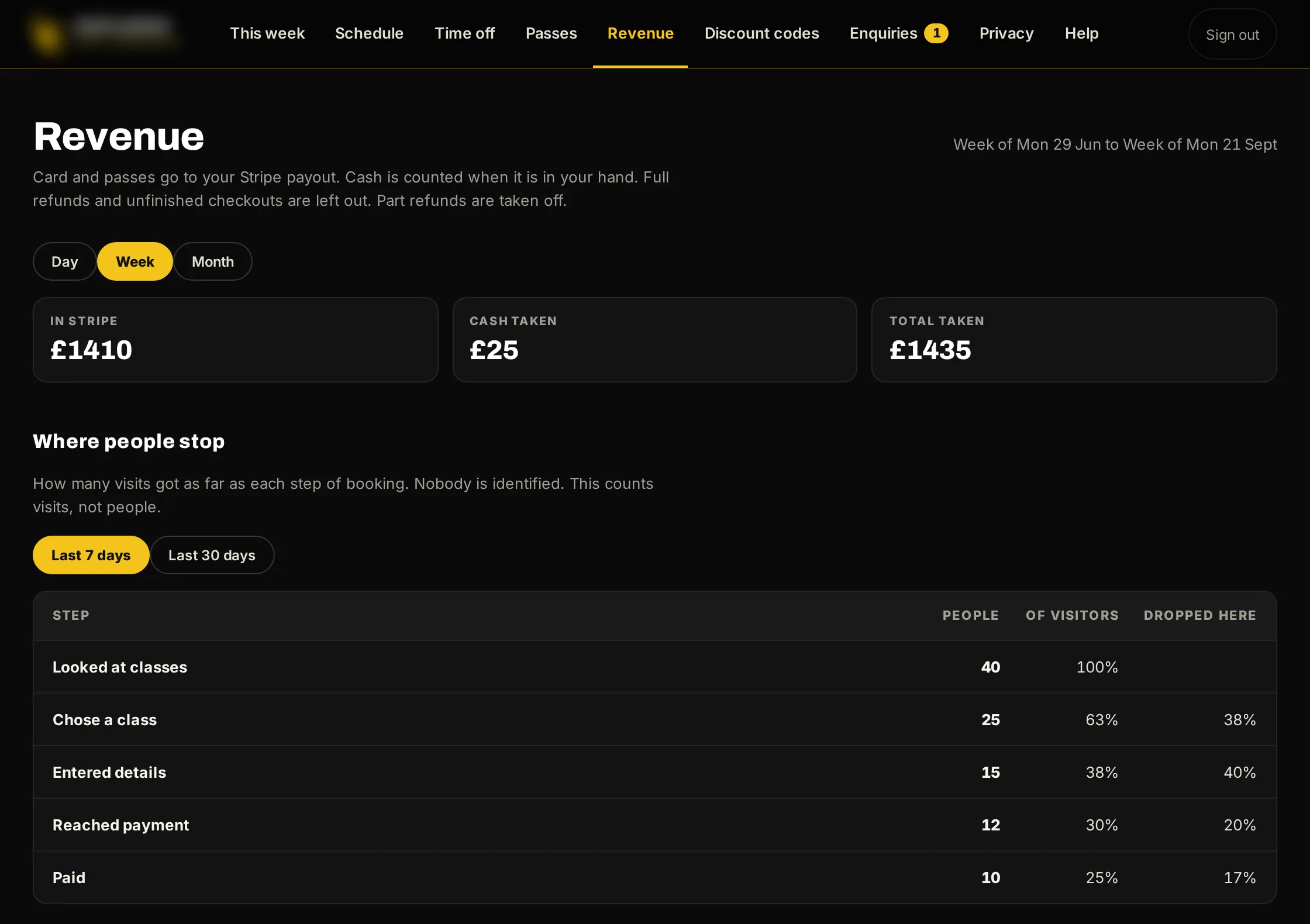
By day, week or month, card and cash side by side, and where people stop on the way to booking.
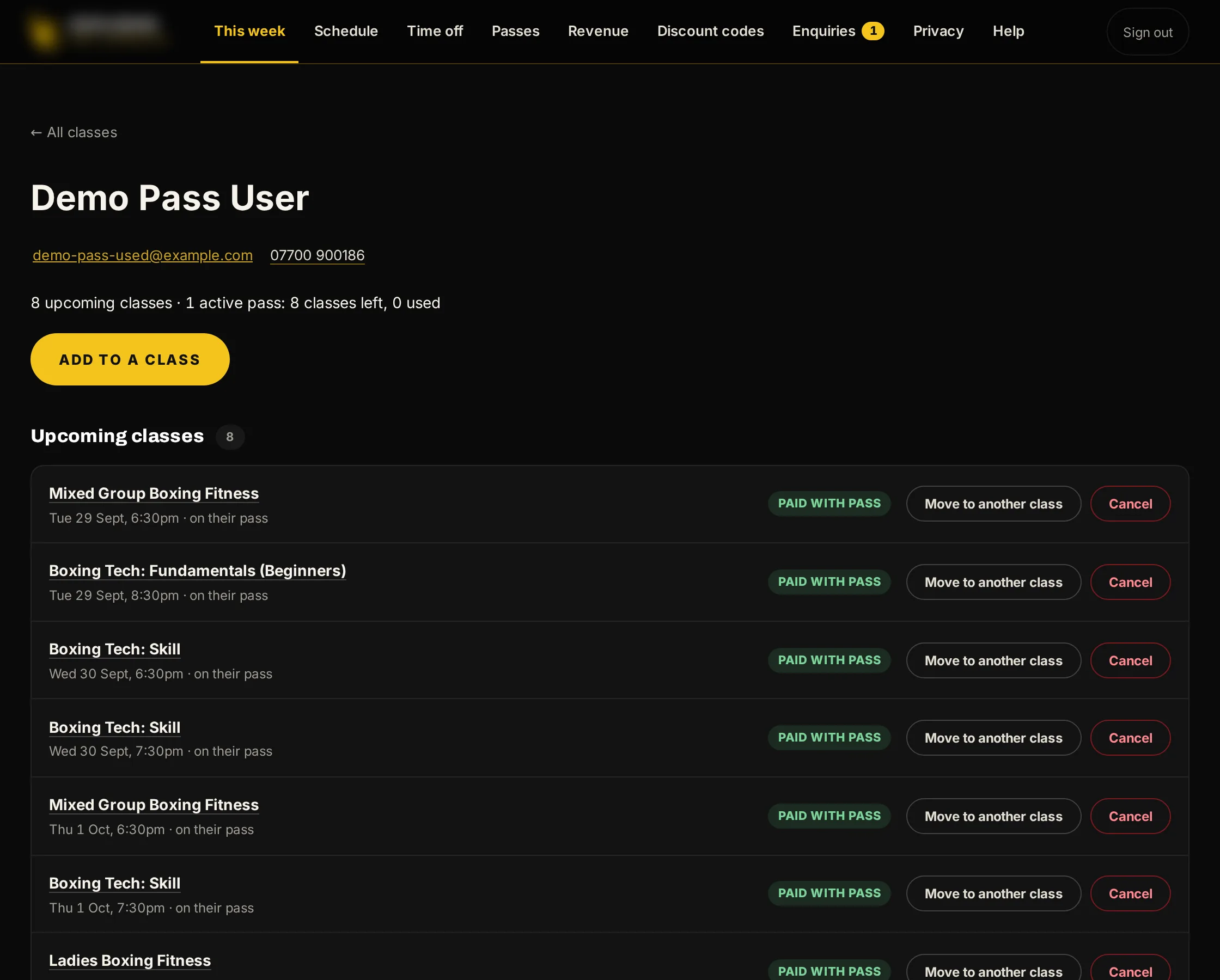
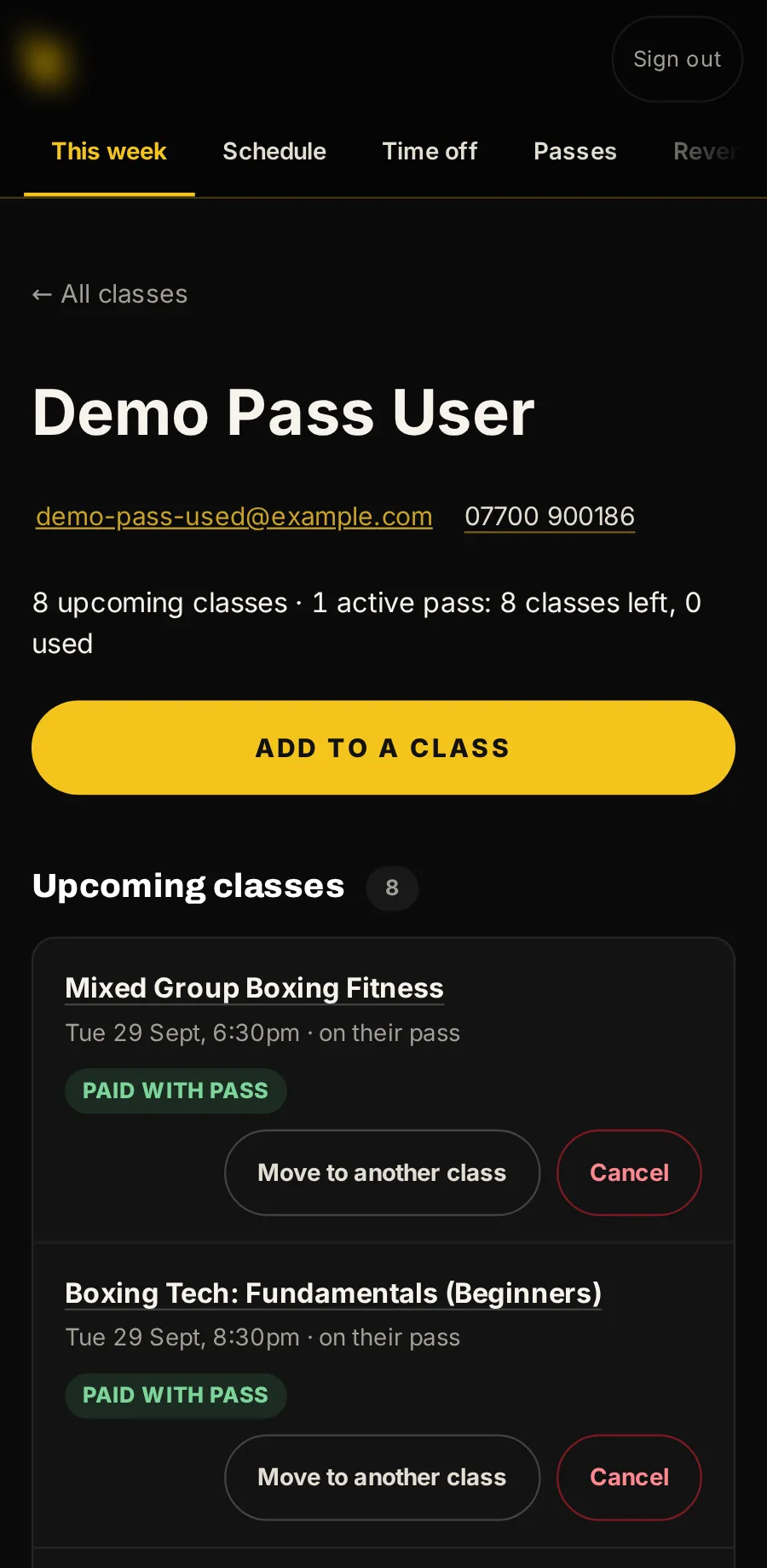
Every customer’s history
Find anyone by name, email or phone. See every booking and pass, move them, cancel, or add them to a class.
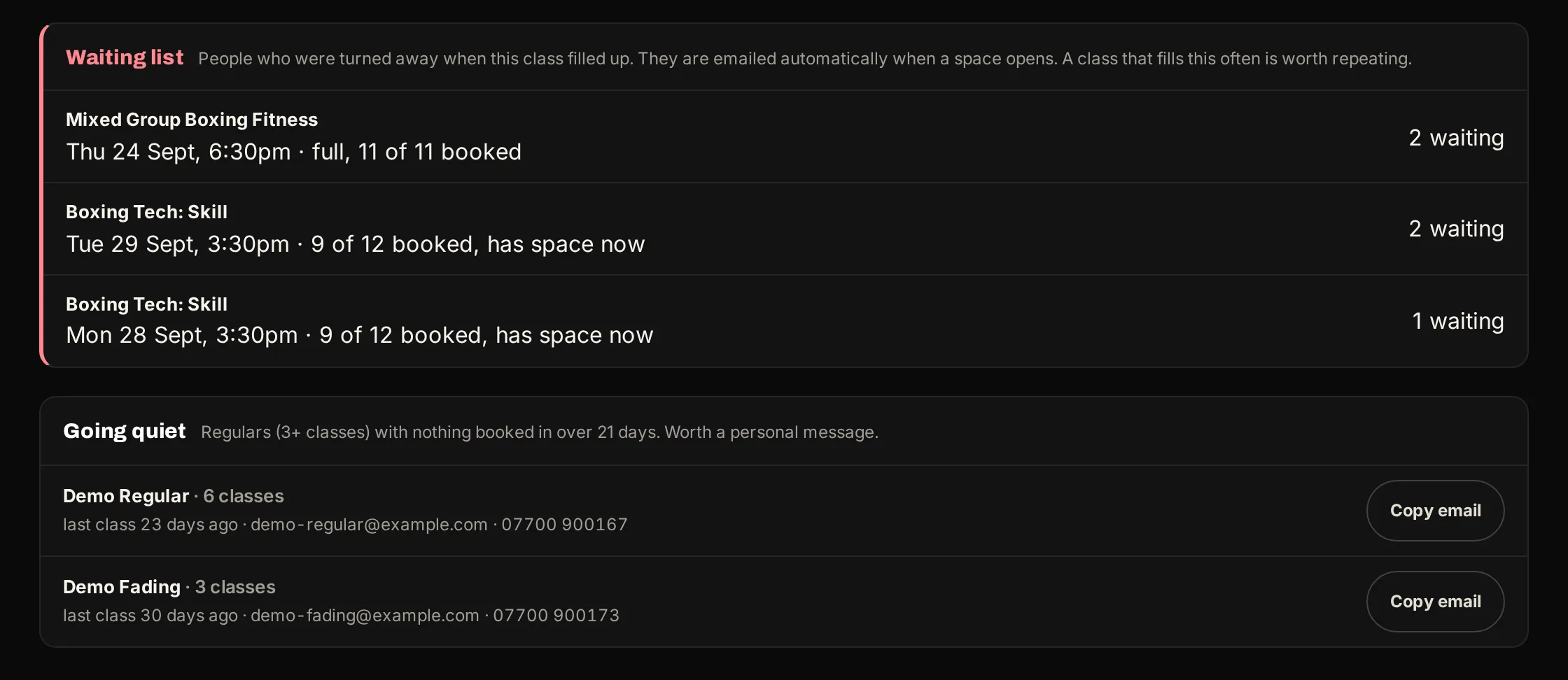
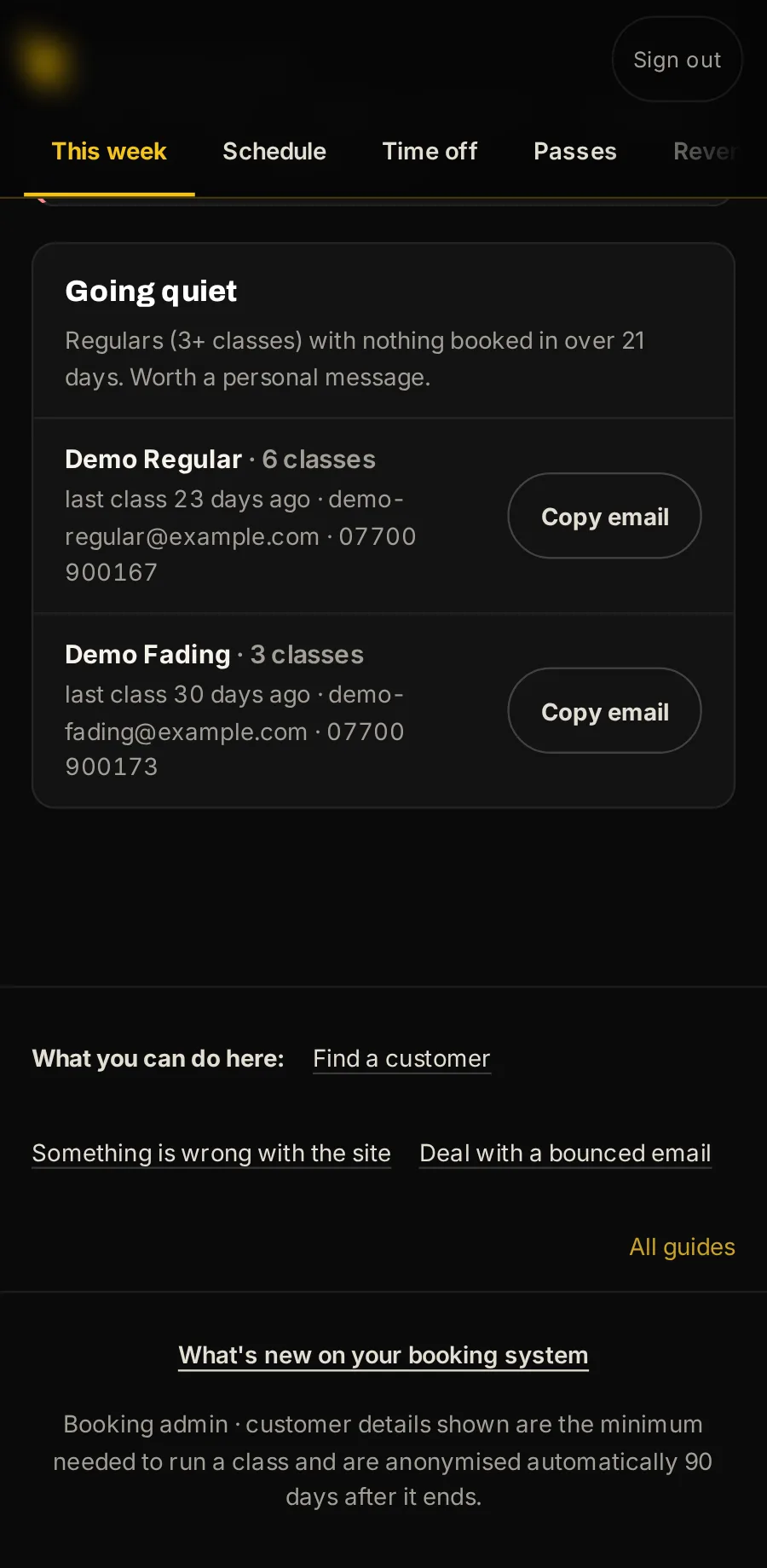
Regulars going quiet
People who came three or more times and have had nothing booked for three weeks, with their email to copy, so you can get in touch.
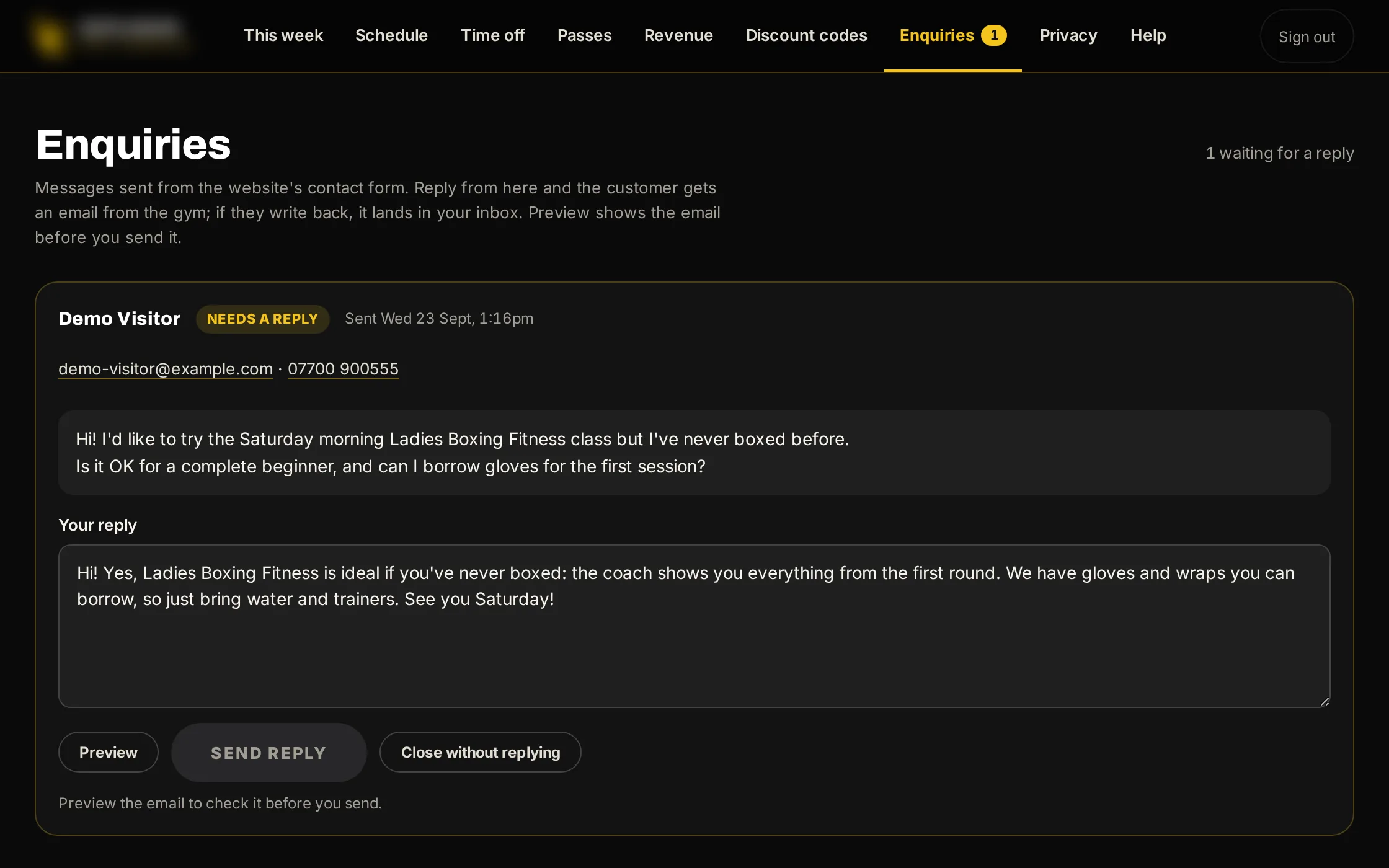
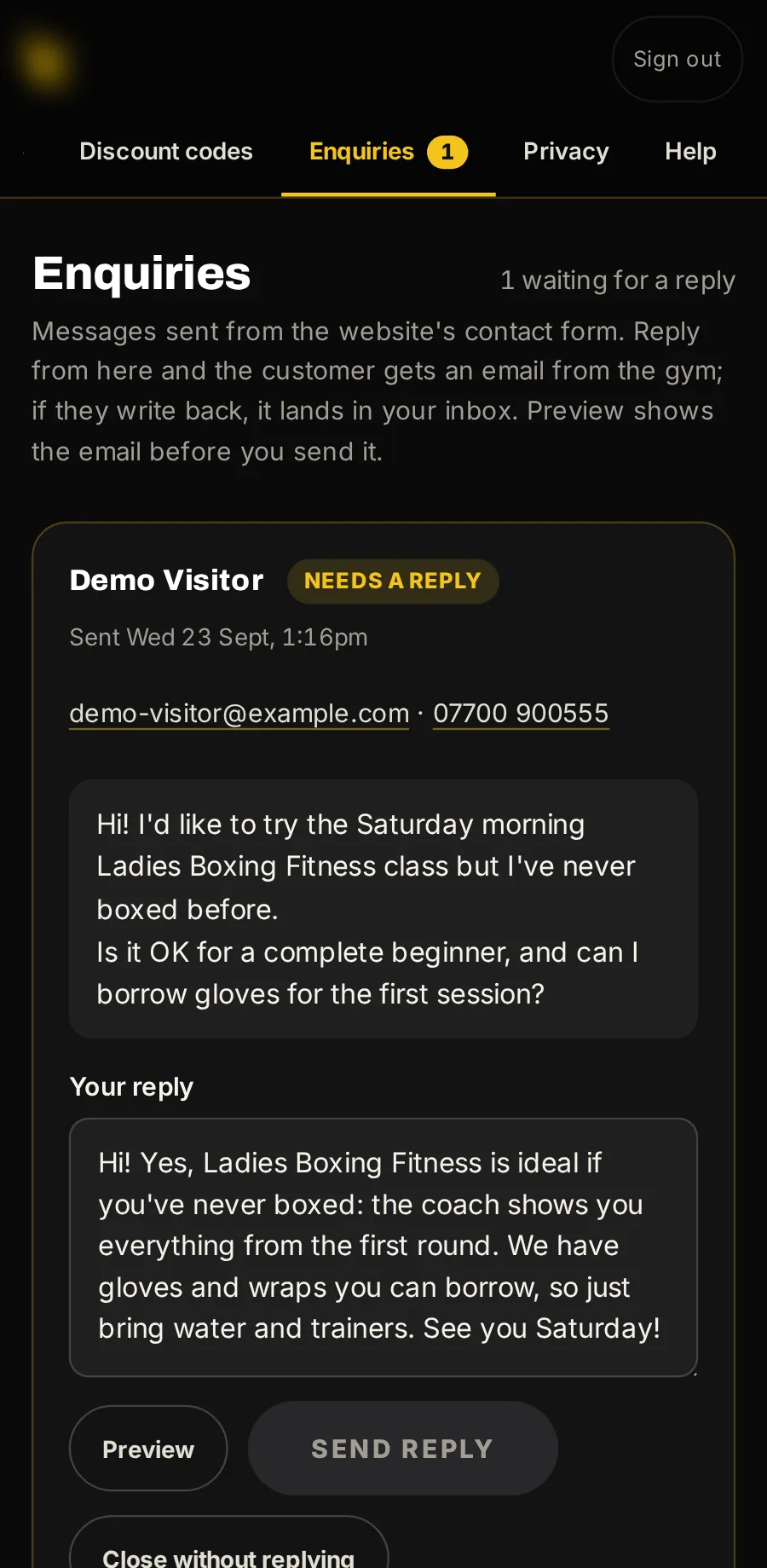
Messages from your website
What people send from your website’s contact form lands here, and you answer from here.
Every email, sent for you
Written, sent at the right moment and signed by your business, to your customers and to you. These are the real emails, with sample data.
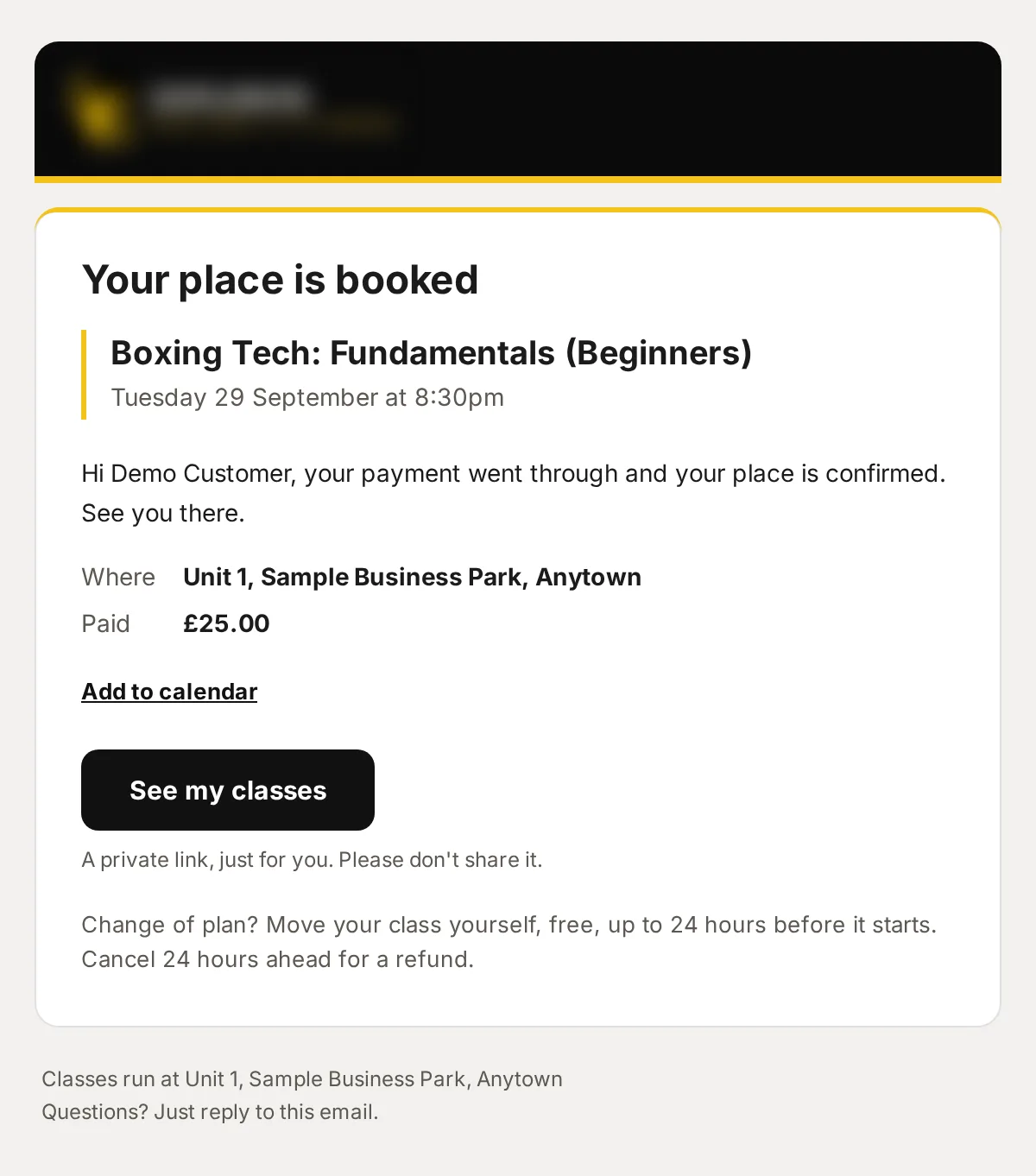
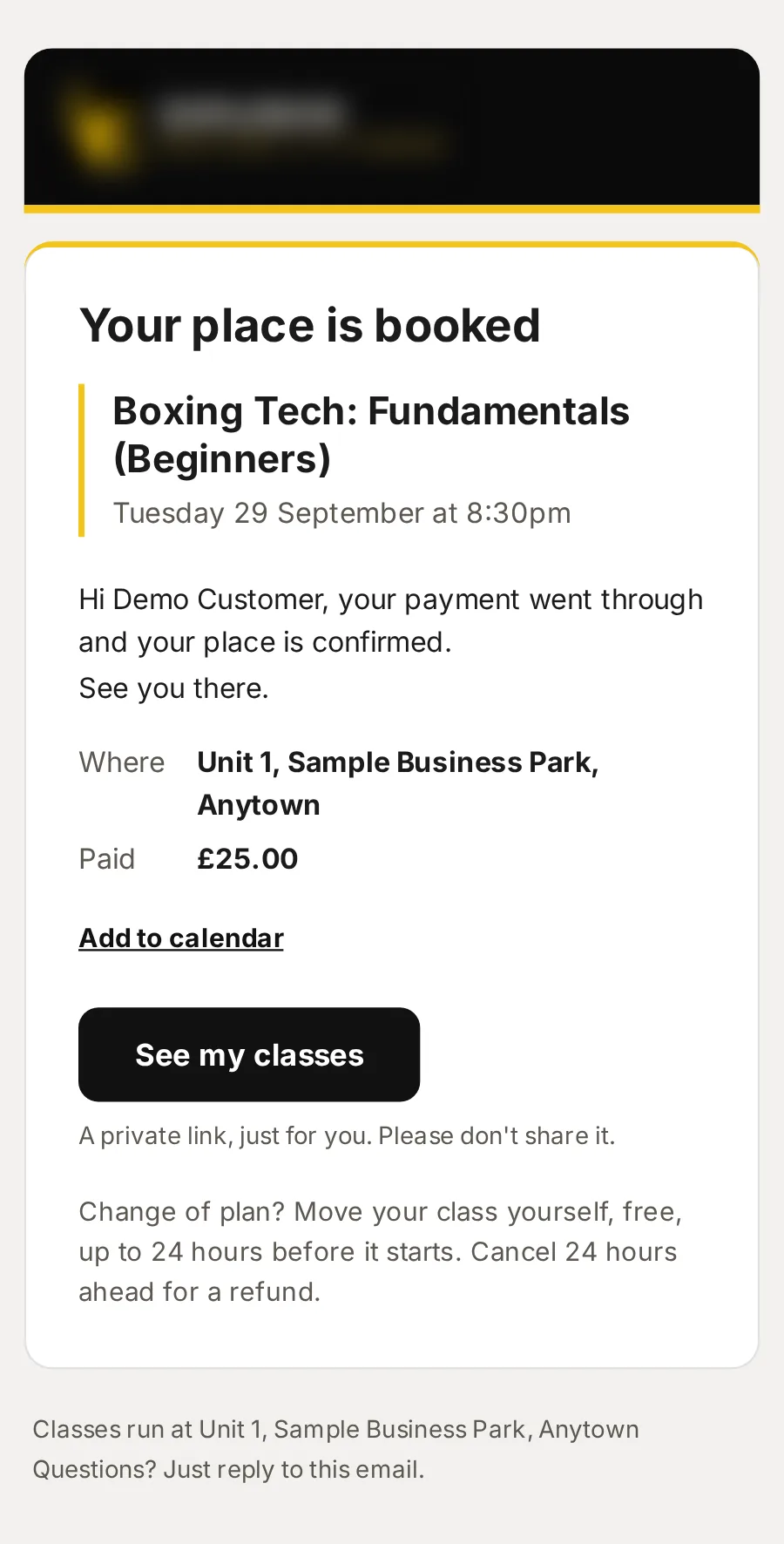
Booking confirmed: Boxing Tech: Fundamentals (Beginners)
What they booked, when and where, what they paid, Add to calendar, and their private link to move or cancel.
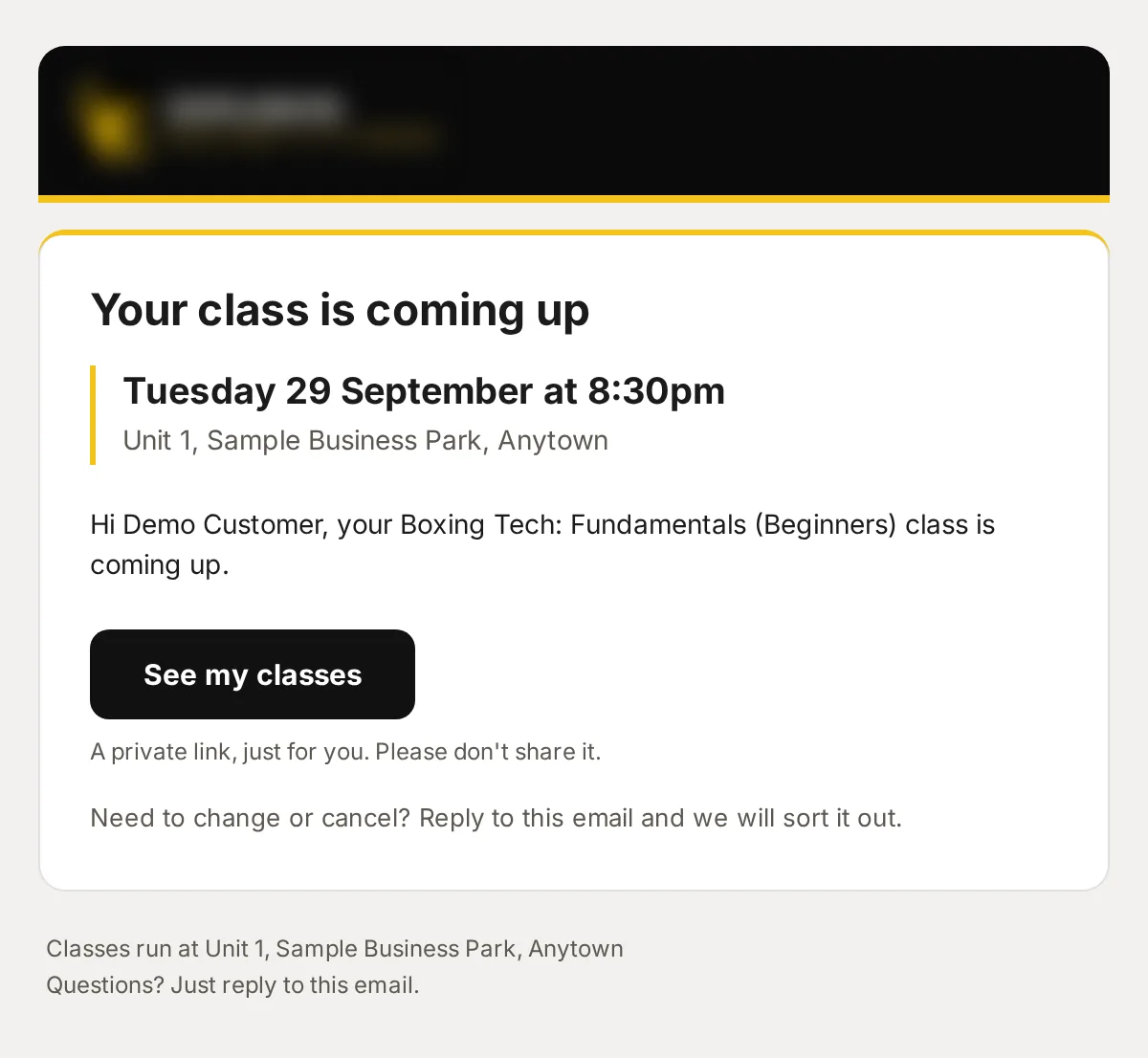
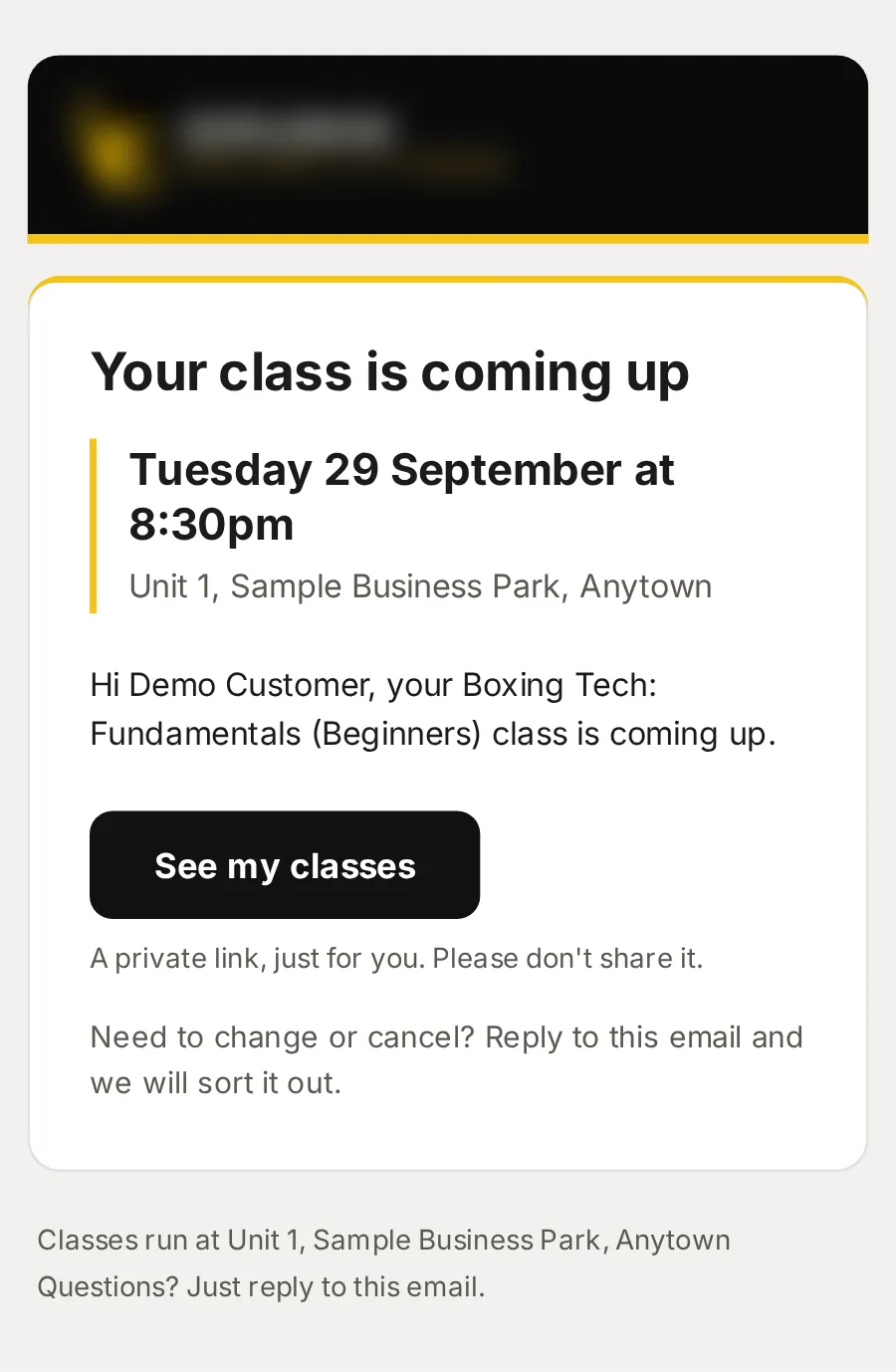
Reminder: your Boxing Tech: Fundamentals (Beginners) class is coming up
Sent 24 hours before the class, and never twice.
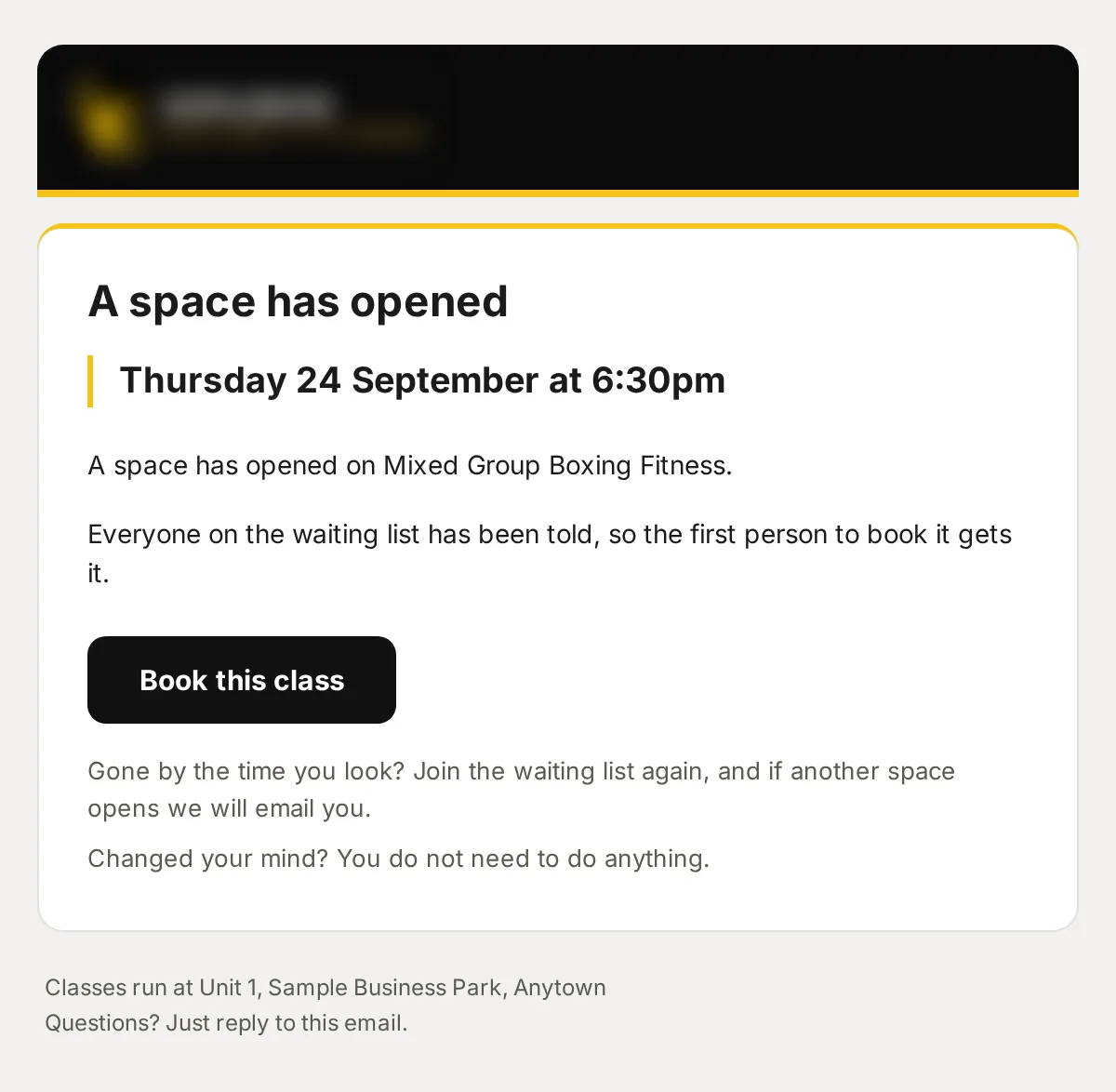
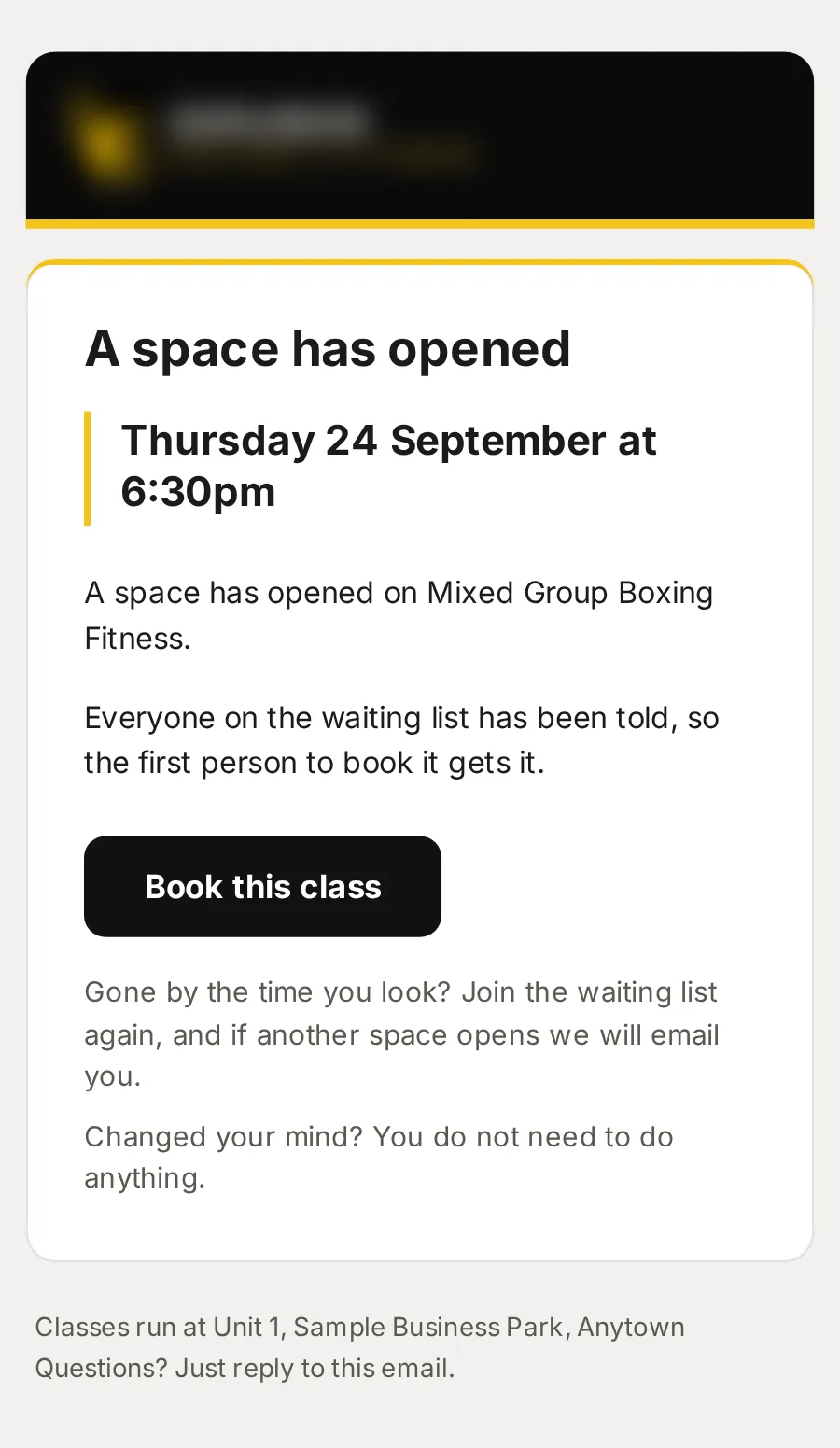
A space has opened: Mixed Group Boxing Fitness, Thursday 24 September at 6:30pm
Everyone on the waiting list hears at once, and the first to book gets it.
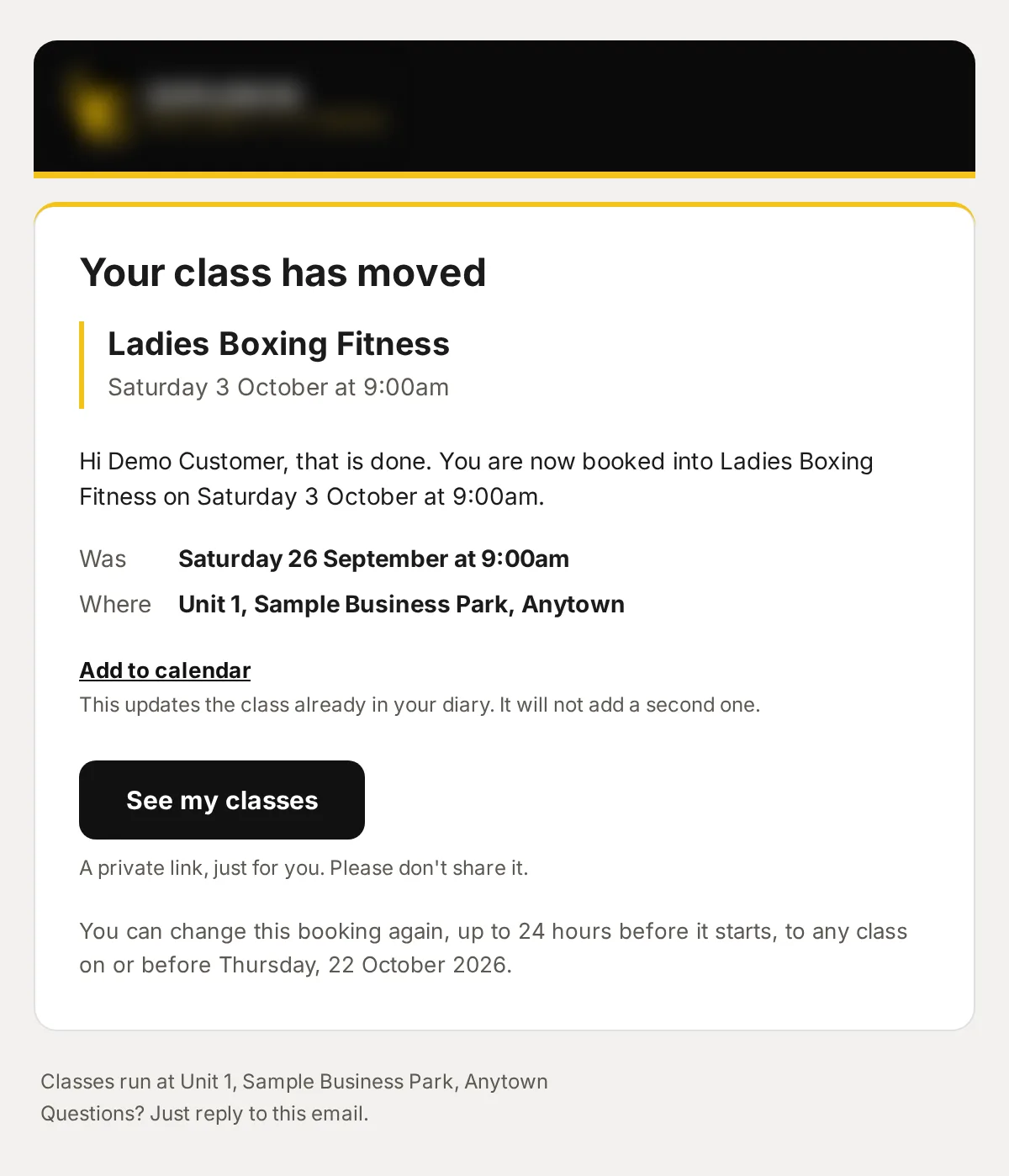
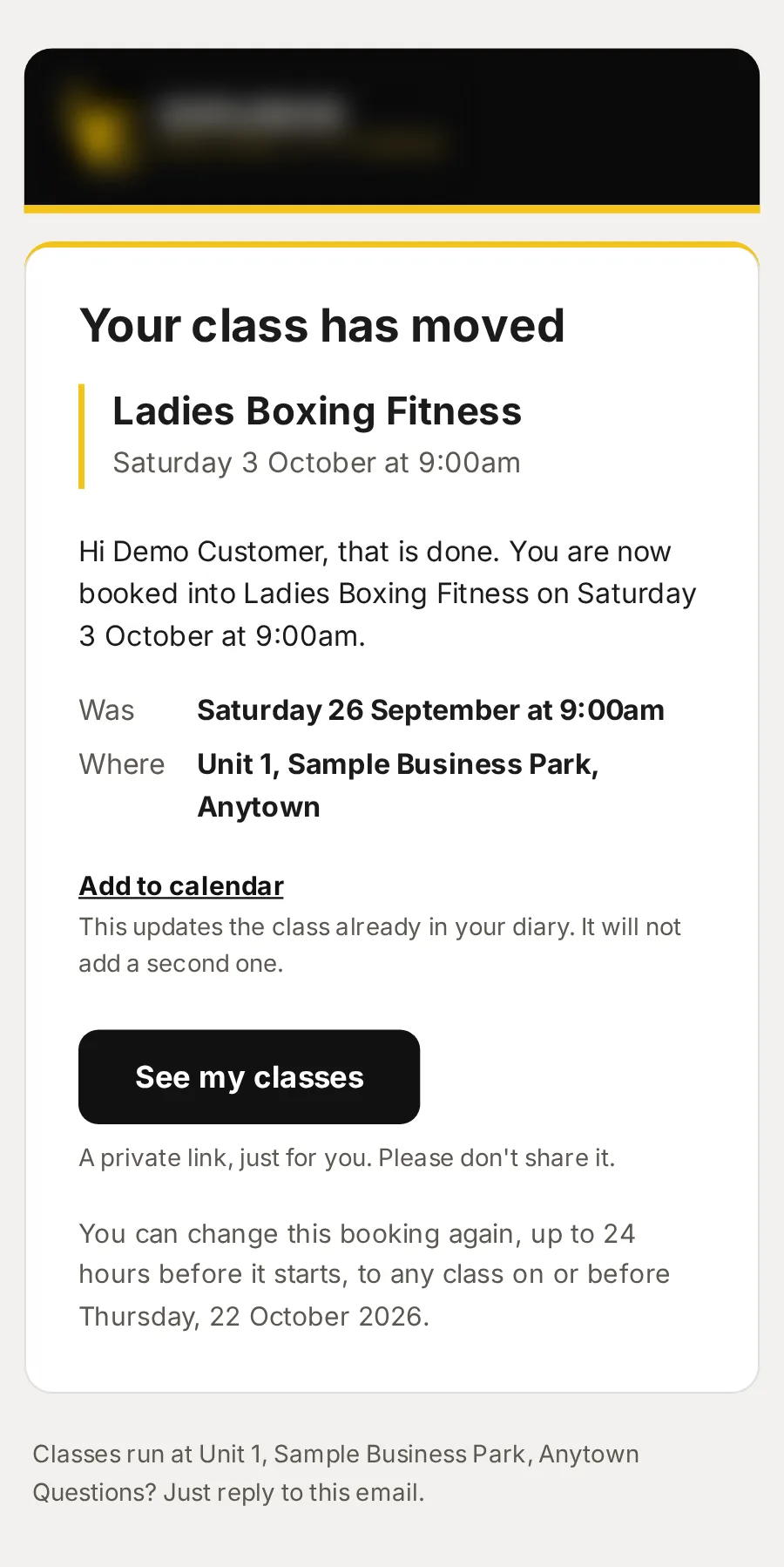
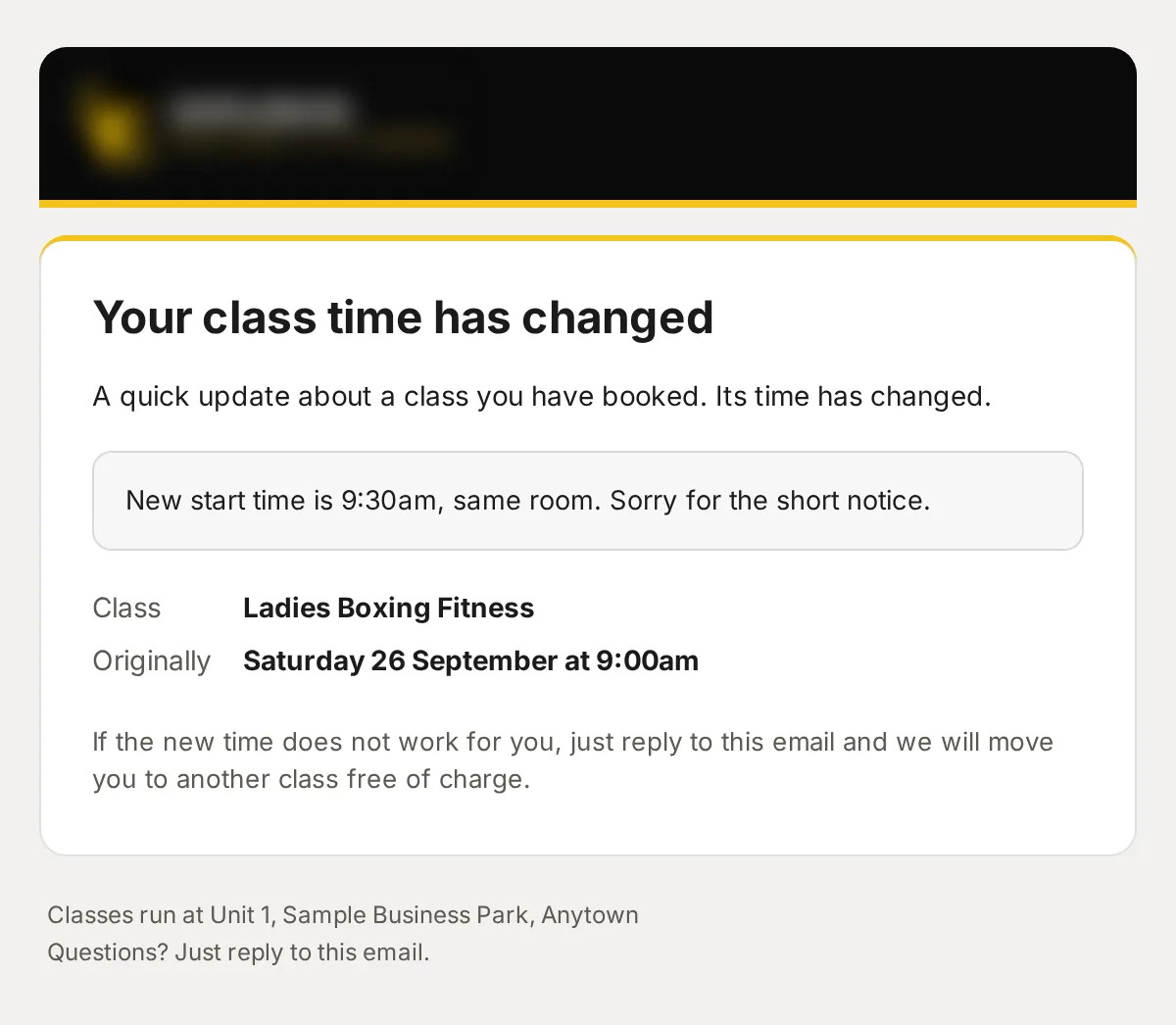
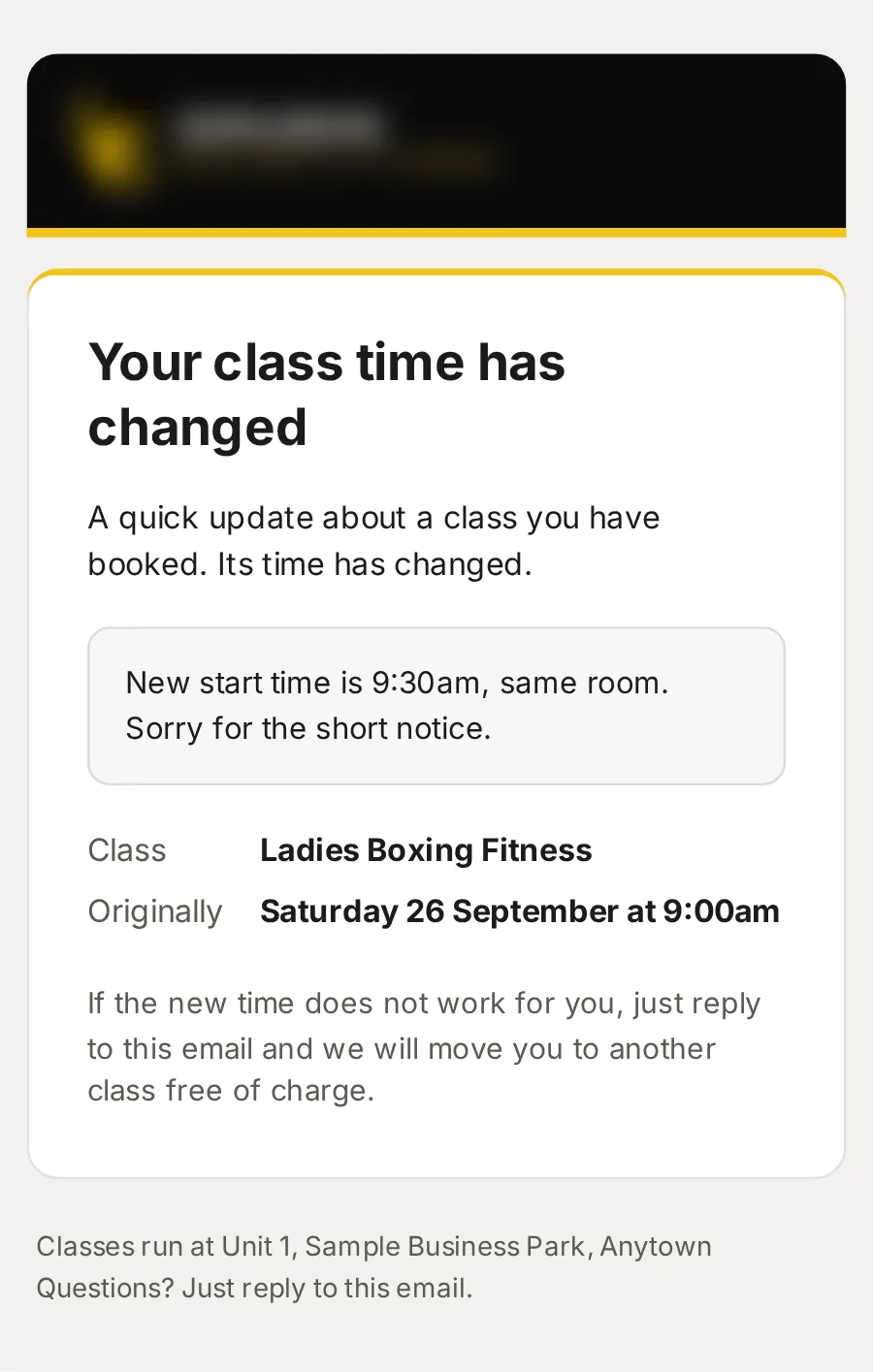
Moved: Ladies Boxing Fitness
The new class and time, the old one, and Add to calendar, which updates the class already in their diary.
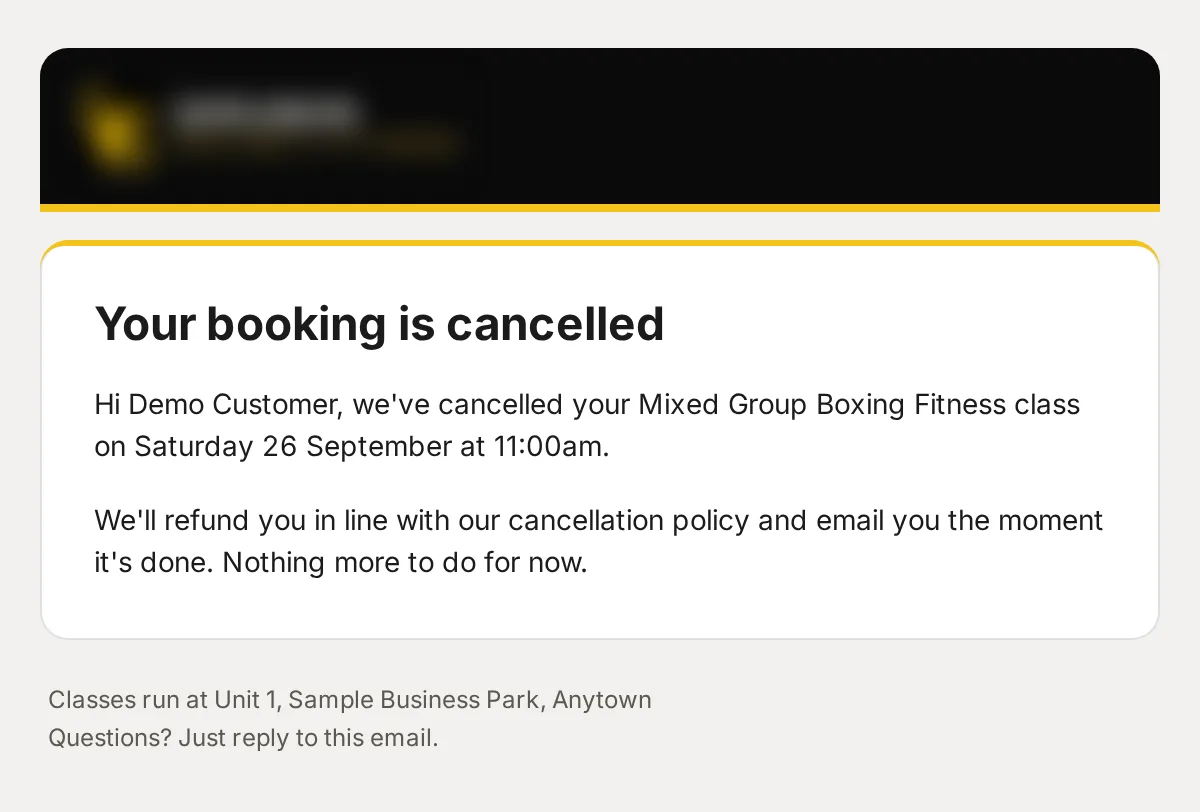
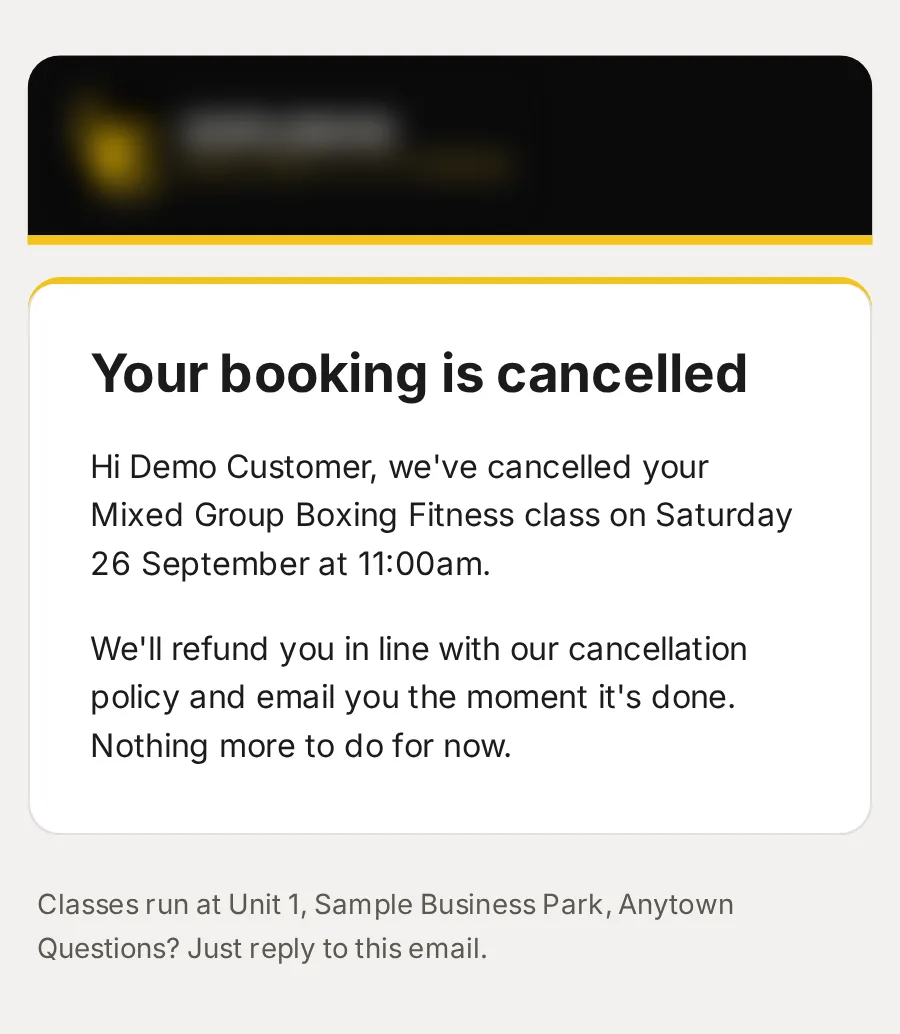
Your booking is cancelled
What was cancelled, and how their refund follows your cancellation policy.
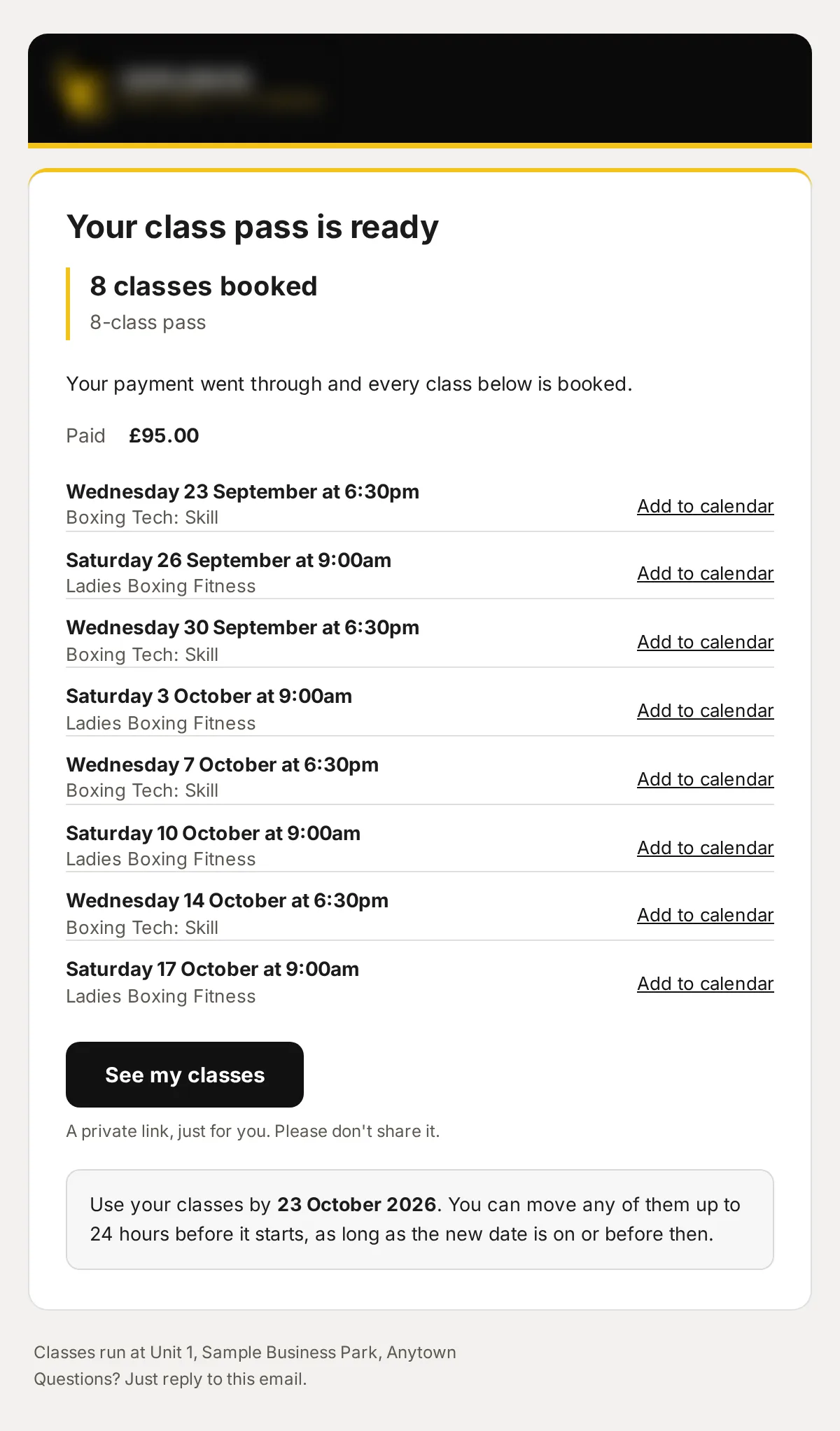
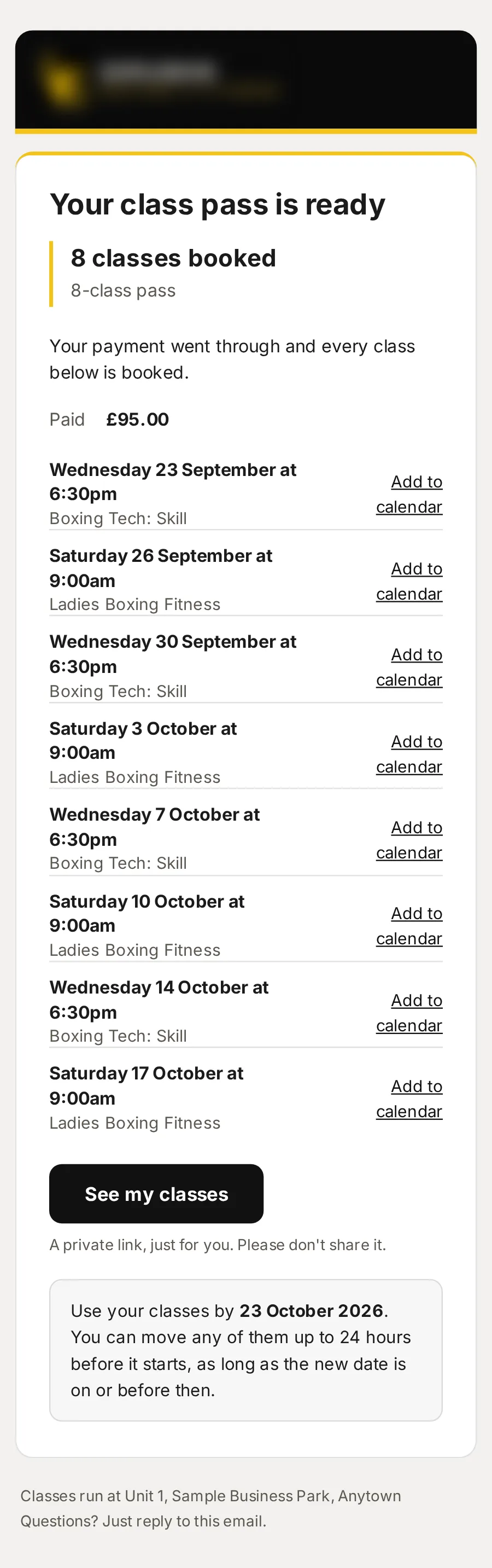
Your class pass is ready: 8-class pass
Every class on the pass, each with Add to calendar, and the date to use them by.
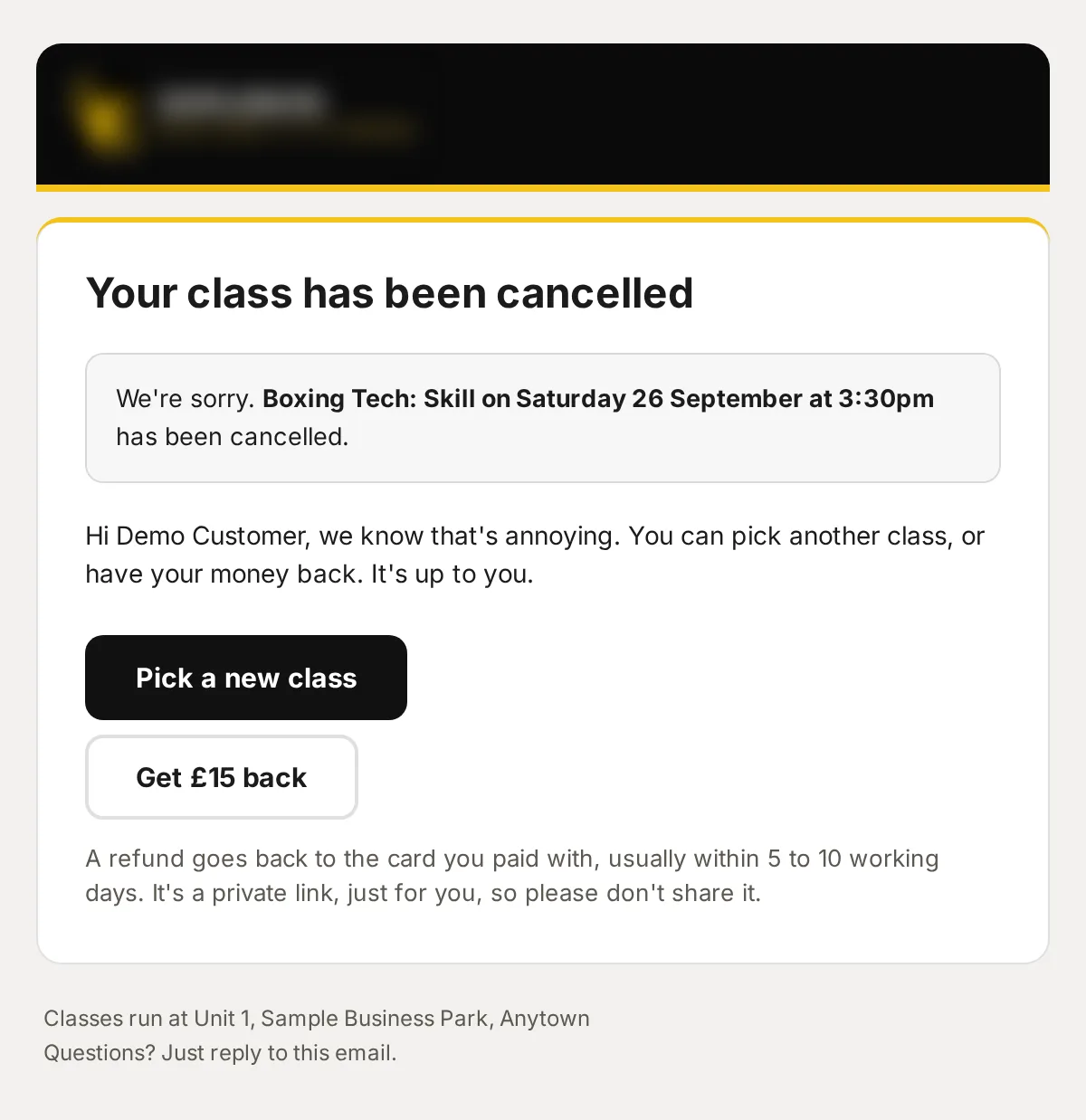
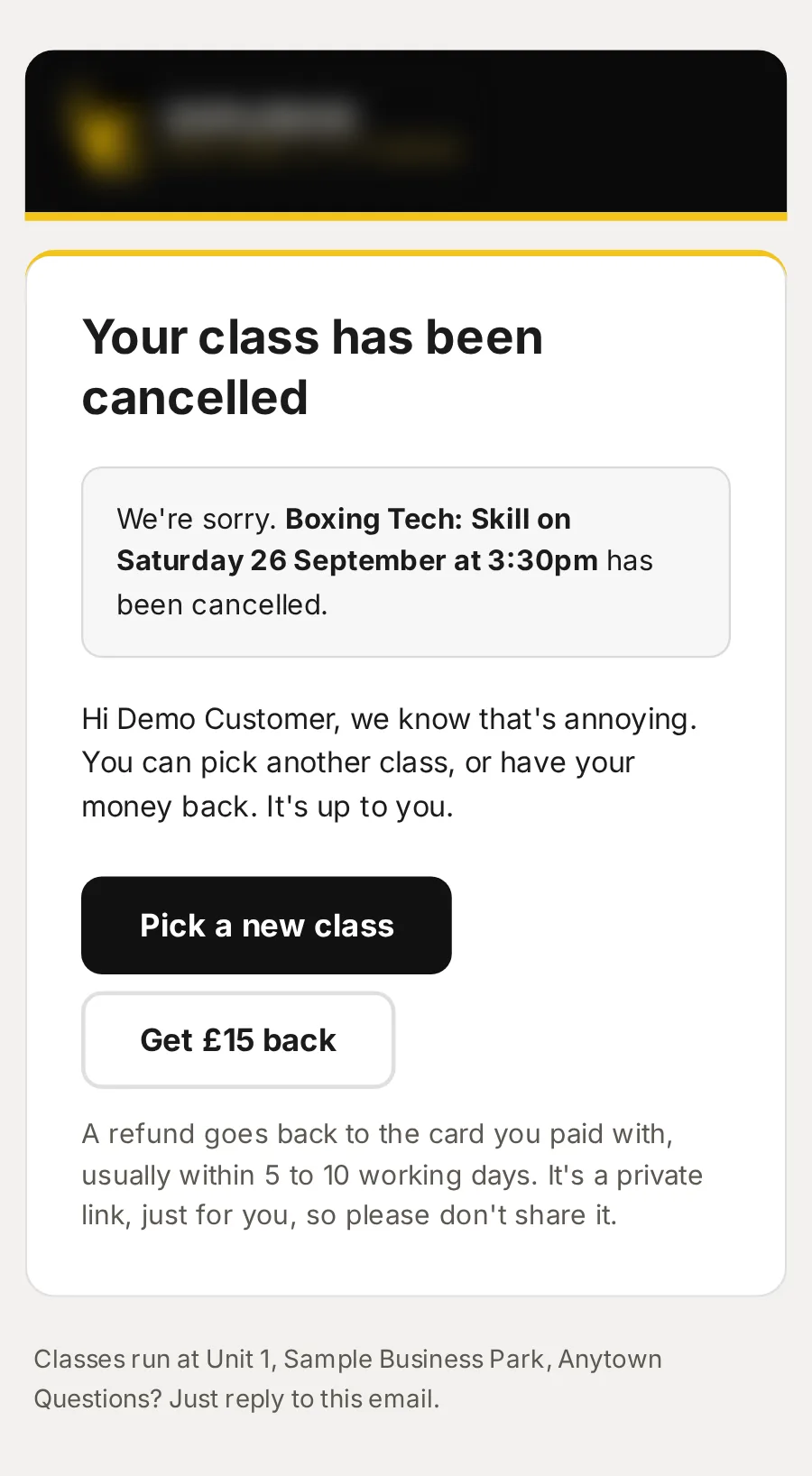
Your class has been cancelled
Everyone booked hears, with a link to move to another class in one tap. If none suits, they are refunded, or the class stays on their pass.
Time change: Ladies Boxing Fitness
Your message to everyone on a class, from wording ready to send: a time change, getting there, what to bring, or nearly full.
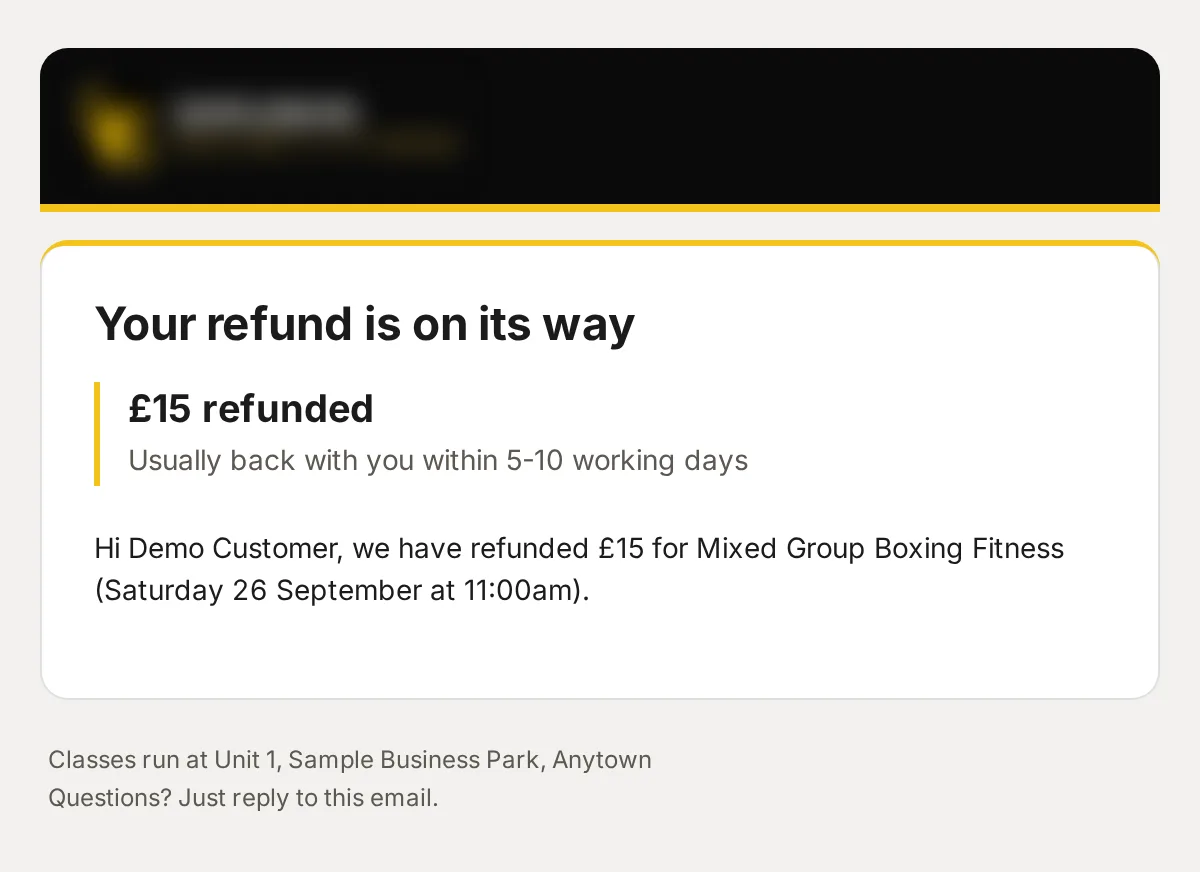
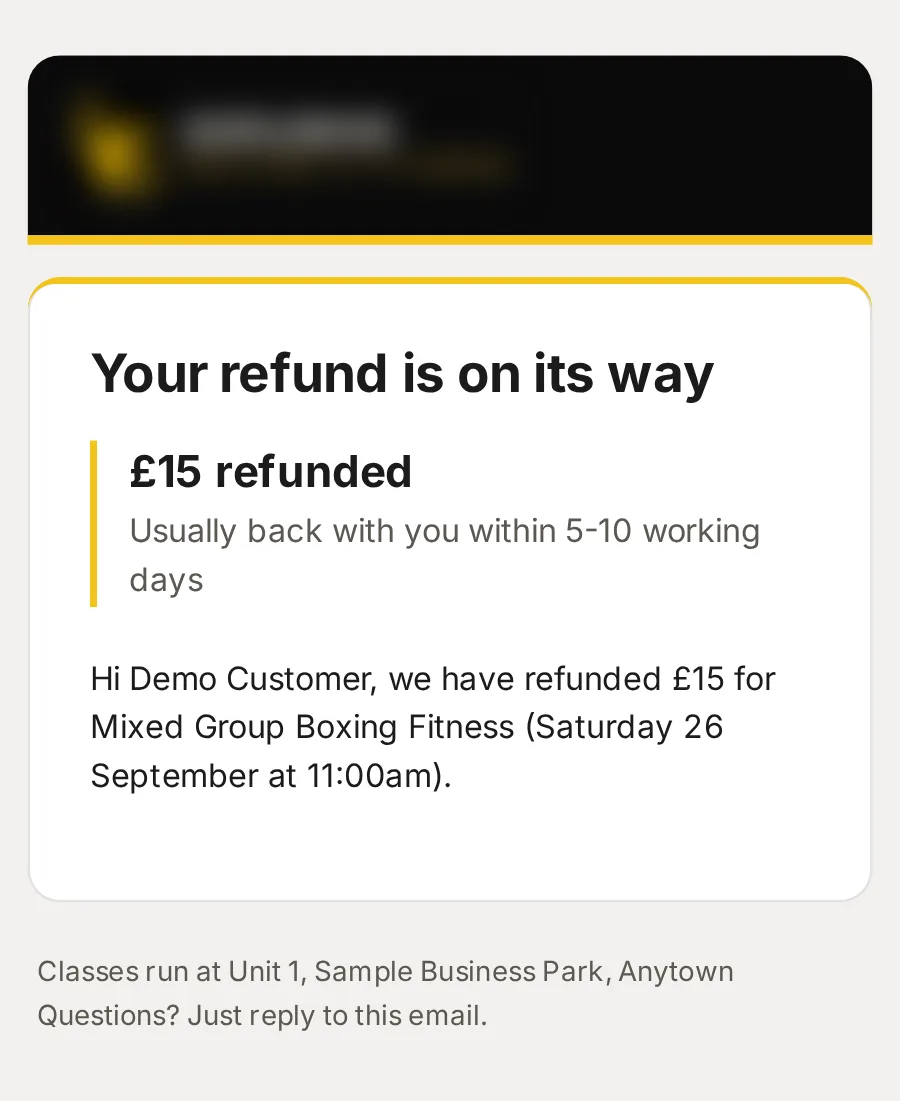
Refund: Mixed Group Boxing Fitness
How much, and when it should be back with them.
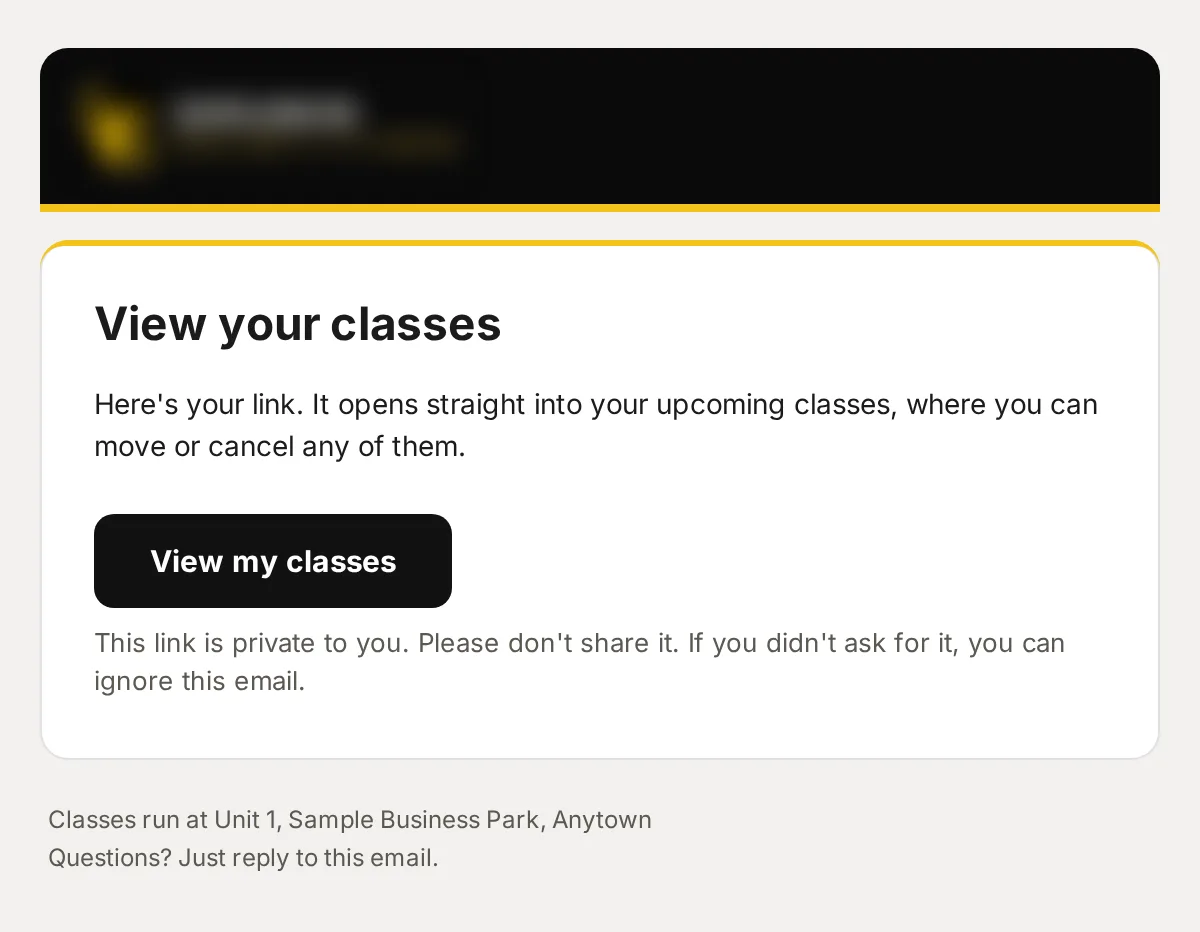
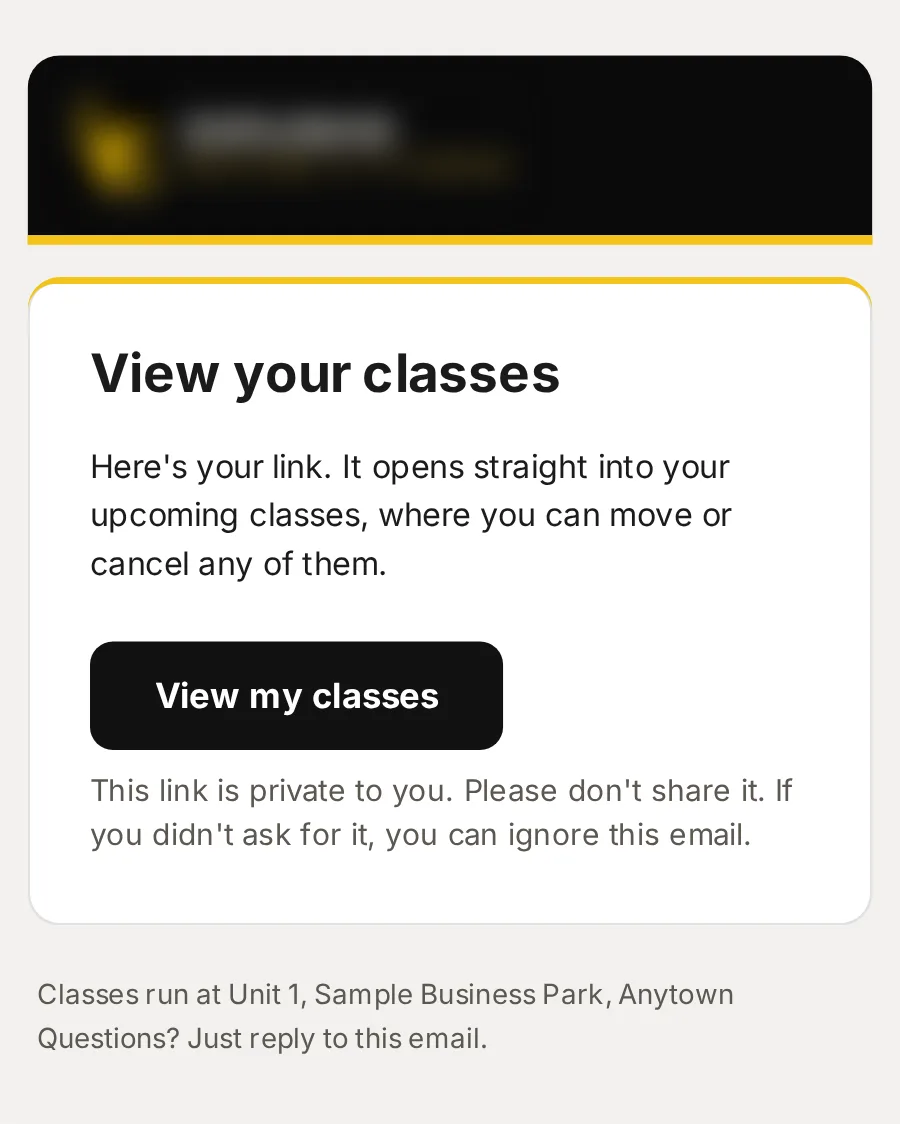
Your link to view your classes
Their private link to My classes, where they move or cancel.
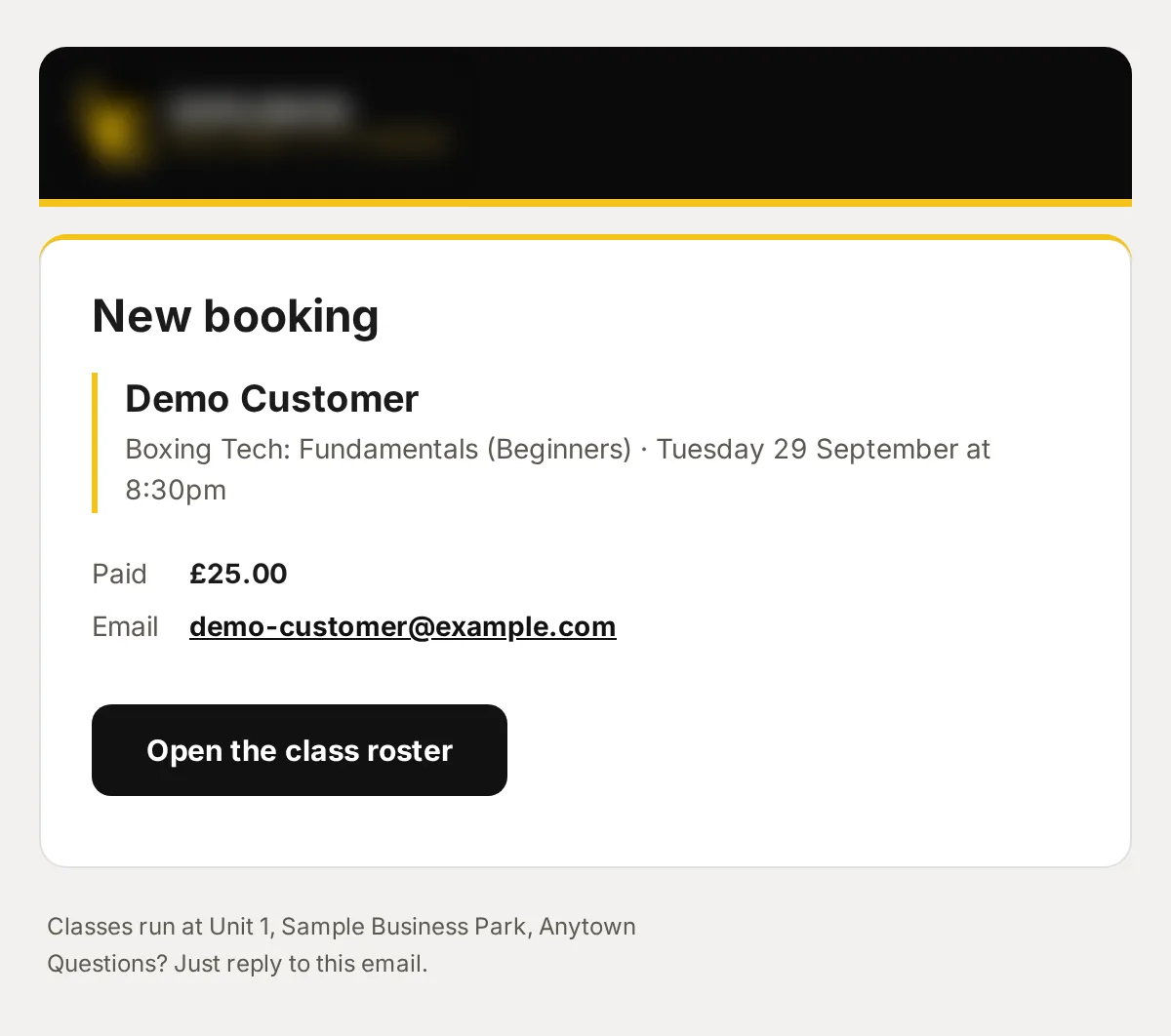
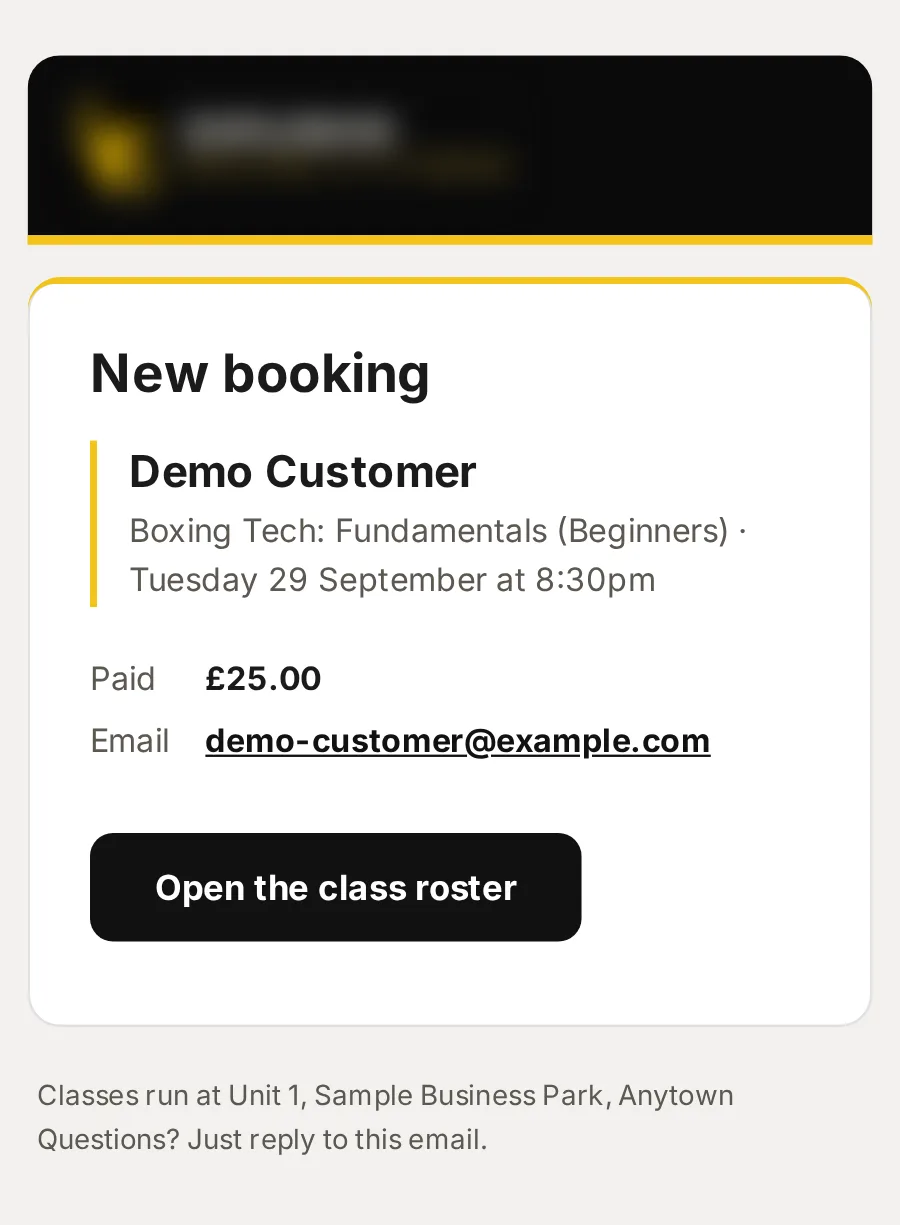
New booking: Boxing Tech: Fundamentals (Beginners)
Who booked which class and what they paid, with a button to the class list.
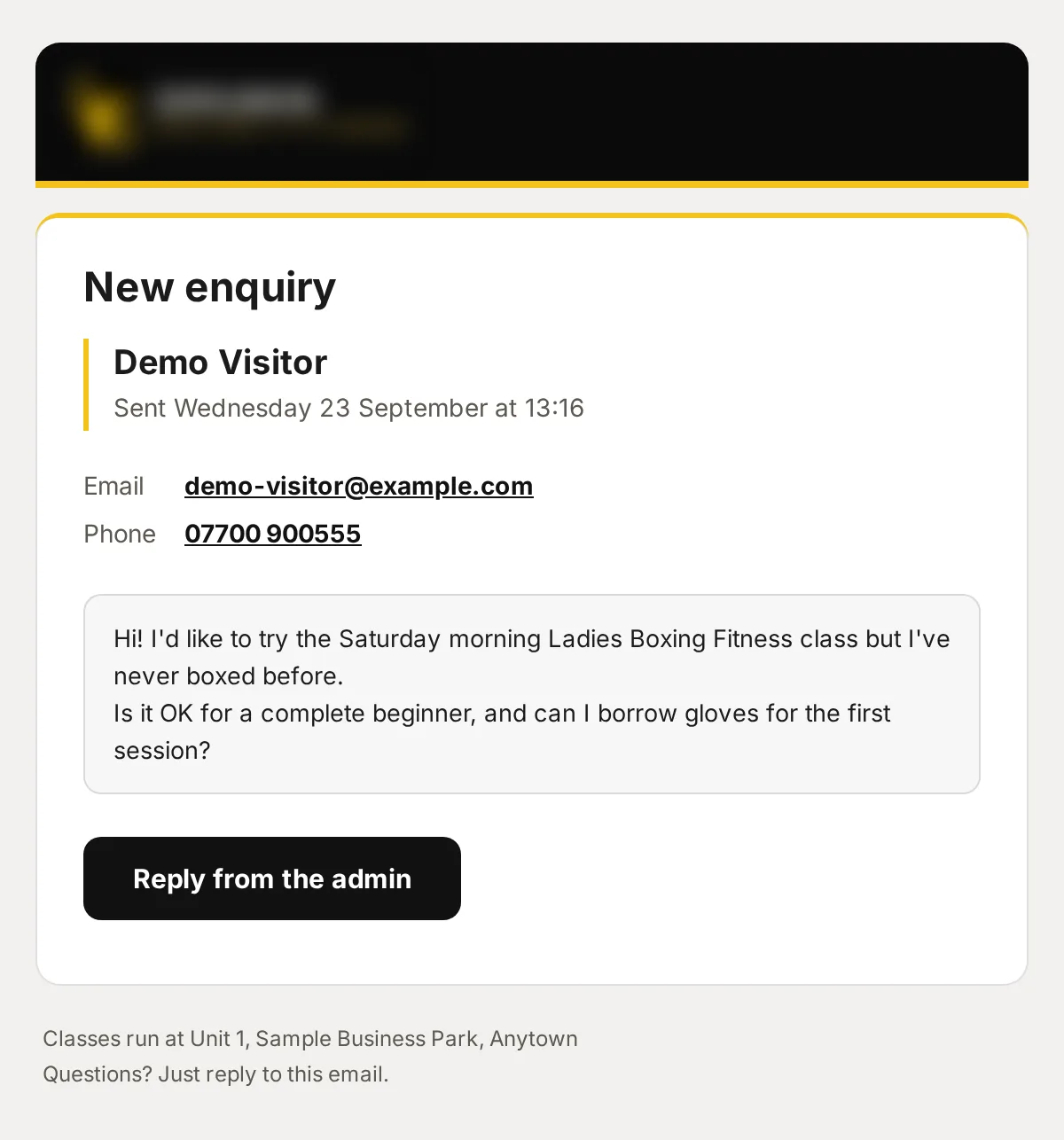
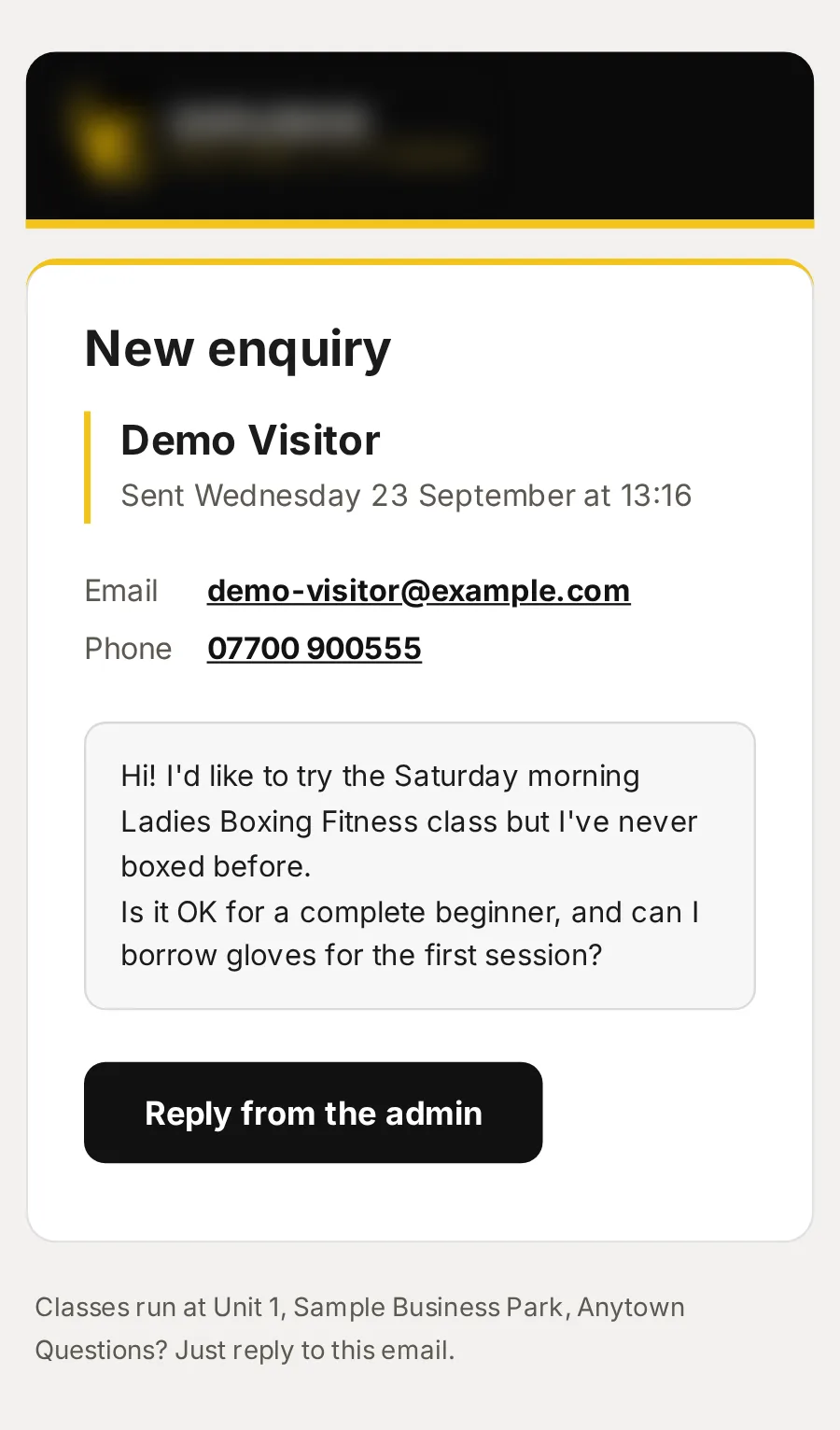
New enquiry from Demo Visitor
Their message and how to reach them, with a button to reply from the console.
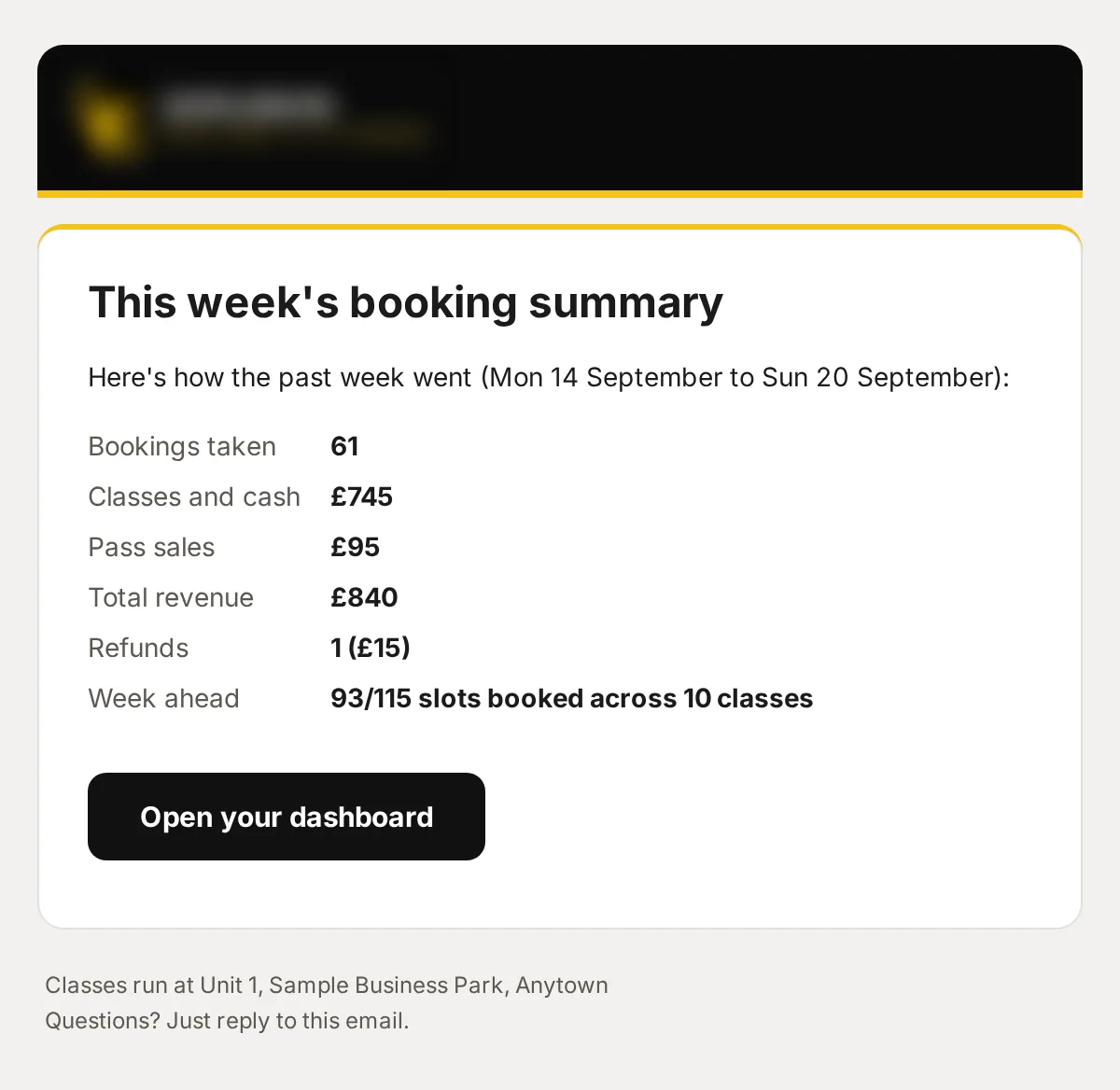
Your weekly booking summary
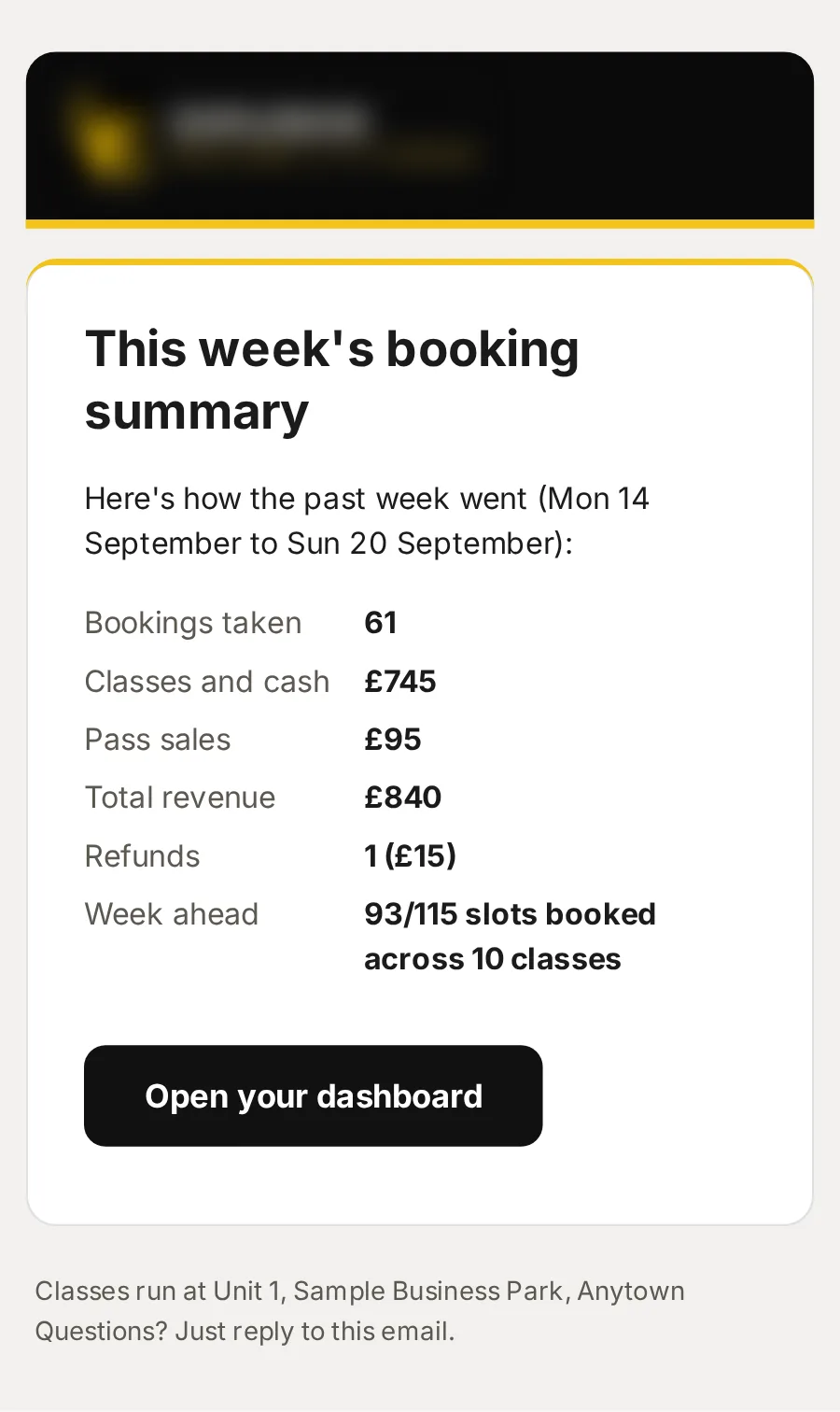
The week’s bookings, money in and refunds, and how full the week ahead is, without signing in.
Your sign-in link
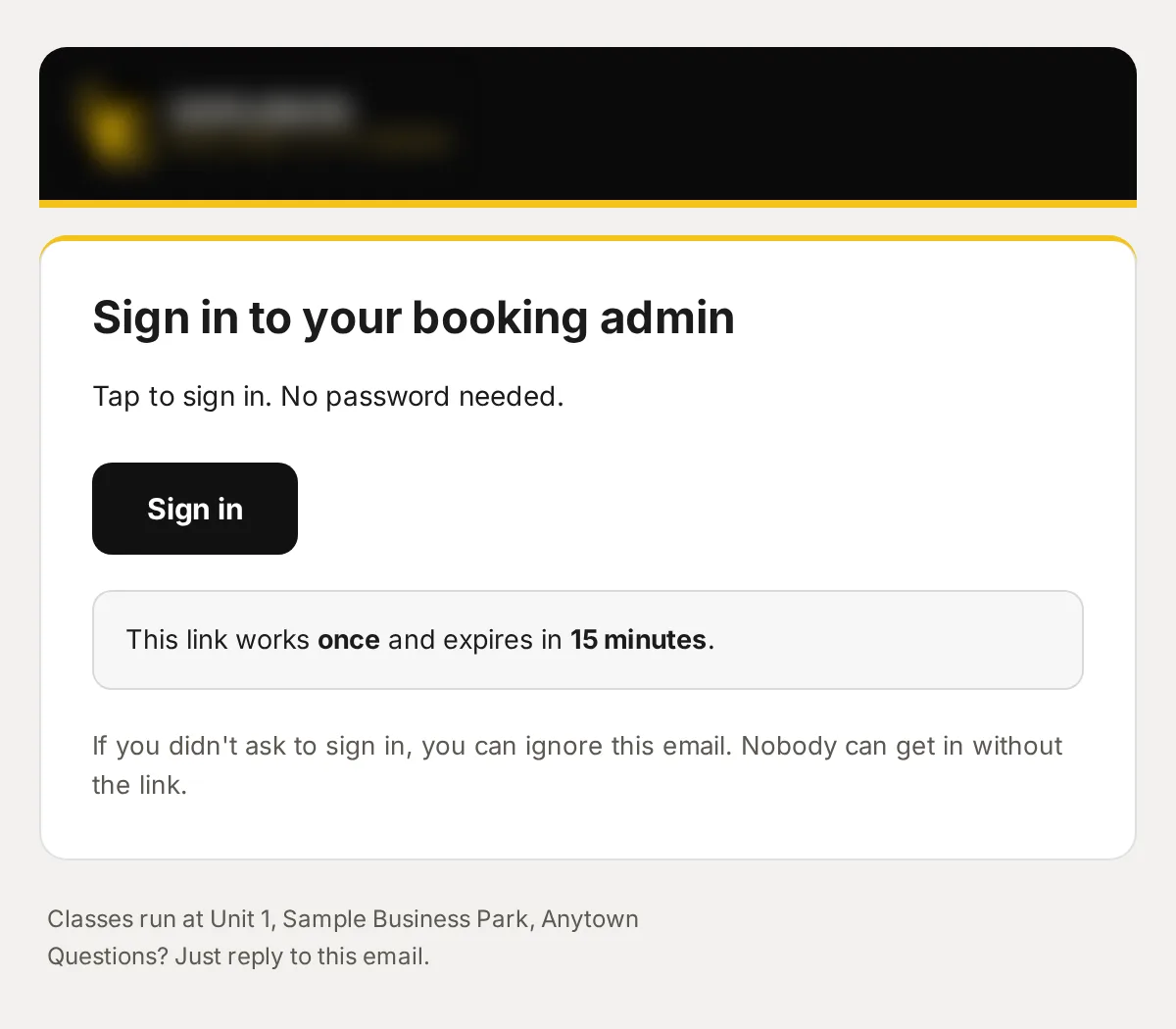
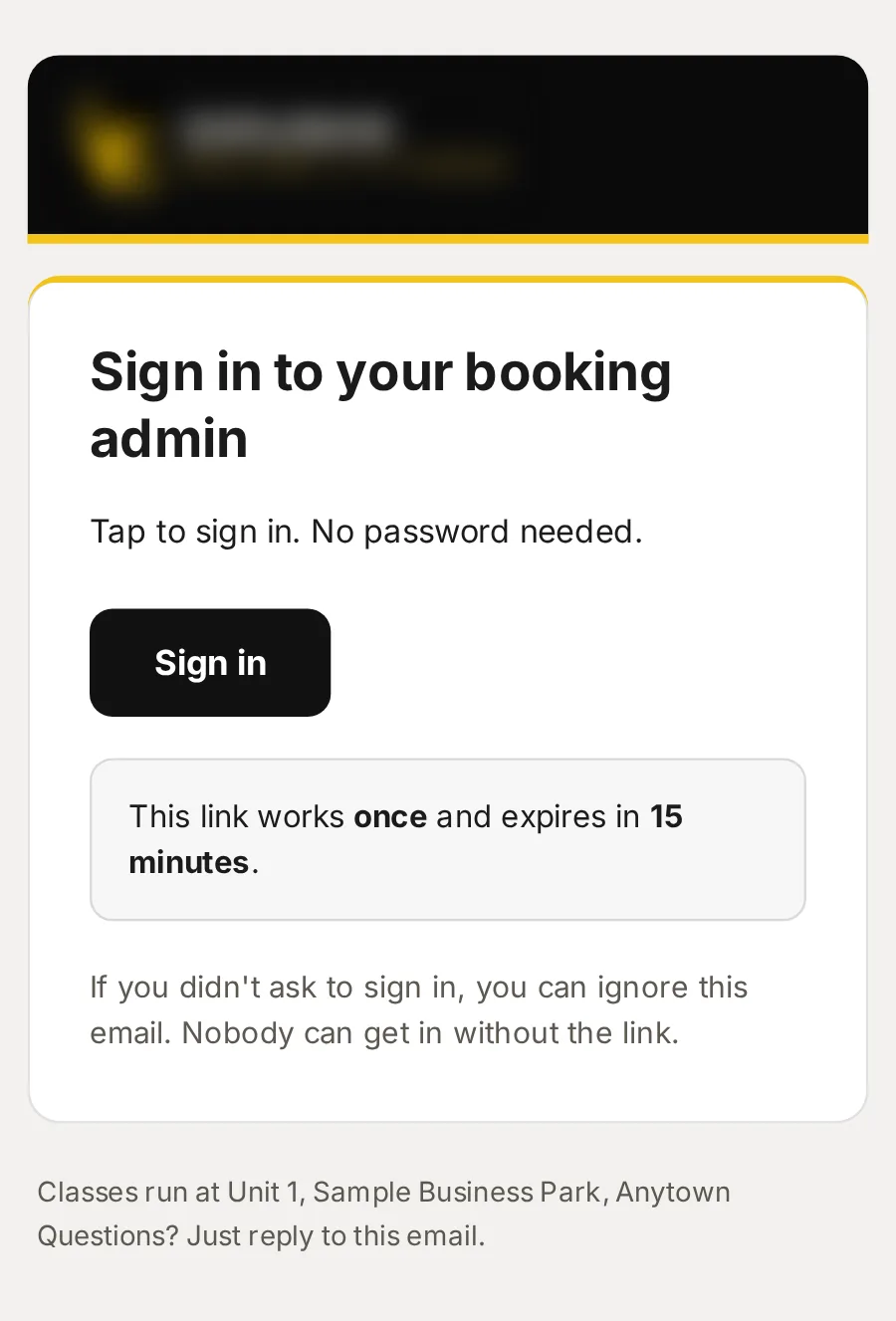
A link that signs you in once and expires in 15 minutes: no passwords to share. You choose who can sign in, and who can give refunds.
A complete website, free
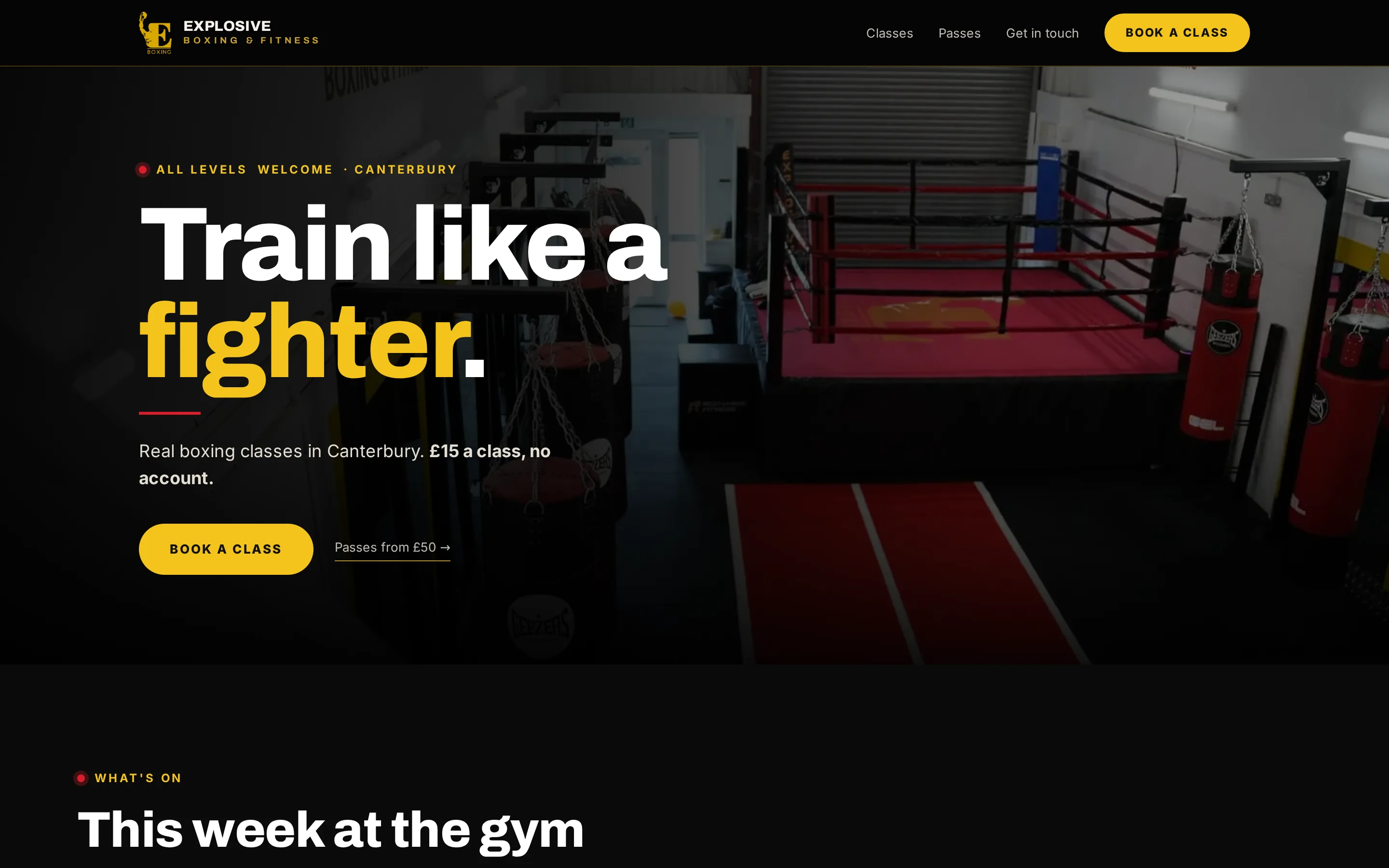
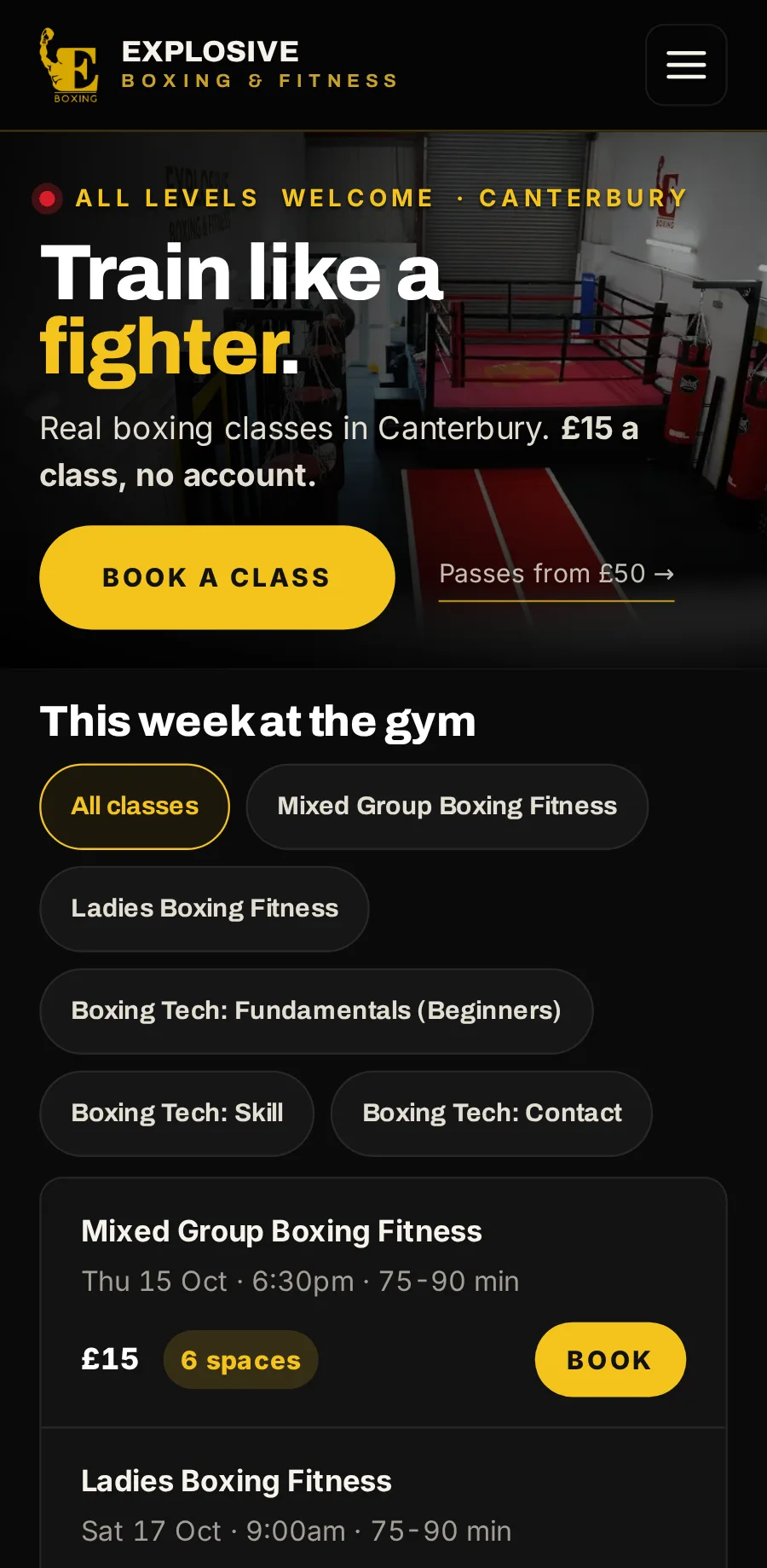
It comes with a whole website for your business, at no extra cost: a home page, your classes and timetable, passes, My classes, a contact page, and terms and privacy. Booking is built into every page. This one is Explosive Boxing & Fitness’s, live now.
A home page
Who you are, what is on this week, and the way in to booking.
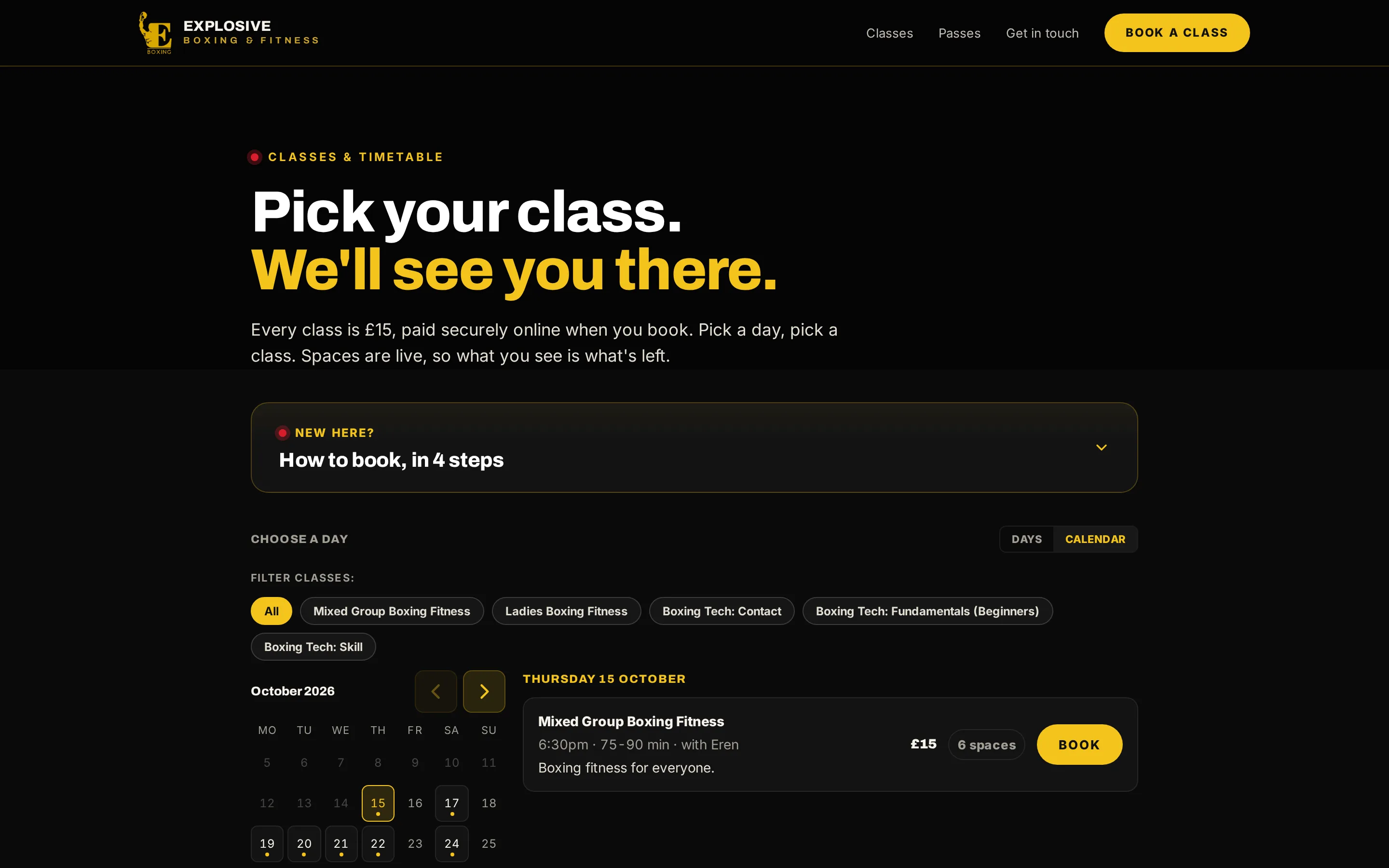
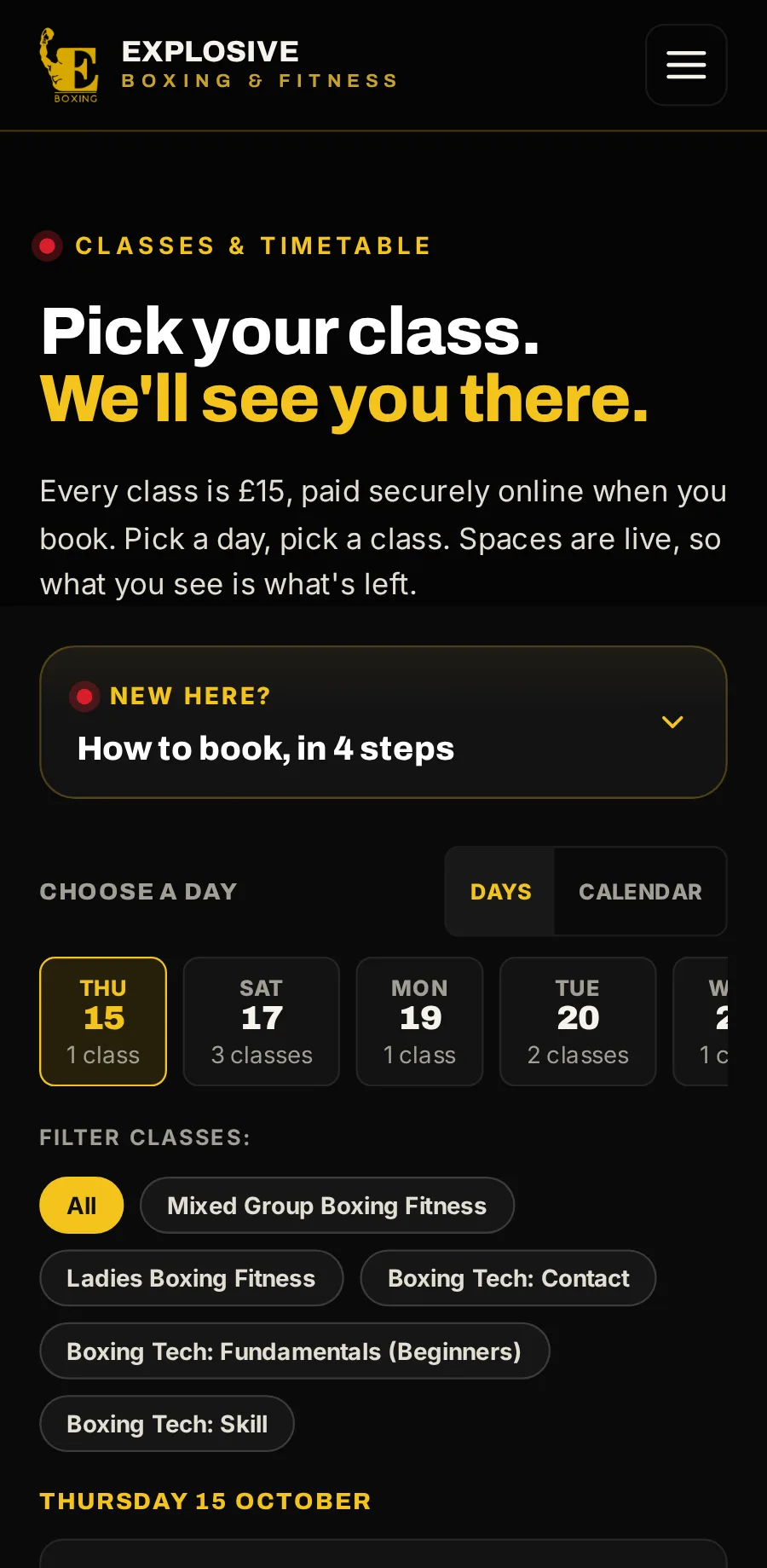
Classes and timetable
The live timetable, with booking on the same page.
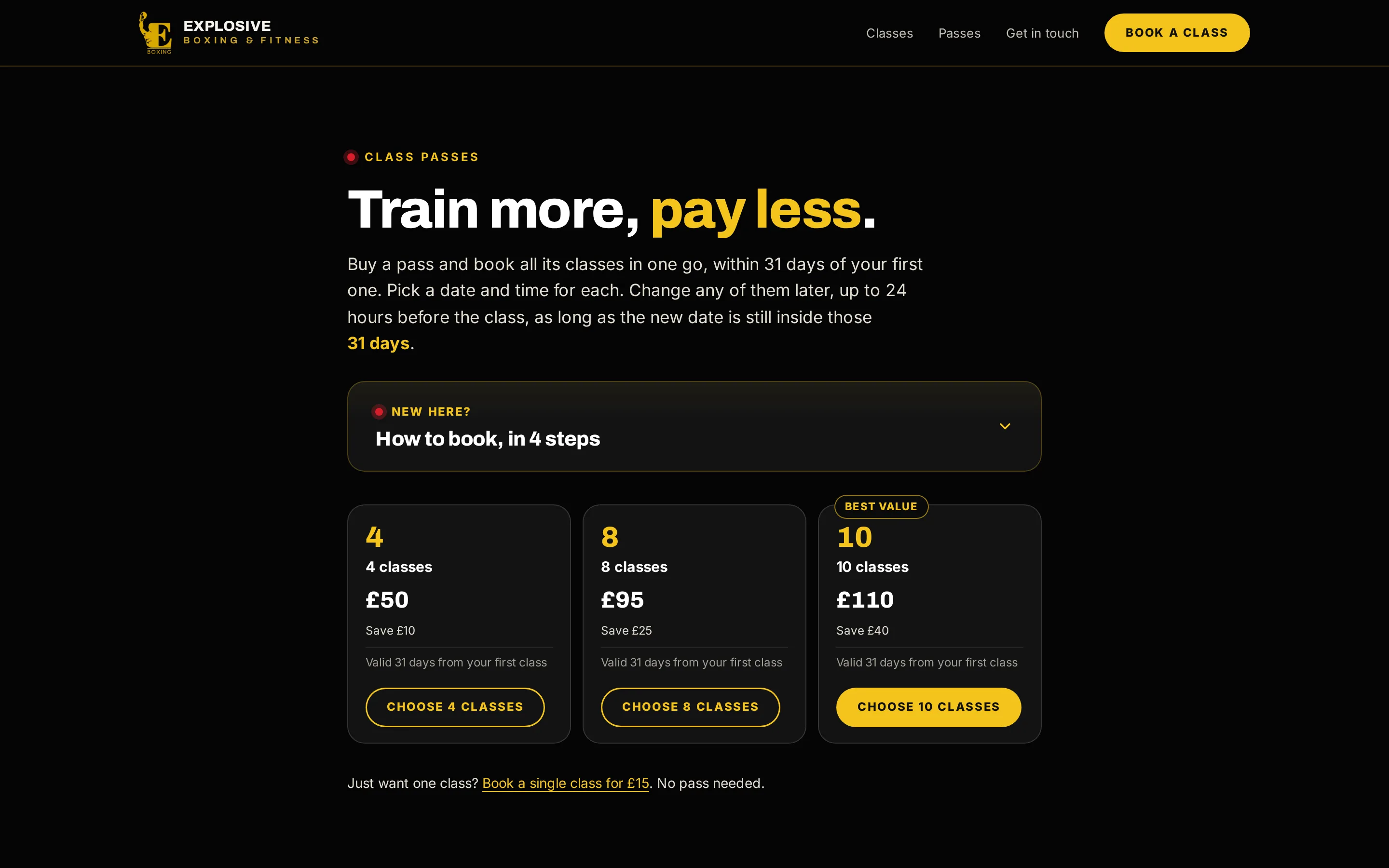
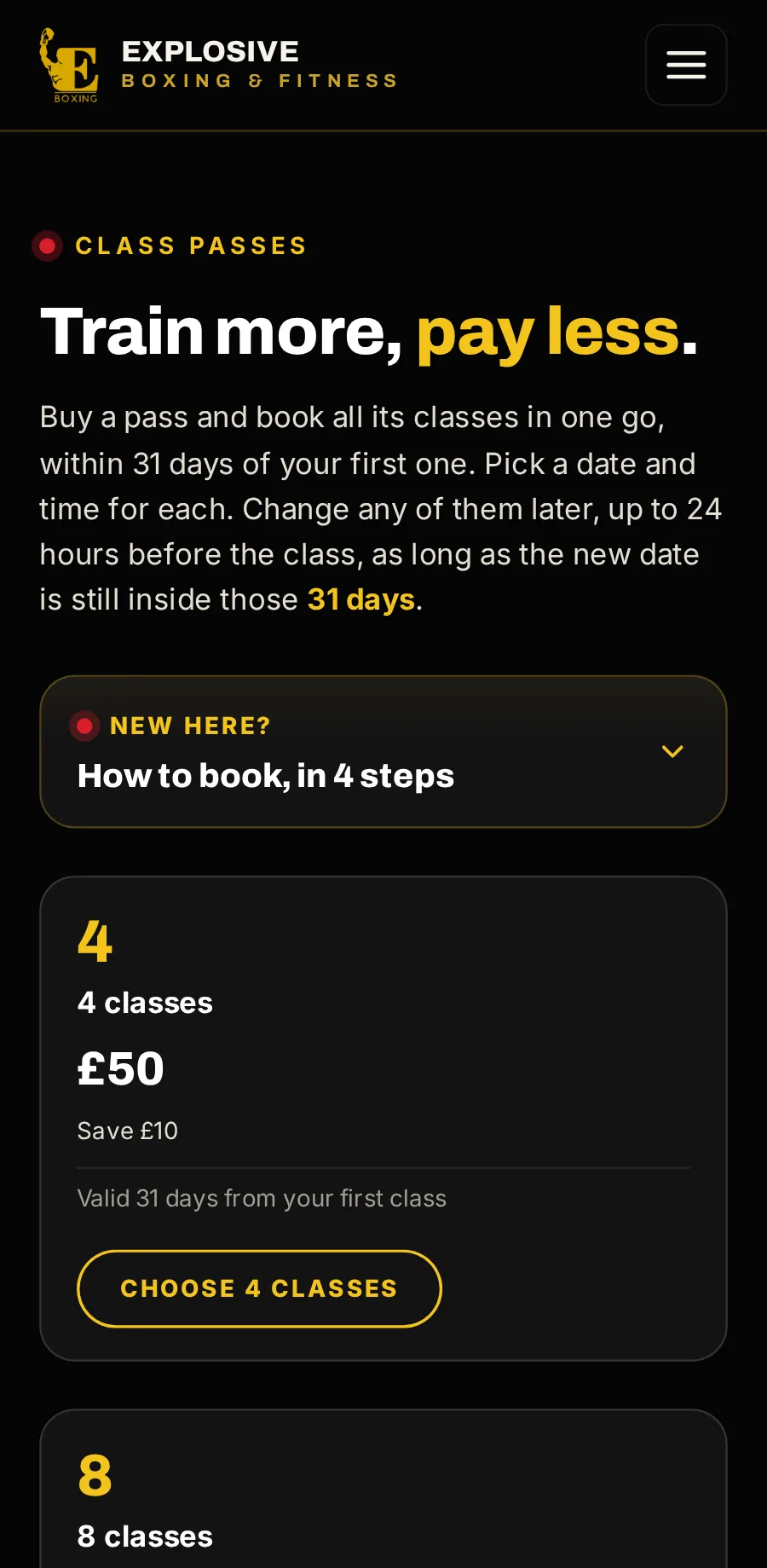
Passes
Your passes and their prices, bought and booked in one go.
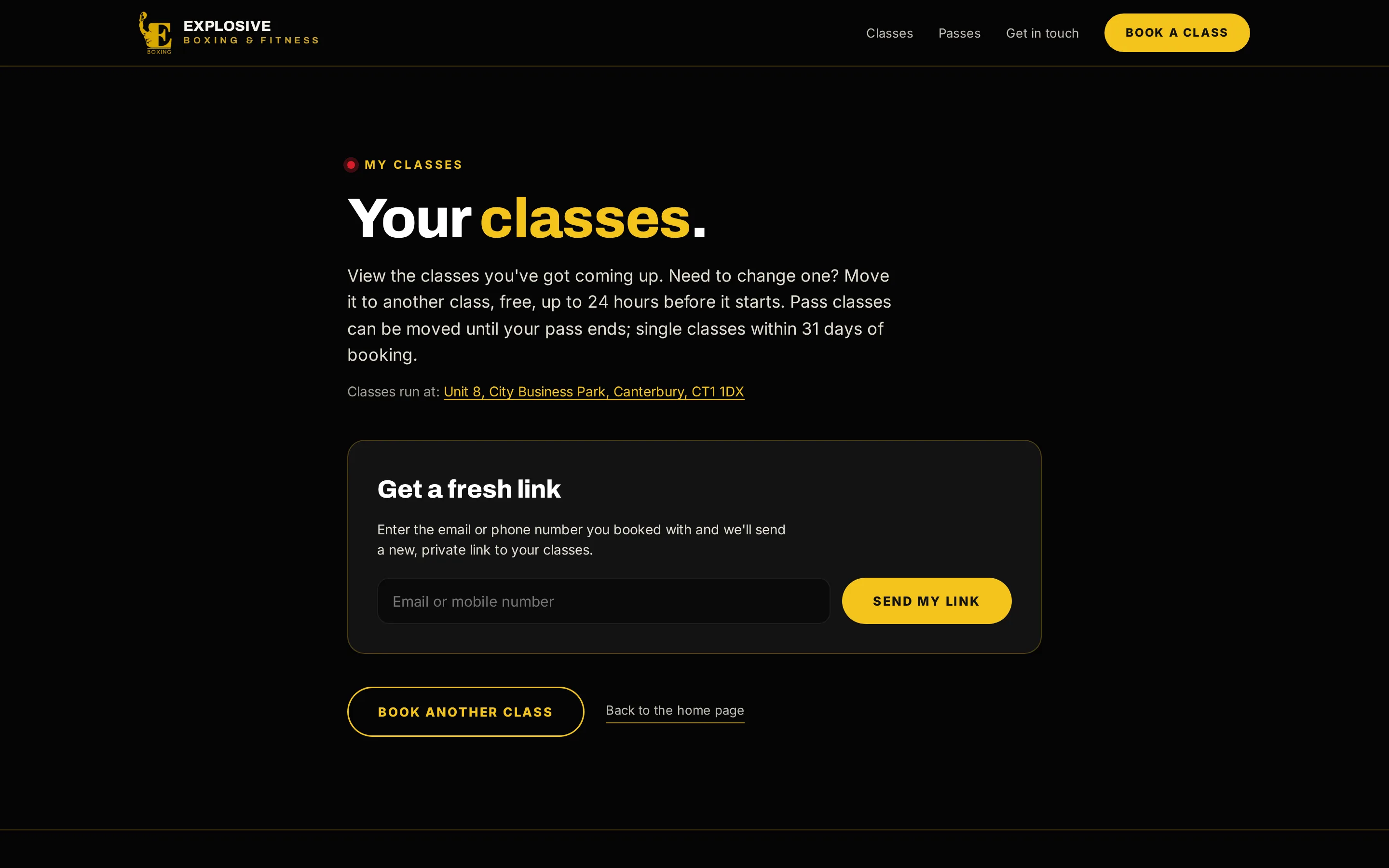
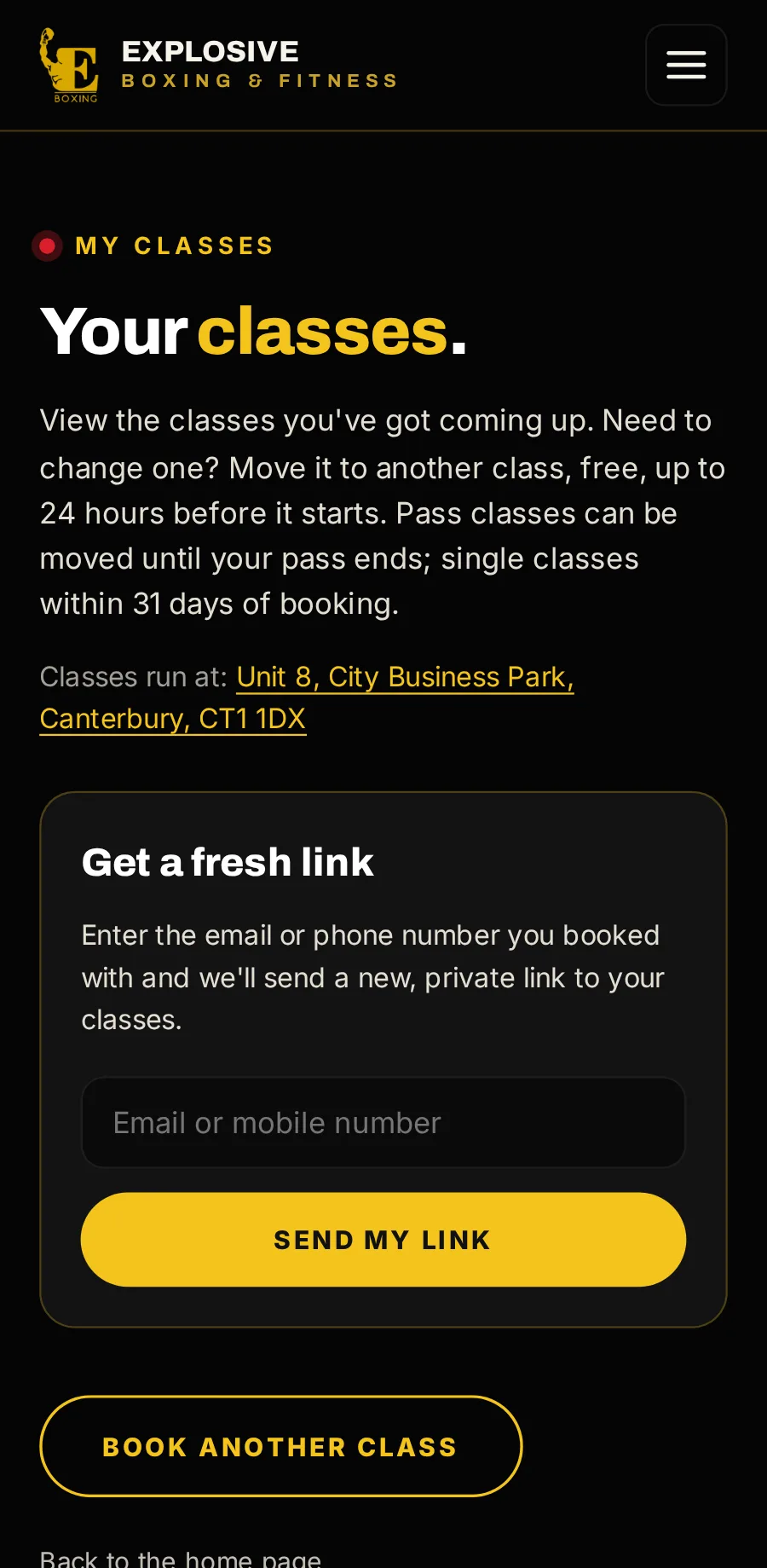
My classes
Where customers get a fresh private link to see, move or cancel what they have booked.
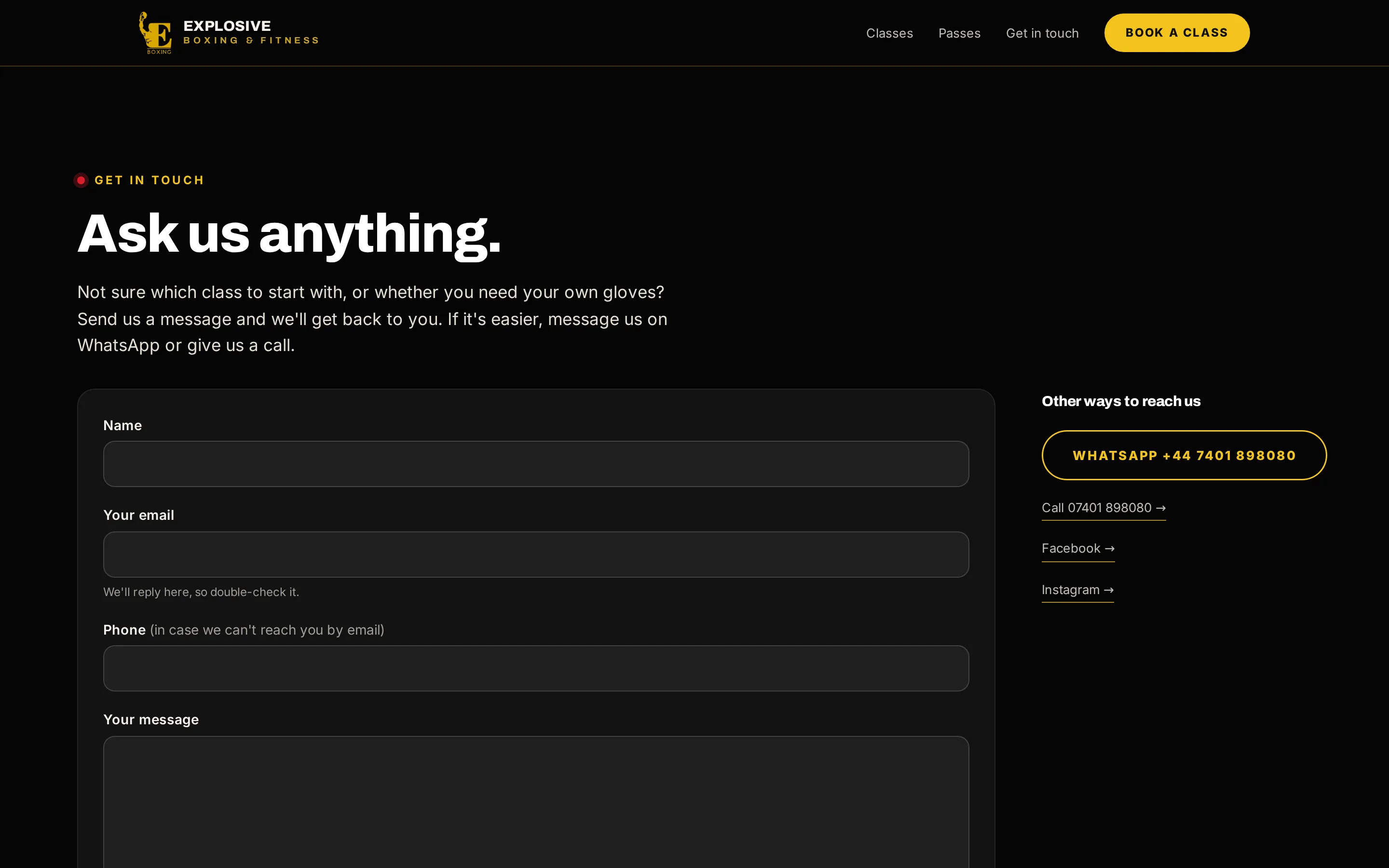
Get in touch
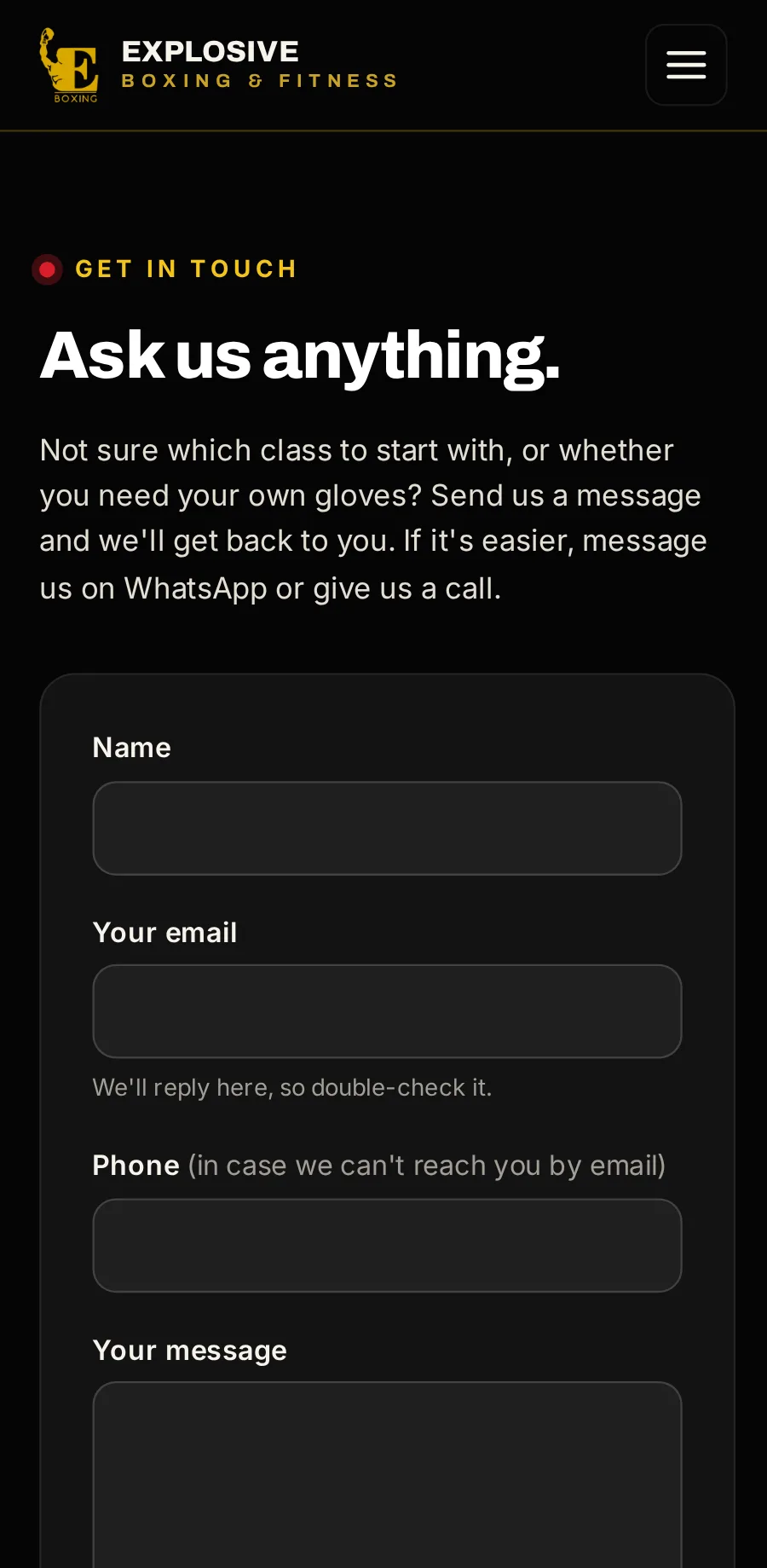
A contact form, phone and WhatsApp. Messages land in your console, and you answer from there.
Visit explosiveboxing.com (opens in a new tab) Read the case study (opens in a new tab)
Built so the seats and the money
A class can’t be oversold.
Even if fifty people go for the last seat at once, only one of them gets it.
Every payment counts once.
Each payment is matched to its booking once. If someone pays after their held seat has gone, they get the seat or an automatic refund.
Nobody pays less than your price.
Prices and discounts are worked out by the booking system, not by the customer’s browser, whatever they try.
Emails get there.
If an email can’t be sent for a passing reason, it is tried again. A reminder never goes twice.
Someone hears when something’s wrong.
The booking system checks itself, and tells us, you or both.
Customer details are looked after.
Old bookings are anonymised automatically. Erase a customer, or download their data, from the console.
How it works
Step 1: We learn your classes, prices and passes
Step 2: We build your website and booking, in your colours
Step 3: We test it with you, end to end
Step 4: It goes live, and we support it
Good to know
Set up for you
There is no sign-up form. We set it up for your business: your website, classes, prices, passes and policies.
For UK businesses
Prices are in pounds. Card payments run through Stripe.
Moving from Amelia?
We can bring your customers, active passes and future bookings across from the Amelia booking plugin.
Your name on it
The booking pages are in your colours, and every email to your customers comes from your business, not from us.
Talk to us about your classes
Call07386 421233WhatsAppMessage us (opens WhatsApp)
Or send the form, and we’ll reply by email.
Thanks. That’s with us.
We’ll reply to the address you gave.